List of MicroSims for Open Study Buddy
MicroSims are small, interactive educational simulations — each one focused on a single concept. Every card below links to the sim's lesson page; the same sims are embedded in the chapters where each concept is taught.
-
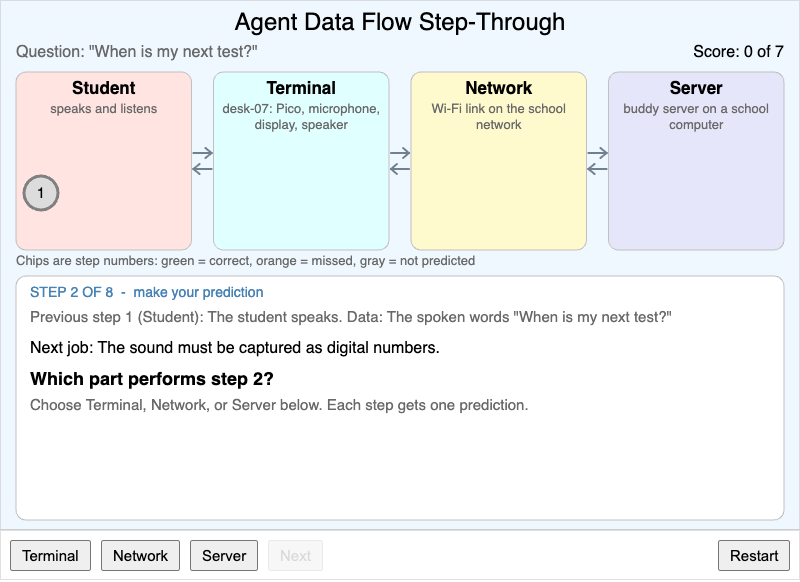
Step through the eight hops a spoken question takes to become a spoken answer, and predict whether the terminal, network or server does each one.
-
Agent Hosting Trade-Off Explorer
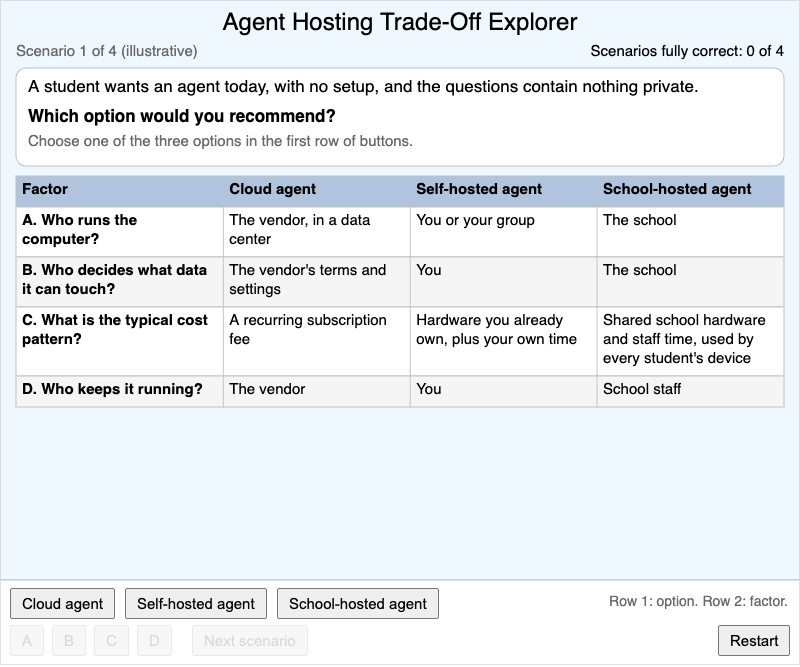
Compare cloud, self-hosted and school-hosted agents on control, cost and privacy, then pick the best host for four classroom scenarios.
-
Agent Progression Level Explorer
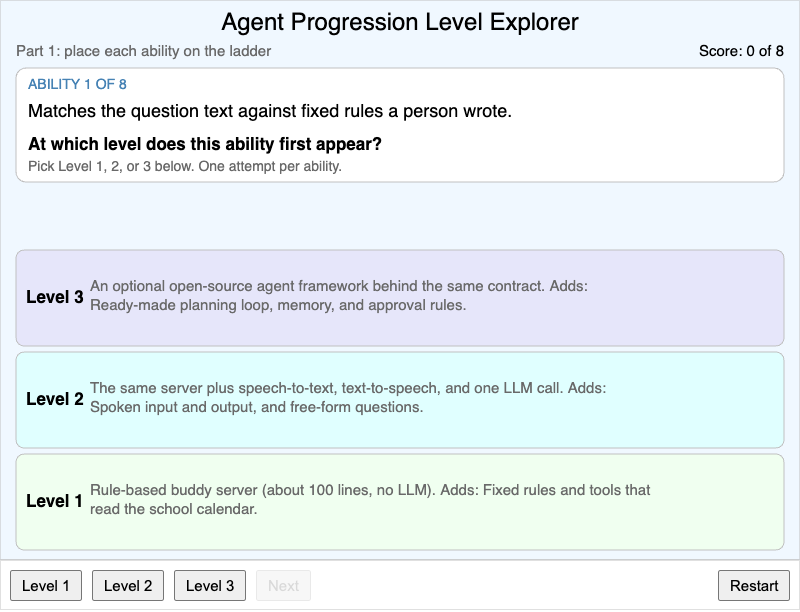
See how the buddy server's replies grow across three agent levels while the desk terminal stays the same, then place 8 abilities by level.
-
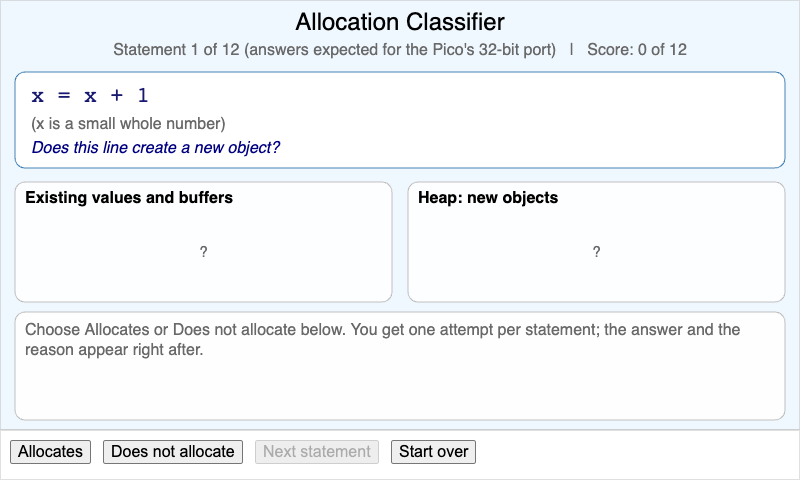
Sort 12 MicroPython statements by whether they allocate heap memory, from small integers to buffer writes and string joins.
-
Audio Frame Time Budget Explorer
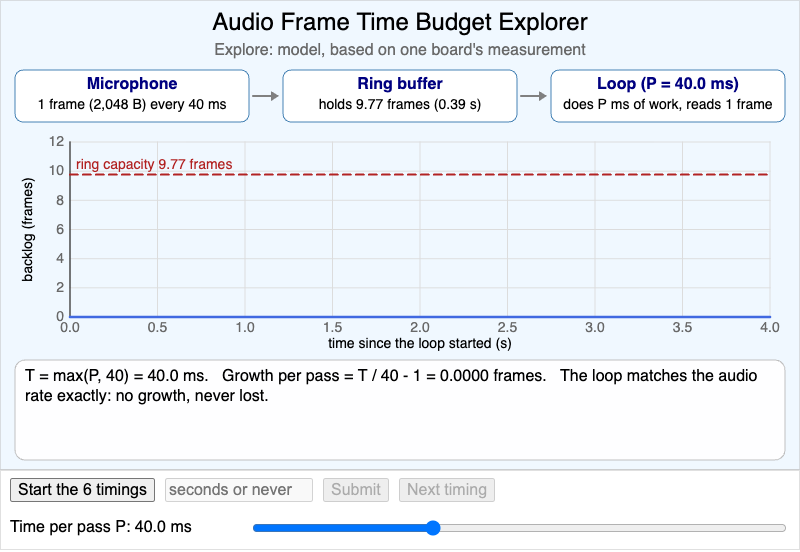
Change the main loop's work time and watch the microphone's ring buffer keep up or overflow against the 40 ms frame budget.
-
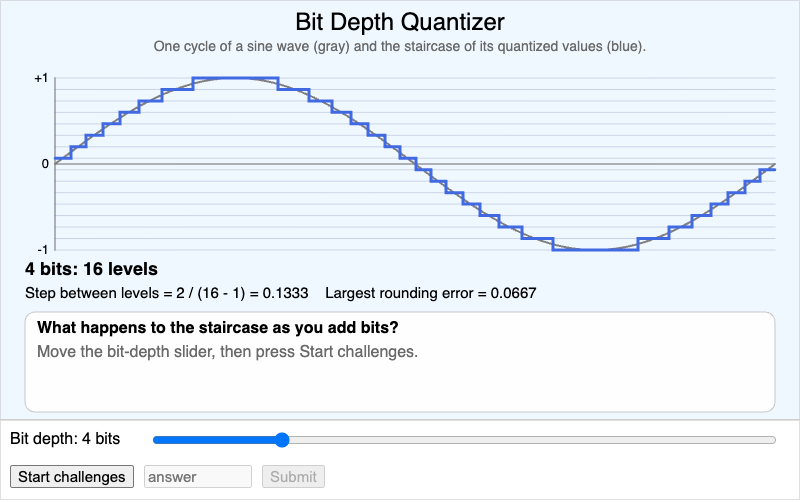
Change the bit depth and watch a sine wave snap to 2^n levels, showing the step size and the largest rounding error.
-
Button Bounce and Debounce Visualizer
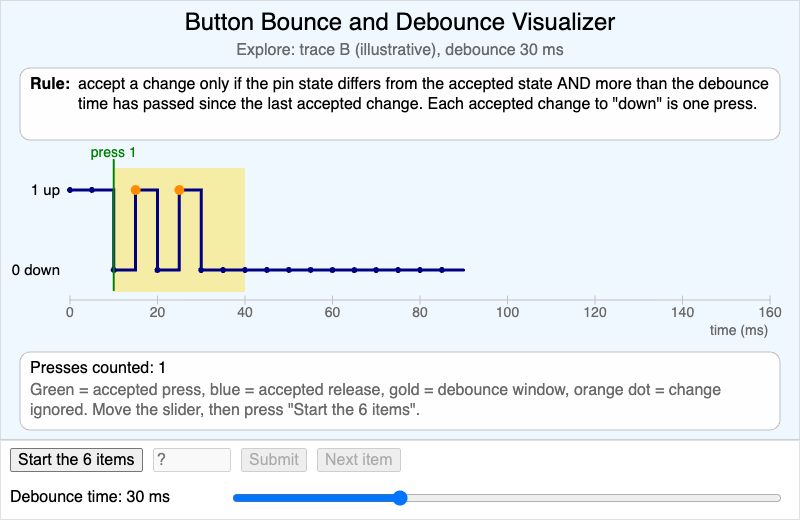
See a button's contacts bounce on a pin trace and count how many presses the debounce rule accepts at different debounce times.
-
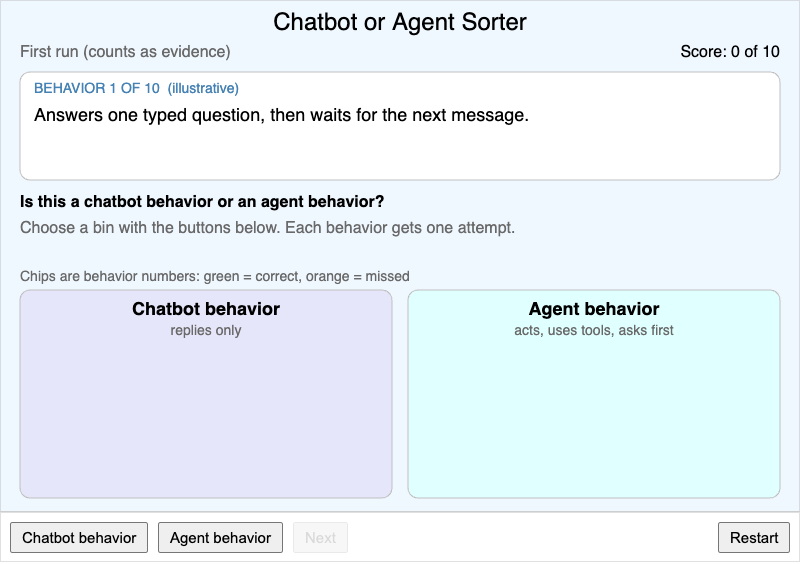
Sort 10 described behaviors into chatbot or personal agent, using tools, multiple steps, proactive action and asking before acting.
-
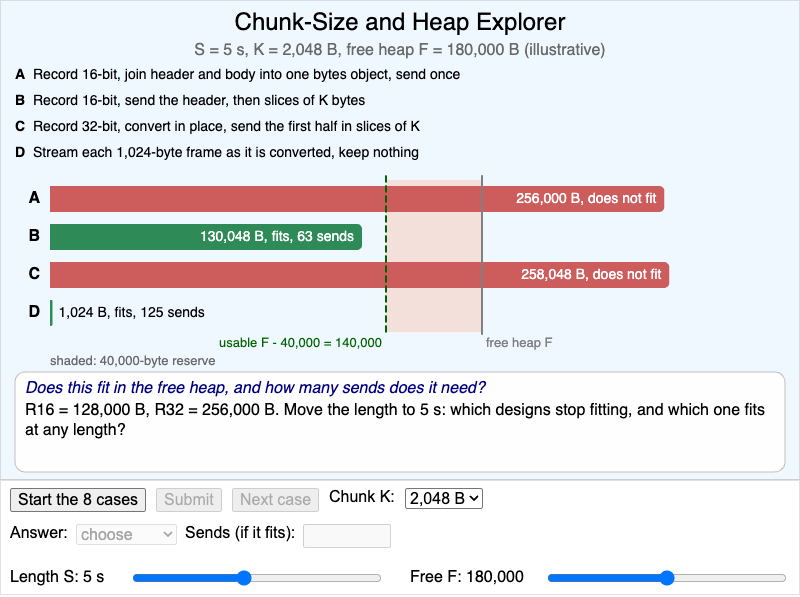
Compare ways to upload a 128,000-byte recording and see which fit in the Pico's free heap and how many sends each one needs.
-
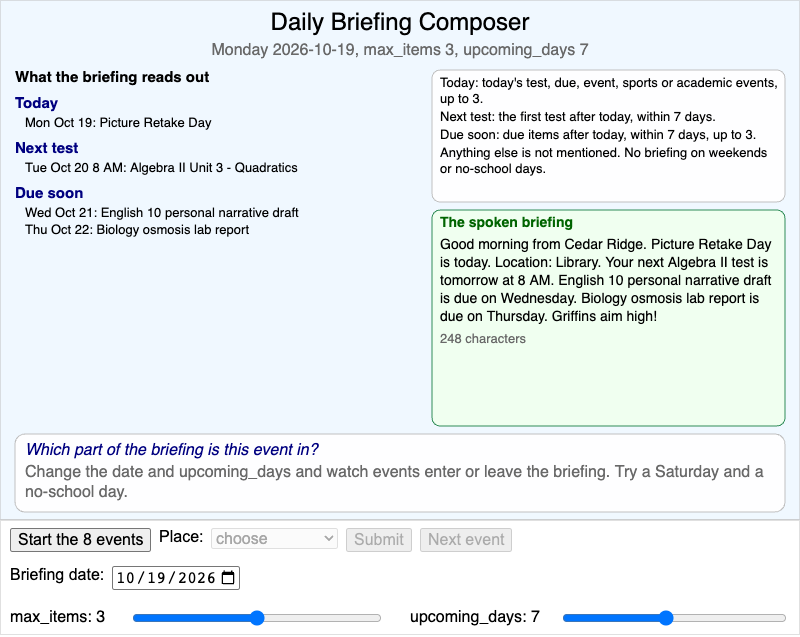
Apply the daily briefing rules to a school calendar and sort each event into the part of the morning briefing where it is spoken, or leave it out.
-
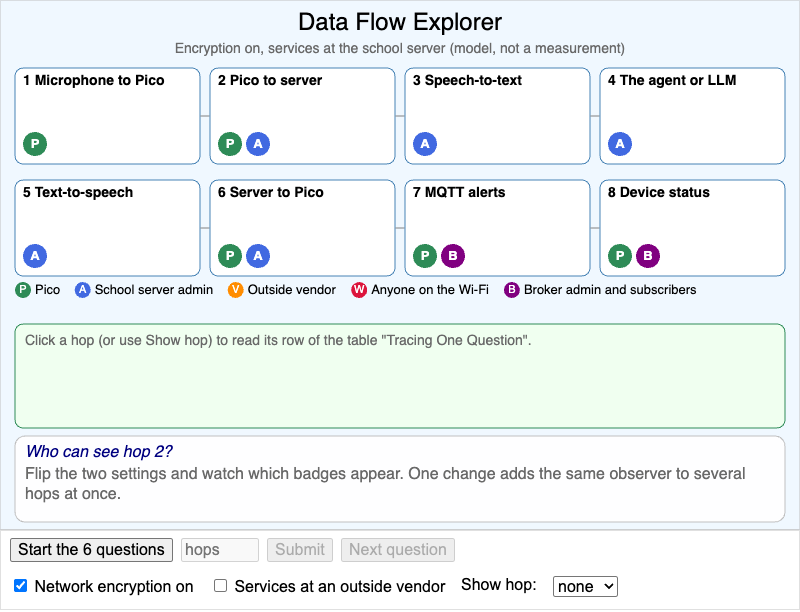
Follow a spoken question through eight hops and toggle encryption and server location to see which observers can read the data at each hop.
-
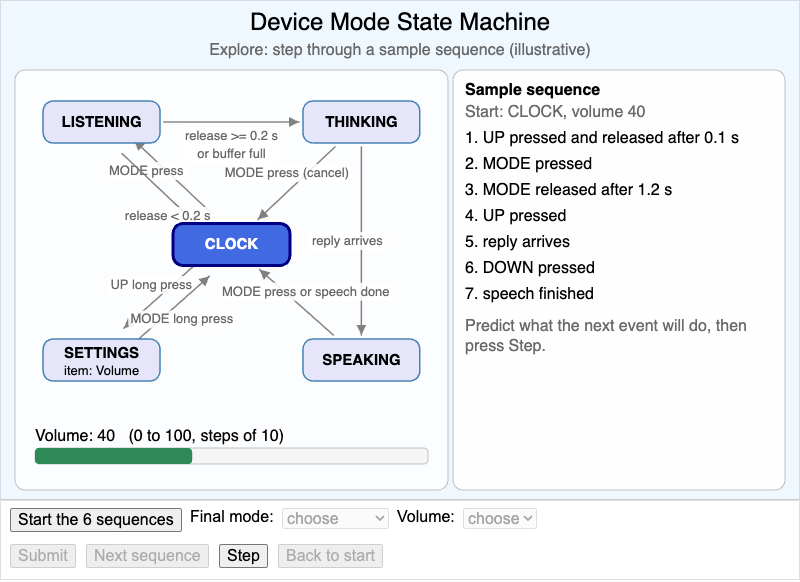
Press the three buttons and watch the Study Buddy move between its five modes using the same transition table as the chapter.
-
Diagnosis Decision Tree Trainer
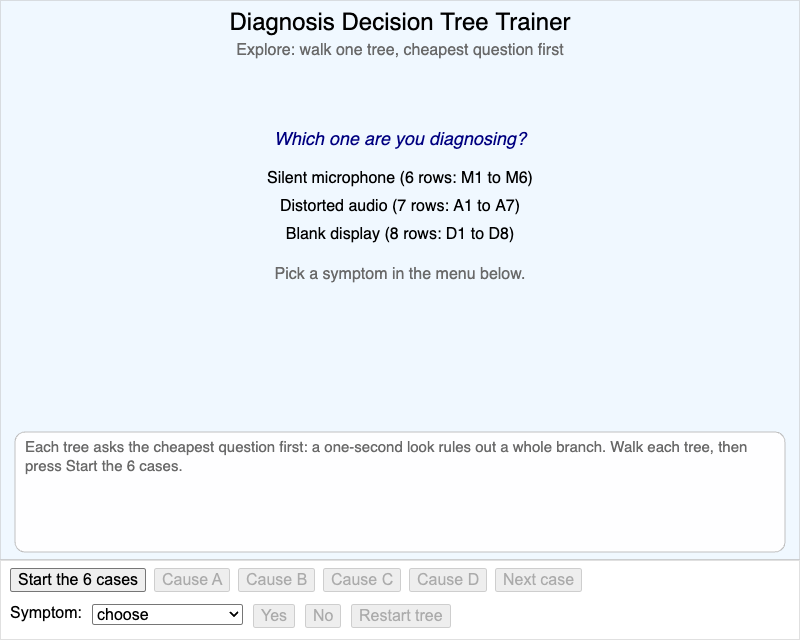
Walk the kit's decision trees for a silent microphone, distorted audio and a blank display to find the likely cause of each reported failure.
-
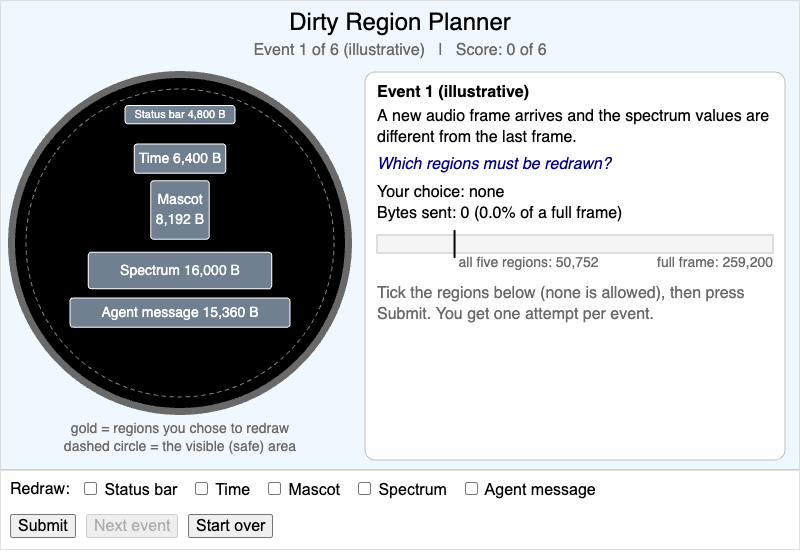
Choose which of the round display's five regions must be redrawn after each device event, and see how many bytes each choice sends.
-
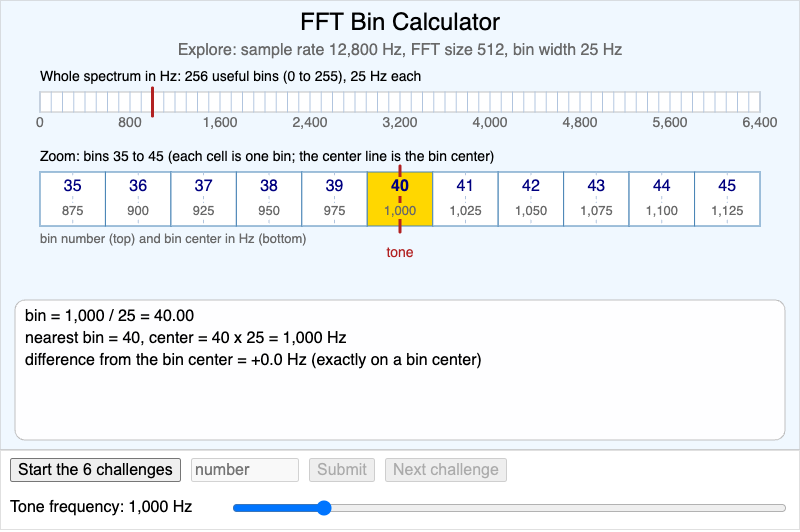
Find the FFT bin for a tone, or the center frequency of a bin, with a 12,800 Hz sample rate and a 512-point FFT (25 Hz per bin).
-
Frame Budget Scheduler Timeline
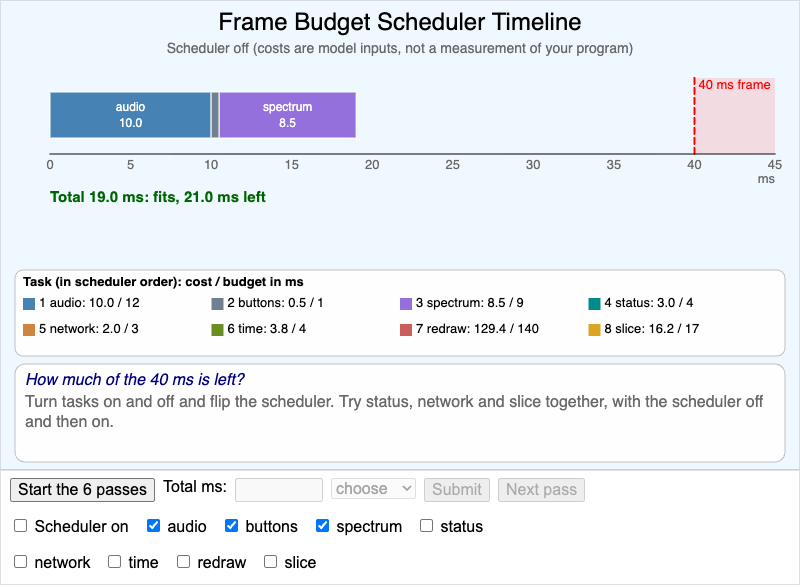
Add up each loop pass's task costs on a timeline and see which passes fit the 40 ms audio frame and which overrun.
-
Frame Size and Update Time Calculator
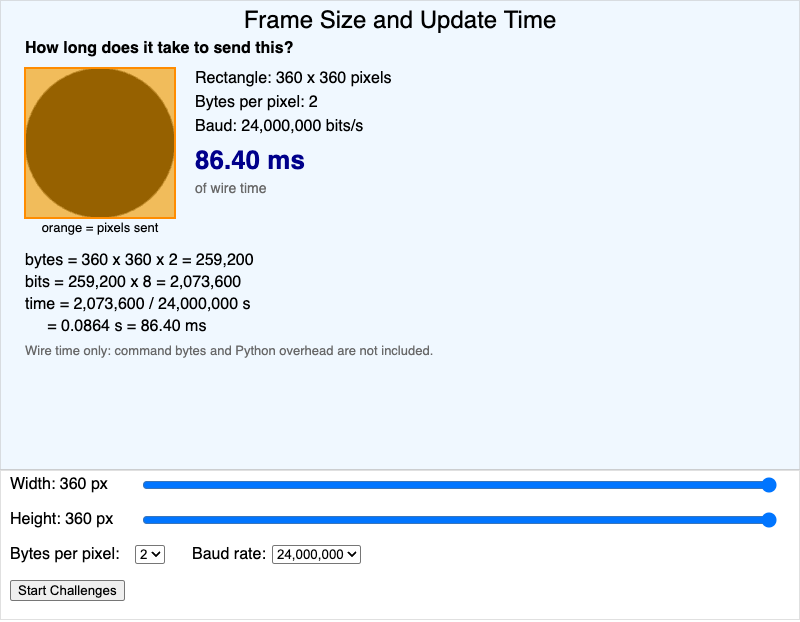
Change a rectangle's size and the SPI baud rate to see how many bytes it holds and how long it takes to send to the 360 x 360 display.
-
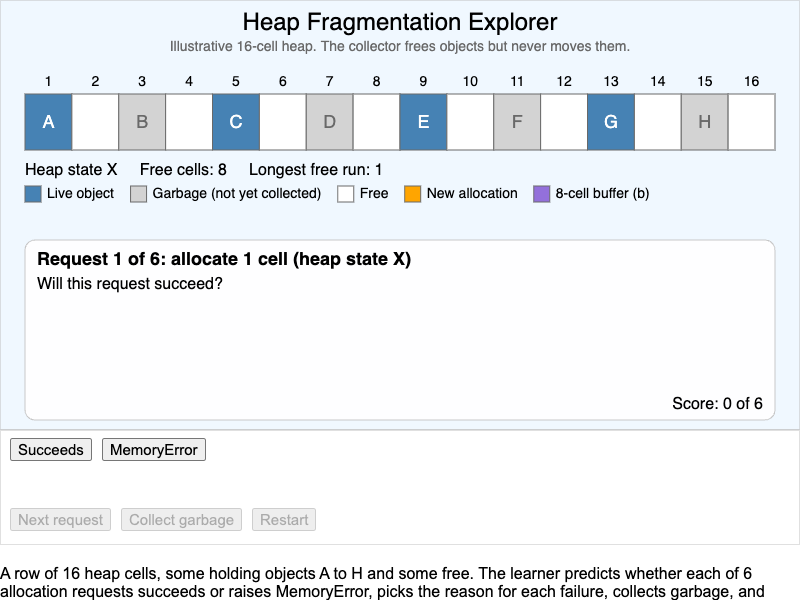
Allocate objects on a fragmented 16-cell heap and see why a request can fail with MemoryError even when enough total memory is free.
-
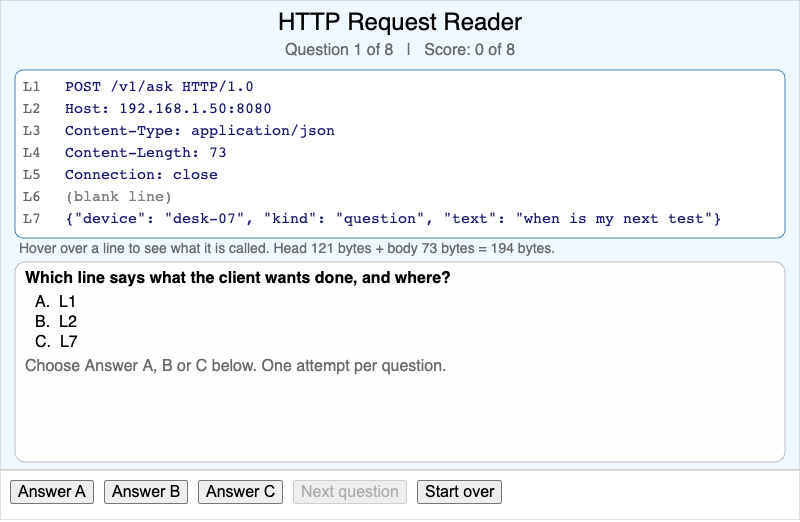
Read the Pico's 194-byte HTTP POST to the buddy server and its reply, and answer questions about the request line, headers and JSON body.
-
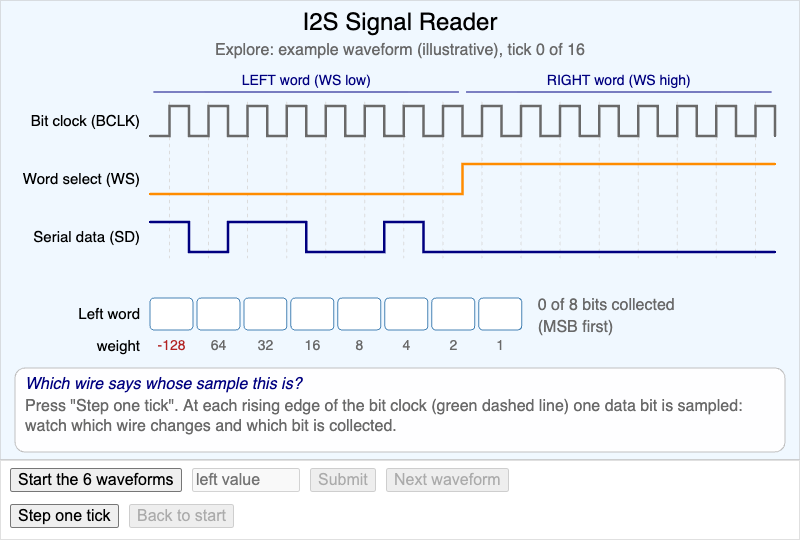
Read the bit clock, word select and data lines of an I2S waveform to decode the left-channel sample, most significant bit first.
-
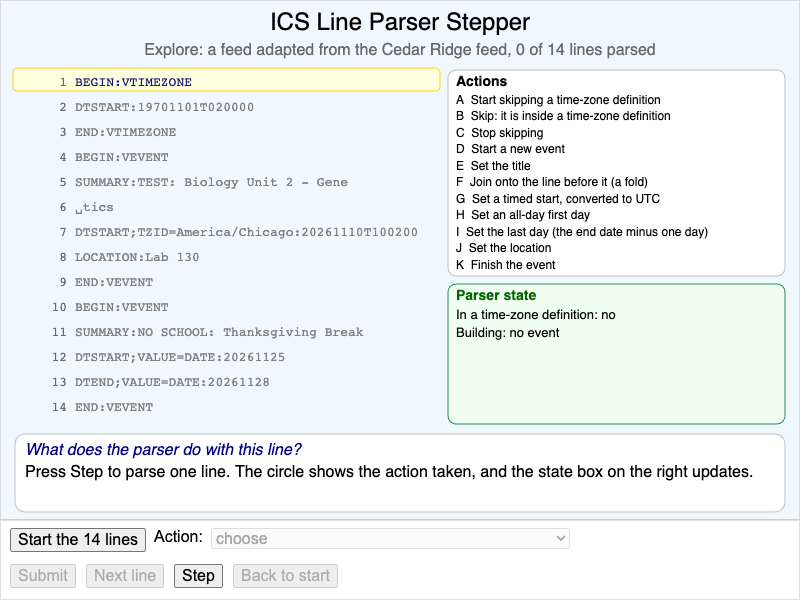
Step through a small iCalendar feed line by line and choose what the parser does with folded lines, time zones and event fields.
-
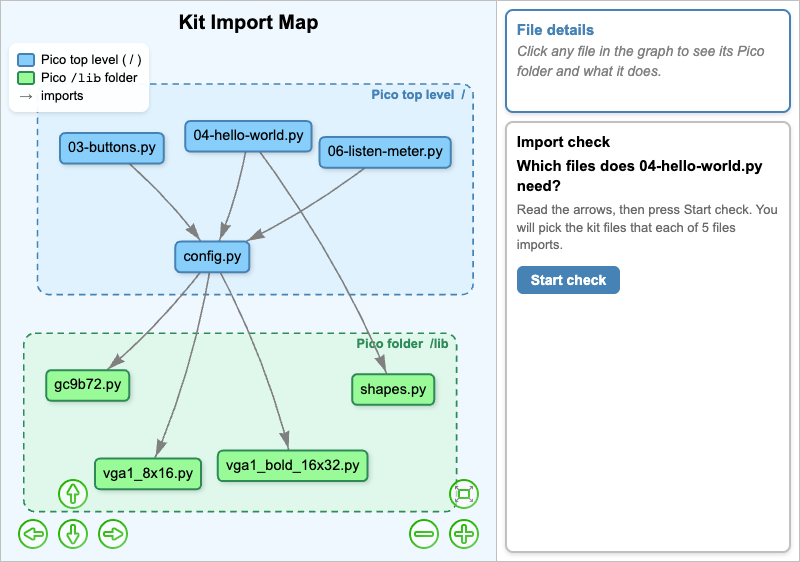
Explore which kit files import which others, and which folder on the Pico each file belongs in.
-
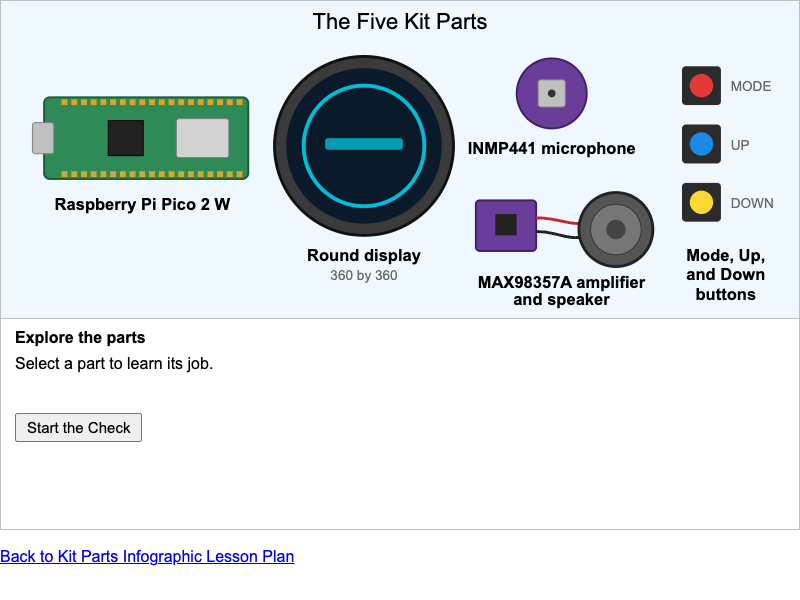
A labeled picture of the five base-kit parts. Click a part to learn its job, then match five described jobs to the right part.
-
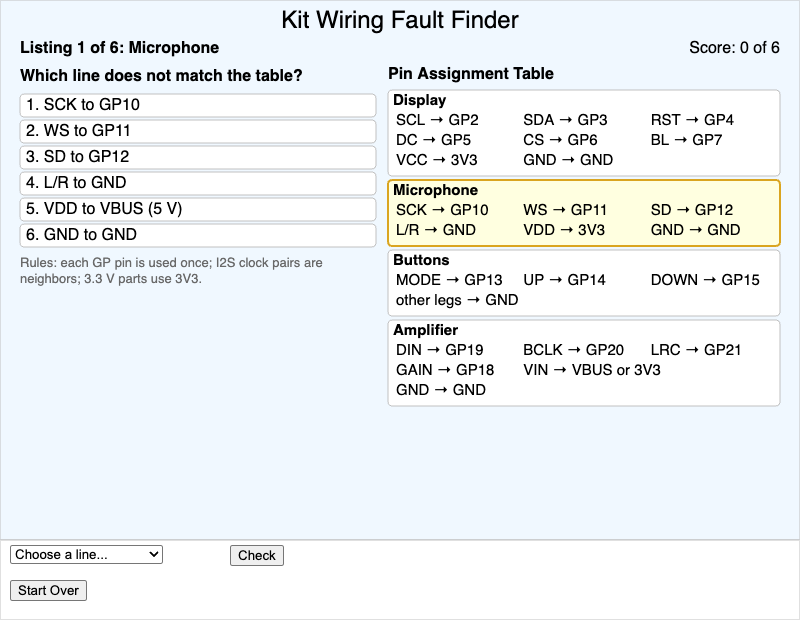
Check six wiring listings against the kit's pin assignment table and find the one wrong connection in each.
-
Level Gate Hysteresis Explorer
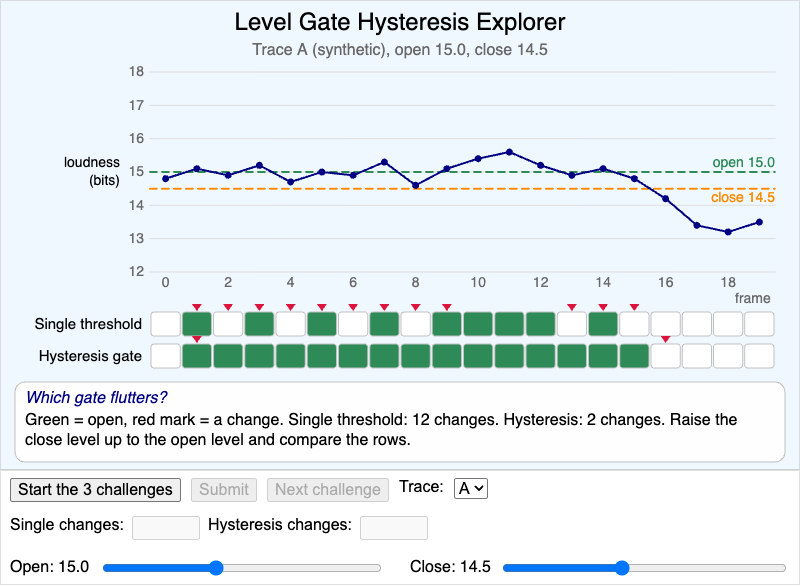
Compare a single-threshold gate with a hysteresis gate on loudness traces and count how often each one flutters open and closed.
-
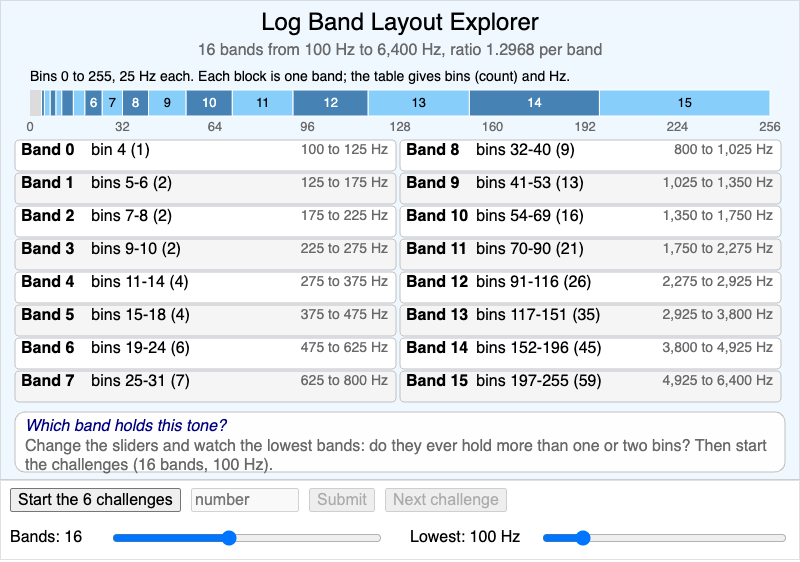
Change the band count and lowest frequency to see how 256 FFT bins group into log-spaced bands, then find the band for a tone or its bin count.
-
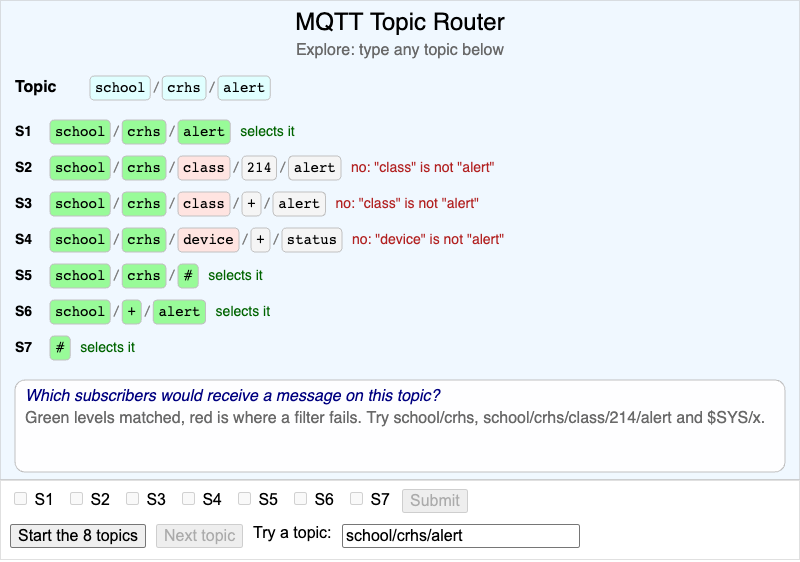
Type an MQTT topic and see which subscription filters select it, using the + and # wildcard rules level by level.
-
Polling Versus Interrupt Timeline
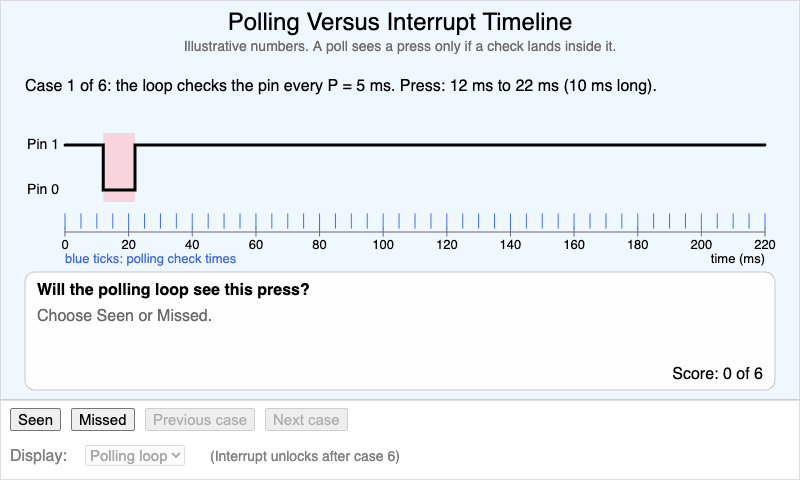
Predict which button presses a loop that checks the pin every P ms will see, then switch to interrupt mode and watch it catch all six.
-
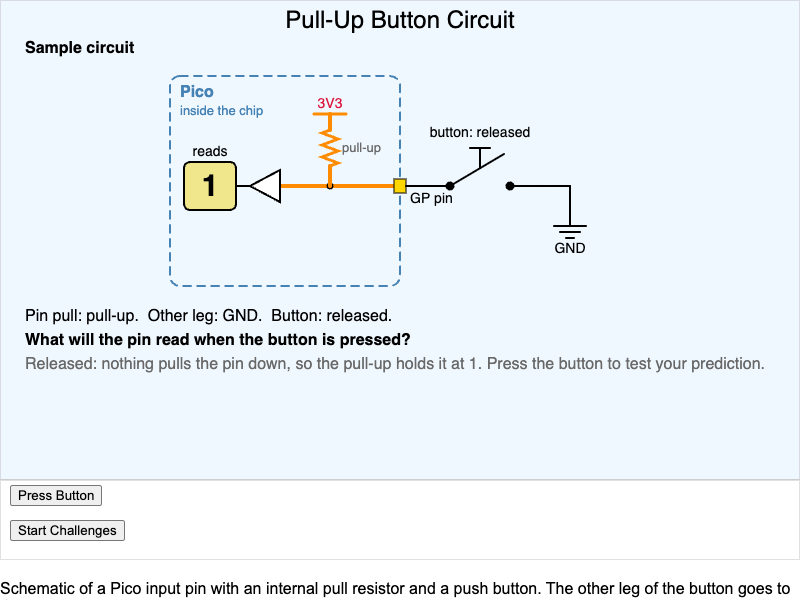
Set a pin's pull resistor and where the button's other leg connects, then press the button to see what the GPIO pin reads.
-
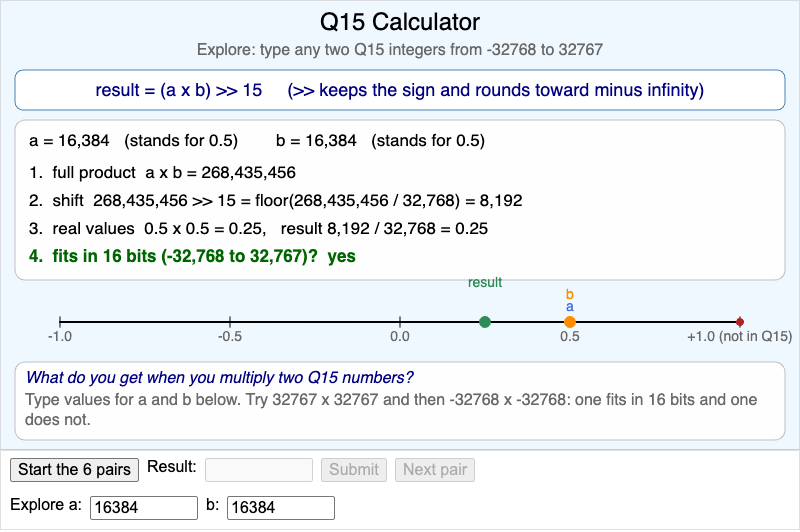
Multiply two Q15 fixed-point numbers, shift the product right by 15, and check whether the result still fits in 16 bits.
-
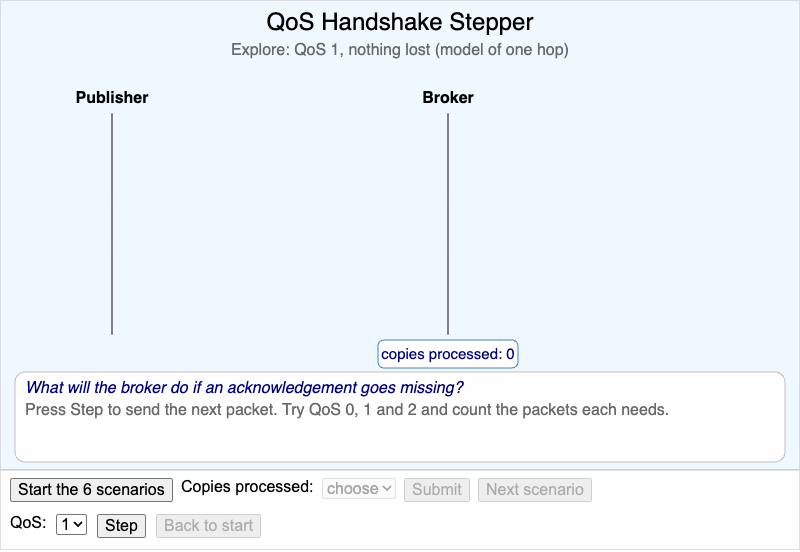
Step through MQTT QoS 0, 1 and 2 handshakes with lost packets and count how many copies of an alert the broker processes.
-
Retry and Backoff Timeline Explorer
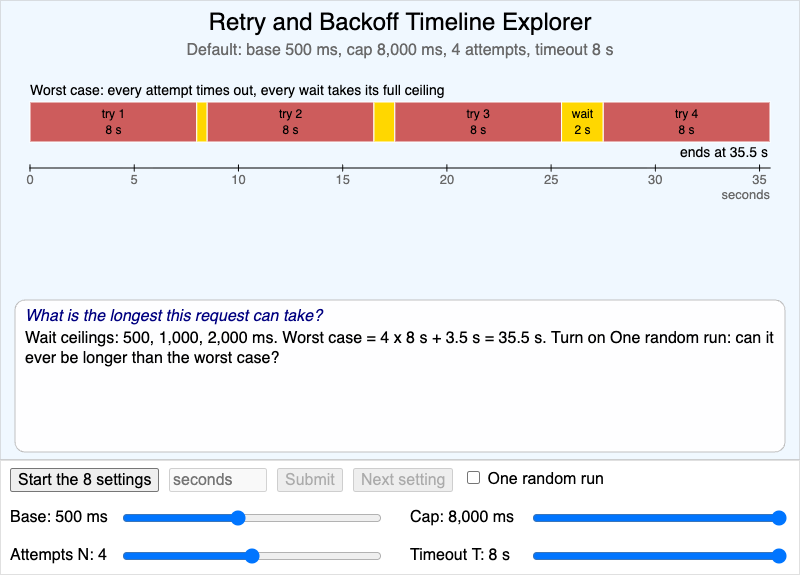
Change attempts, timeout, base and cap to see the exponential backoff waits and the longest time a request can take.
-
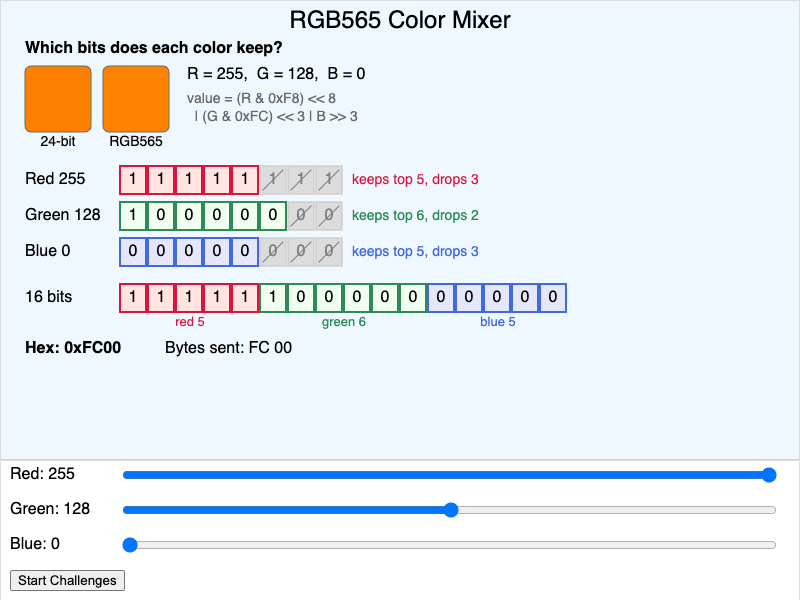
Mix red, green and blue and watch them pack into a 16-bit RGB565 value, with the hex code and the bytes sent to the display.
-
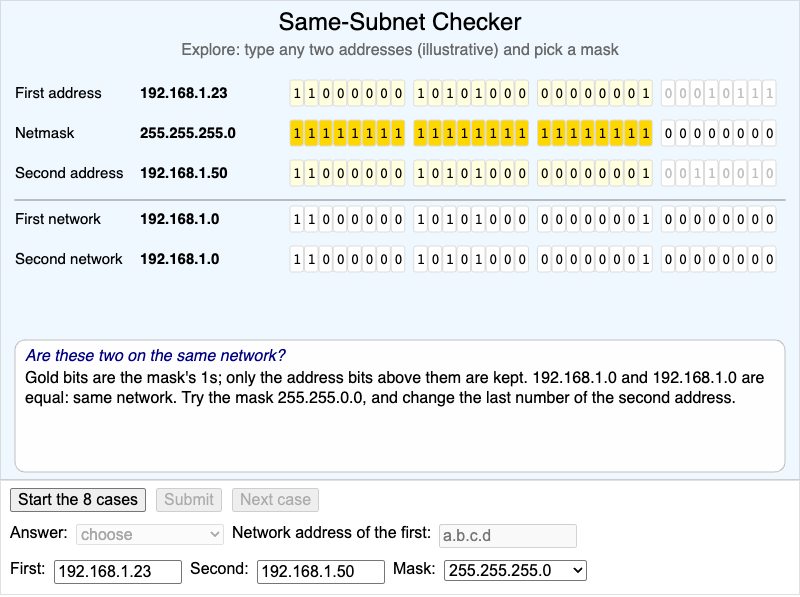
AND two IPv4 addresses with a netmask to find their network addresses and check whether the Pico and server can talk directly.
-
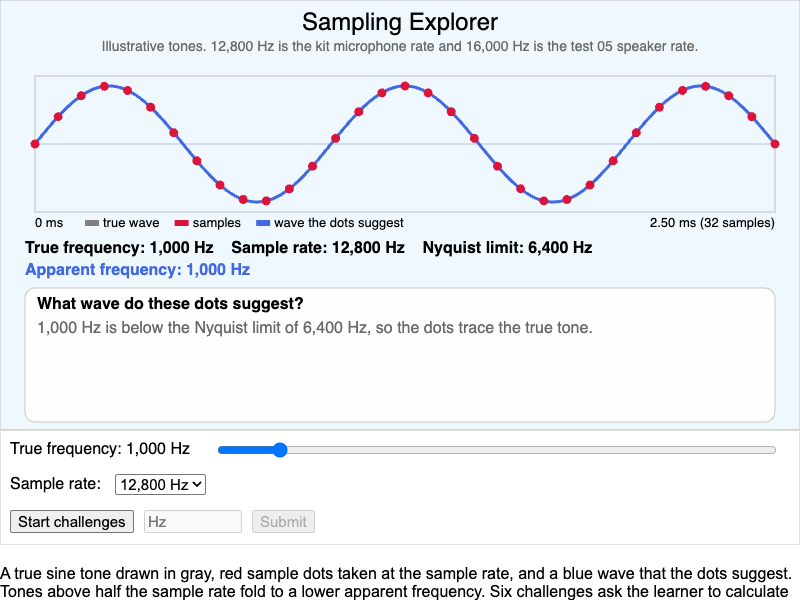
Sample a sine tone at different rates and see aliasing appear above the Nyquist limit, with the apparent frequency shown in blue.
-
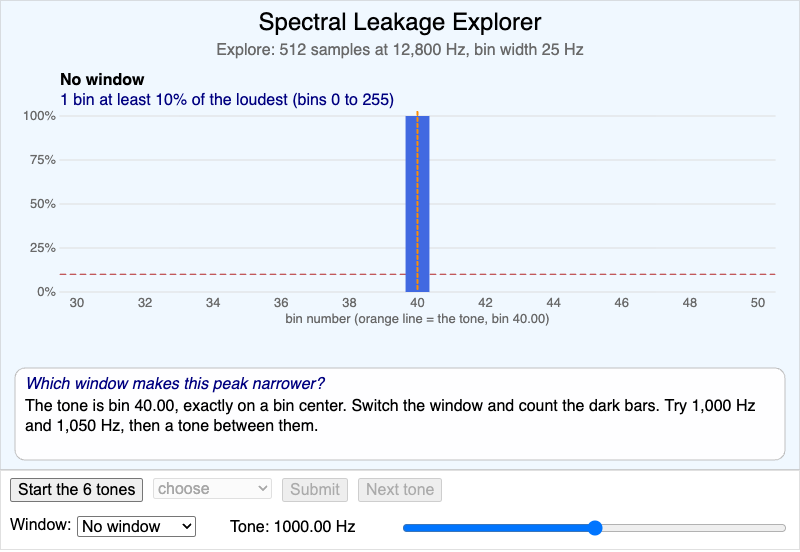
Compare a tone's spectrum with no window and with the Hann window to see how windowing trades leakage for a wider peak.
-
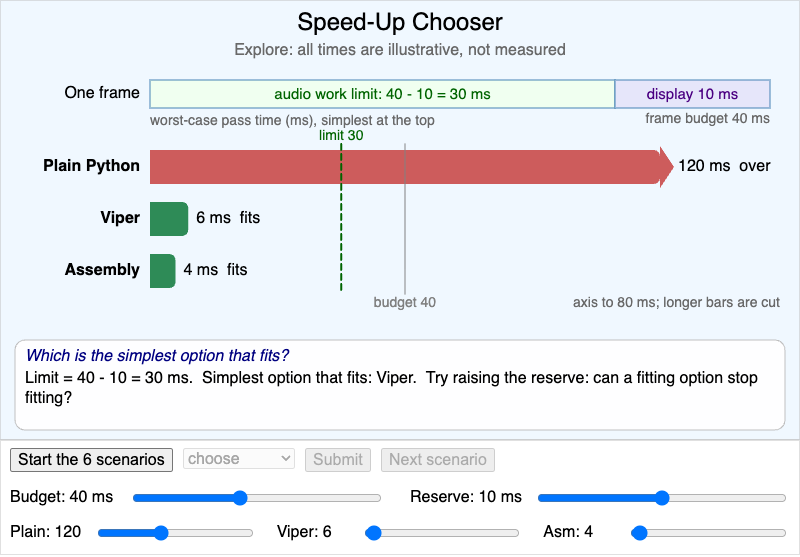
Pick the simplest implementation, from plain Python to viper and inline assembly, whose worst-case time fits the 30 ms audio budget.
-
Study Buddy Architecture Explorer
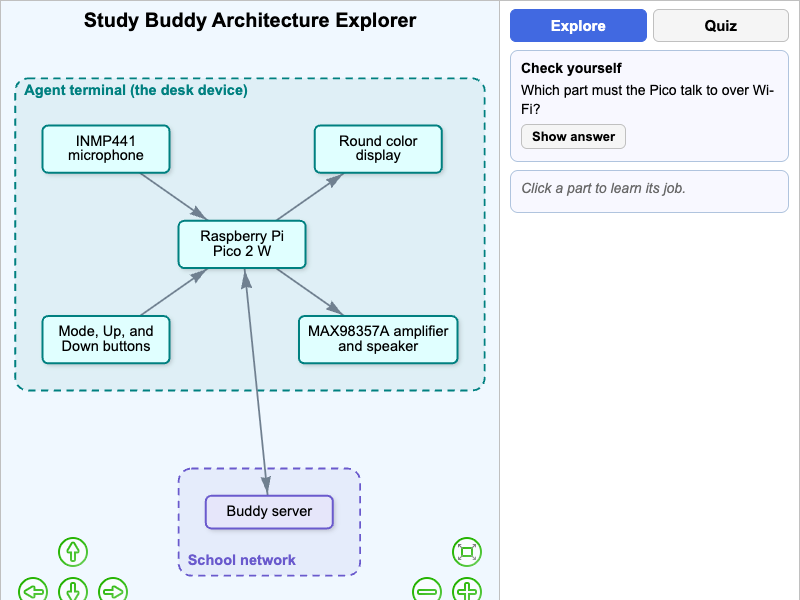
Click each kit part and the buddy server to see its job and connections, then quiz yourself on which part does what.
-
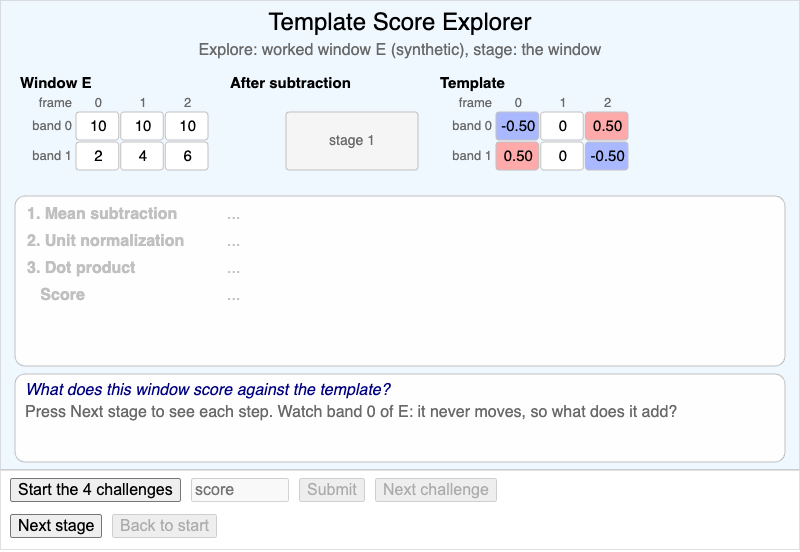
Work through mean subtraction, normalization and a dot product to see how a wake-word window is scored against its template.
-
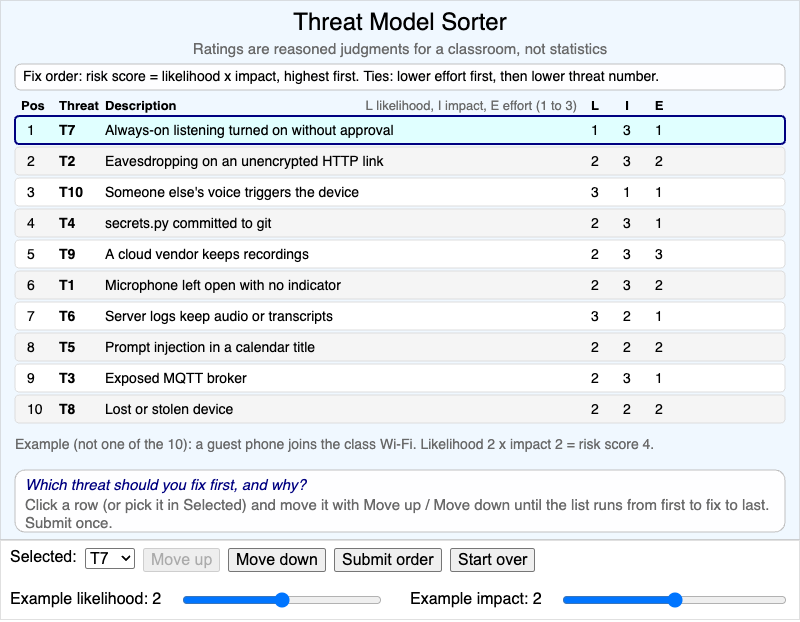
Rank 10 classroom threats by likelihood times impact, breaking ties by effort to fix, to build a threat model's fix order.
-
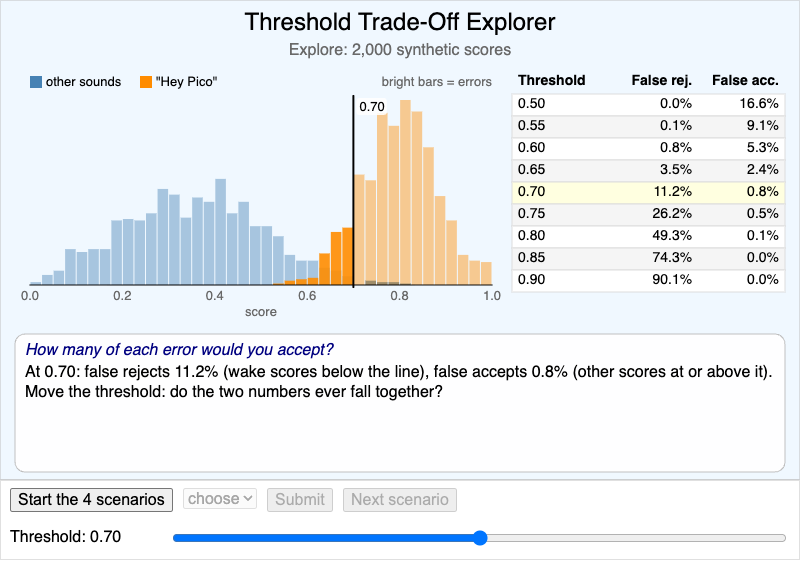
Move a wake-word detection threshold and watch false accepts and false rejects trade off, then judge which setting meets each limit.
-
Time and Frequency Domain Viewer
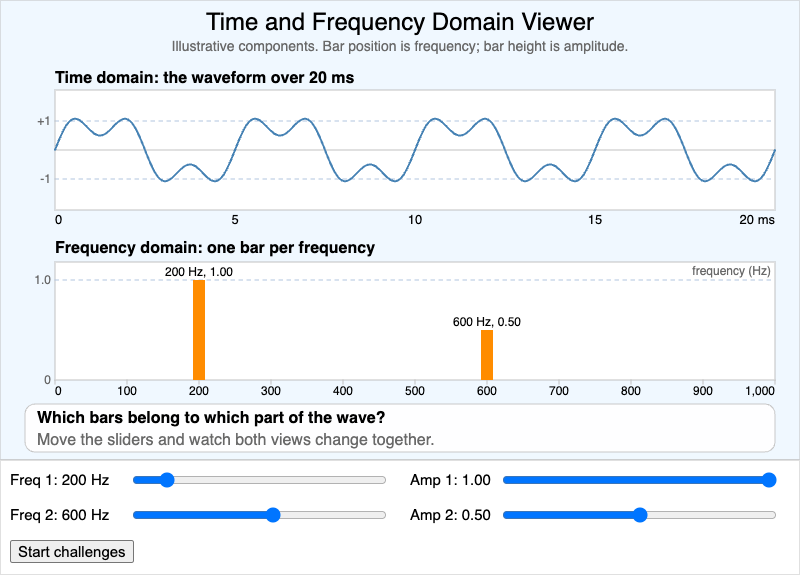
Change two sine components and watch the waveform and frequency bar chart update together, then match spectra to waveforms.
-
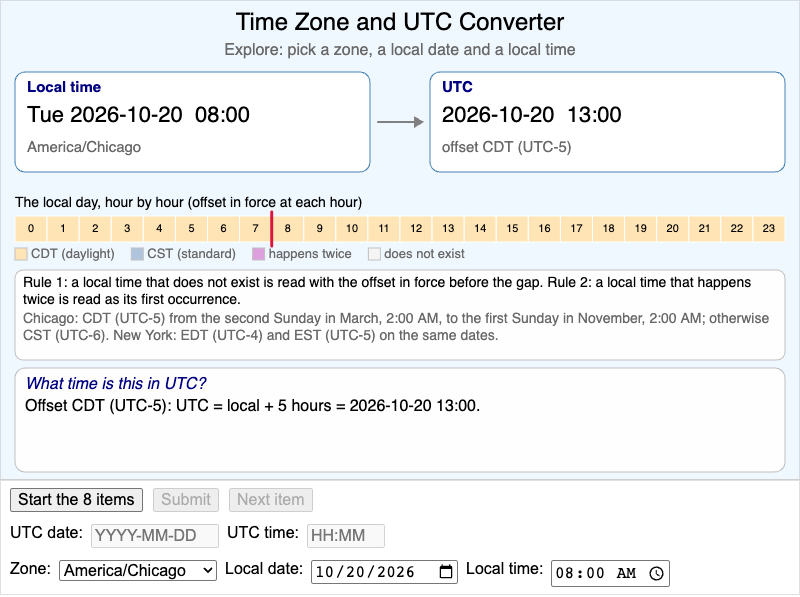
Convert school-local Chicago times to UTC, including the skipped and repeated hours on daylight-saving change days.
-
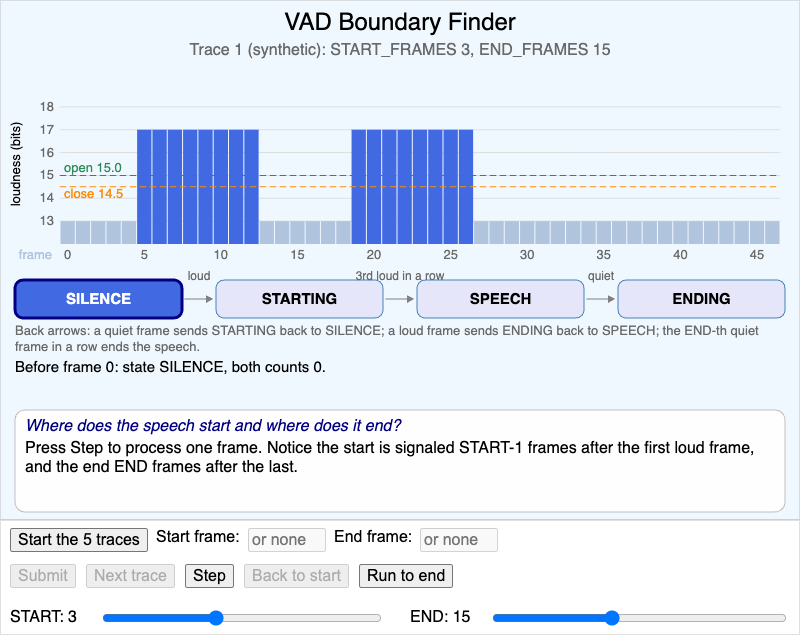
Run the four-state voice activity detector on loudness traces and find the first and last speech frames of each recording.