List of MicroSims for Scratch Programming for Kids
Interactive Micro Simulations to help students learn scratch programming for kids fundamentals.
-
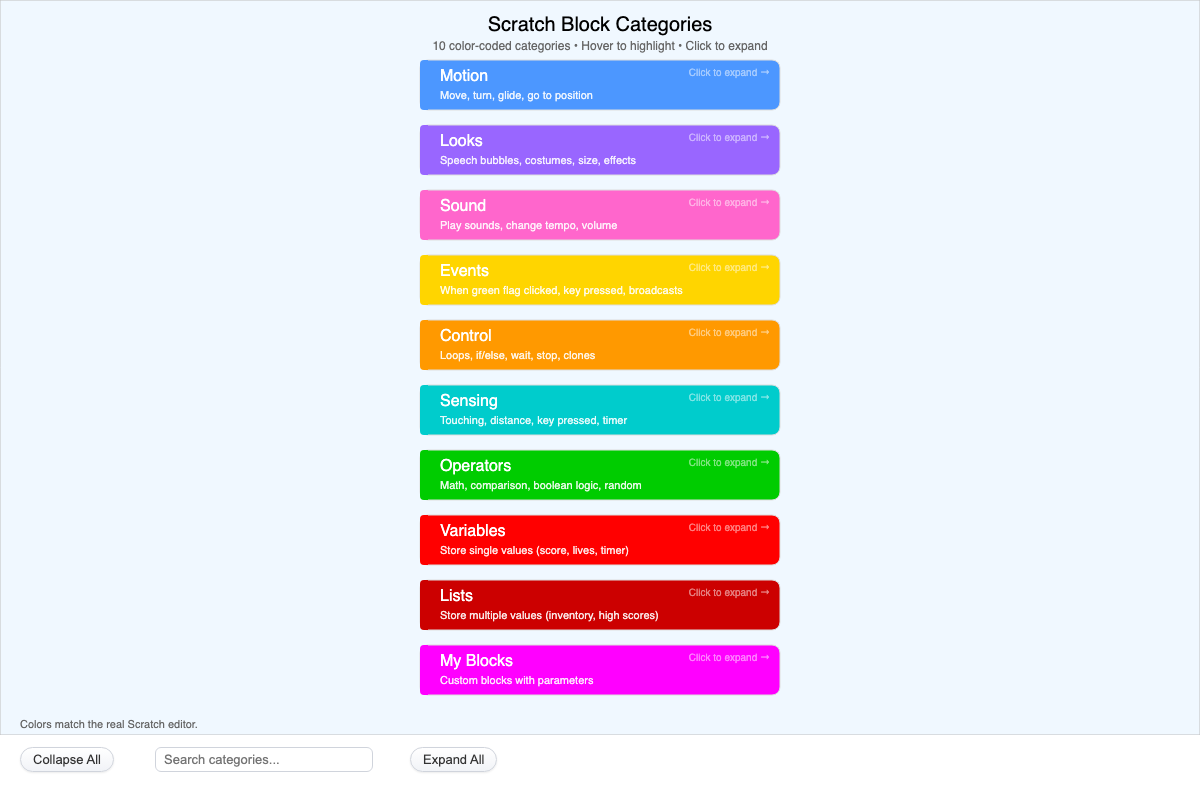
Interactive infographic of Scratch's 10 color-coded block categories. Click a card to expand its example blocks, or use Expand All / Collapse All to explore every category at once.
-
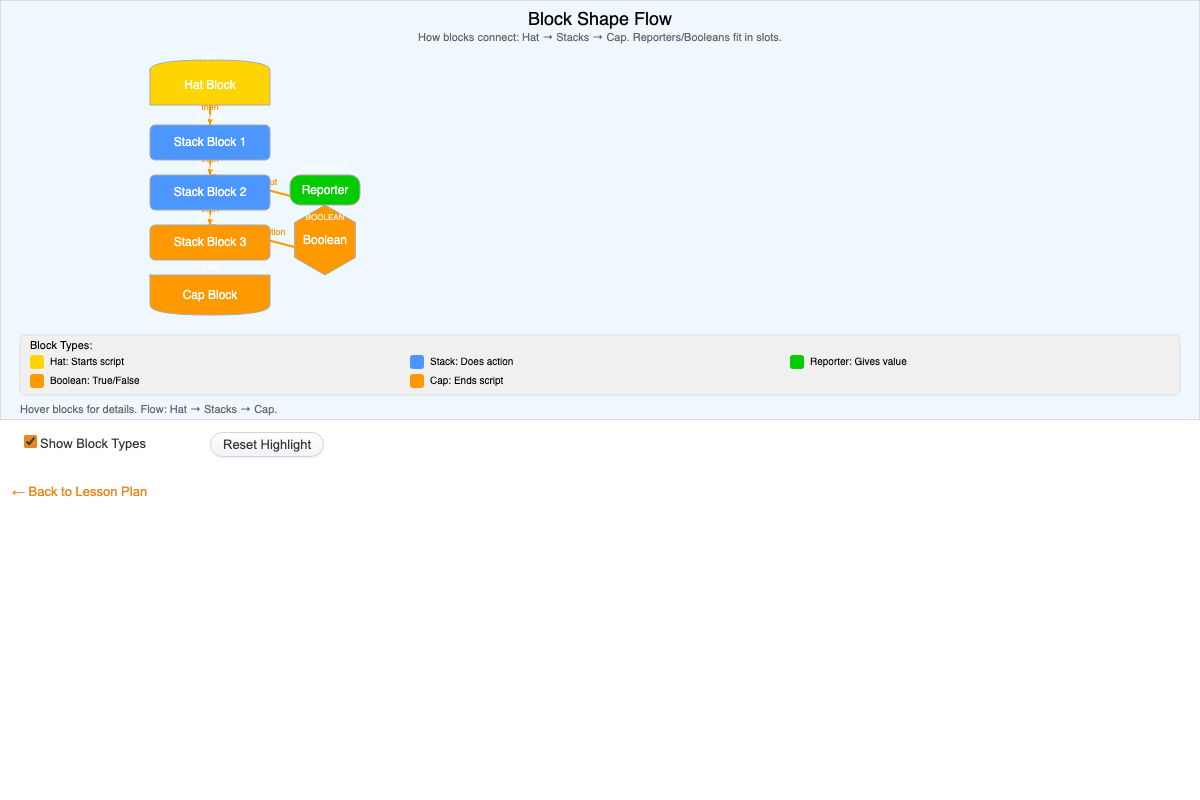
Interactive diagram showing how Scratch block shapes connect in a script: a hat block starts it, stack blocks act in sequence, and reporter/boolean blocks plug into slots. Hover to highlight blocks.
-
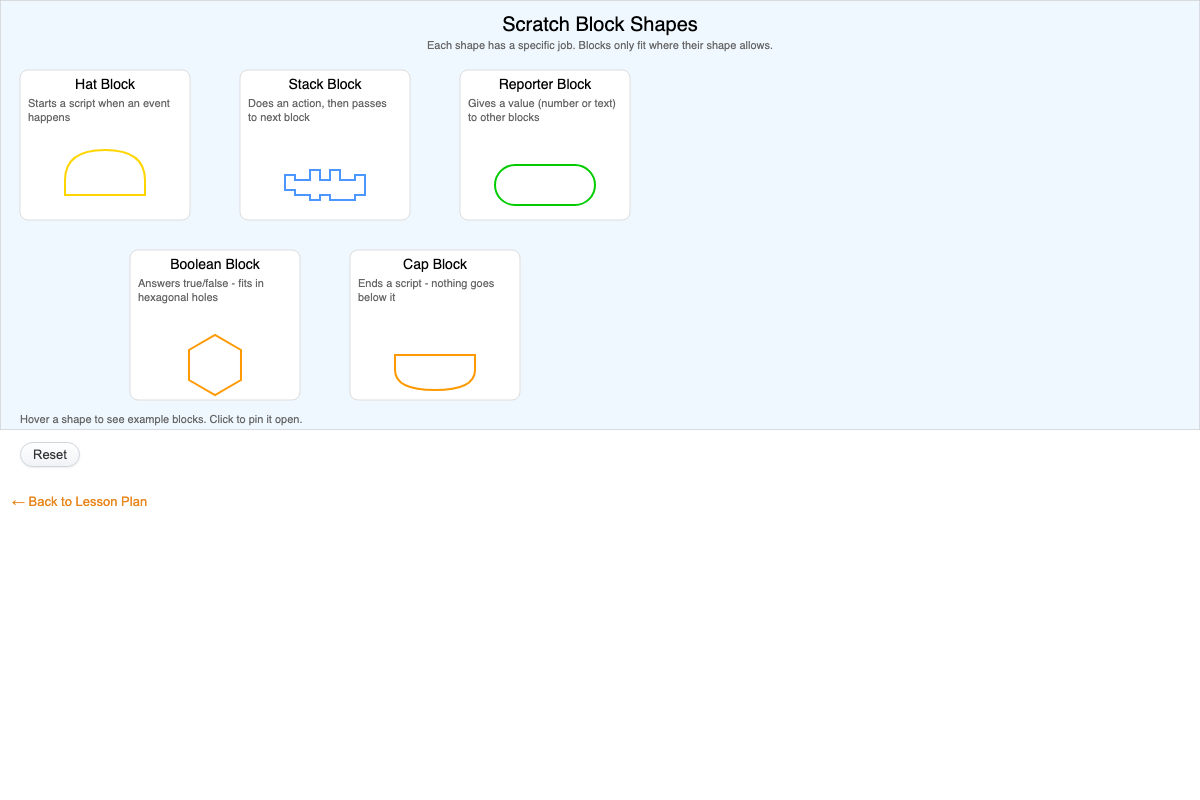
Interactive gallery of Scratch's five block shapes (hat, stack, reporter, boolean, cap). Hover a card to see example blocks for that shape, or click to pin it open.
-
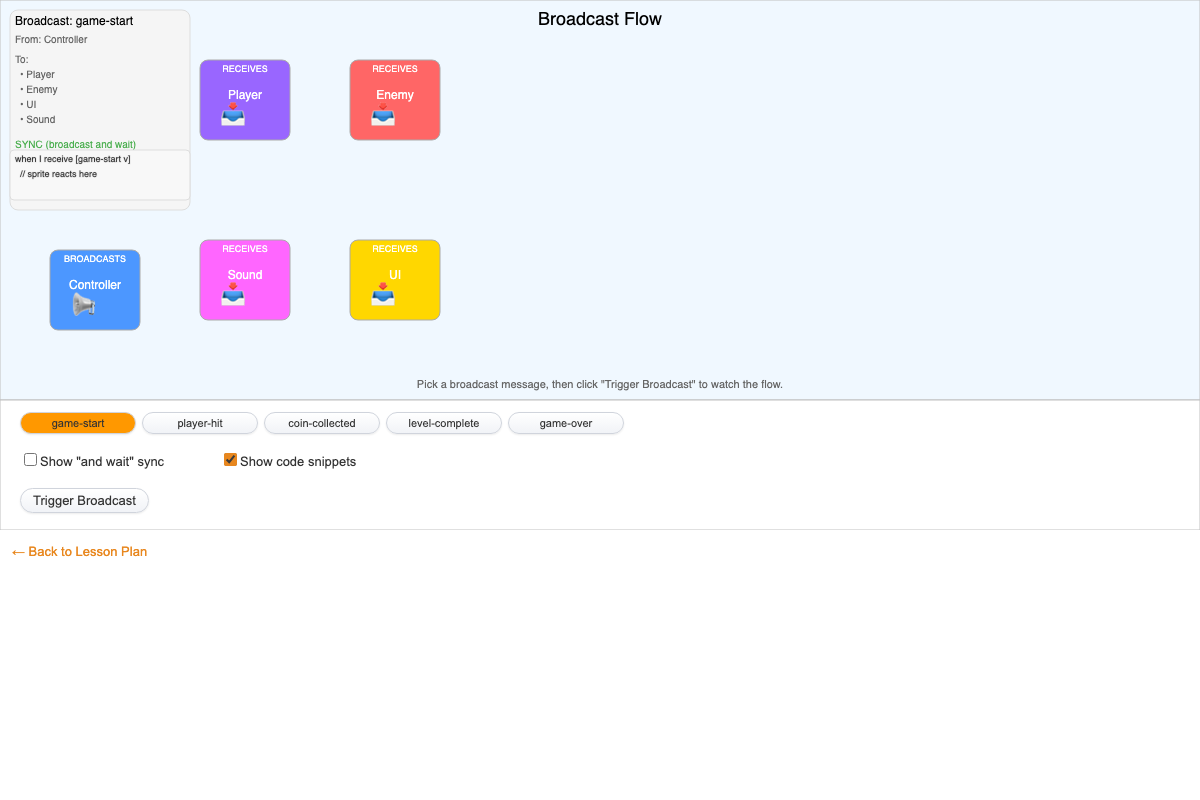
Interactive diagram of Scratch's broadcast system. Pick a message and click Trigger Broadcast to animate it flowing from a sender sprite to its receivers, with sync mode and code snippets.
-
Coordinate Reporters in Action
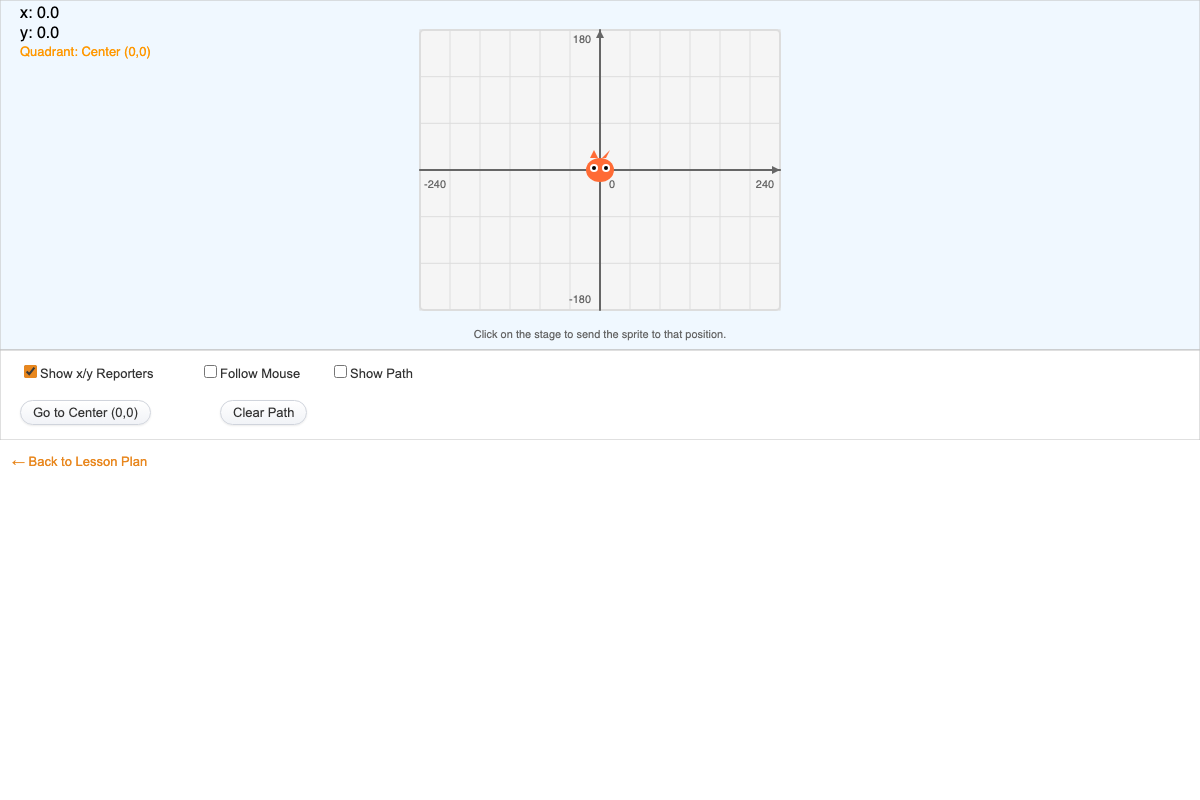
Interactive p5.js MicroSim showing Scratch's x position and y position reporters: click the stage to move a sprite and watch live x/y readouts, an optional motion path, and mouse-follow mode.
-
Interactive Coordinate Explorer
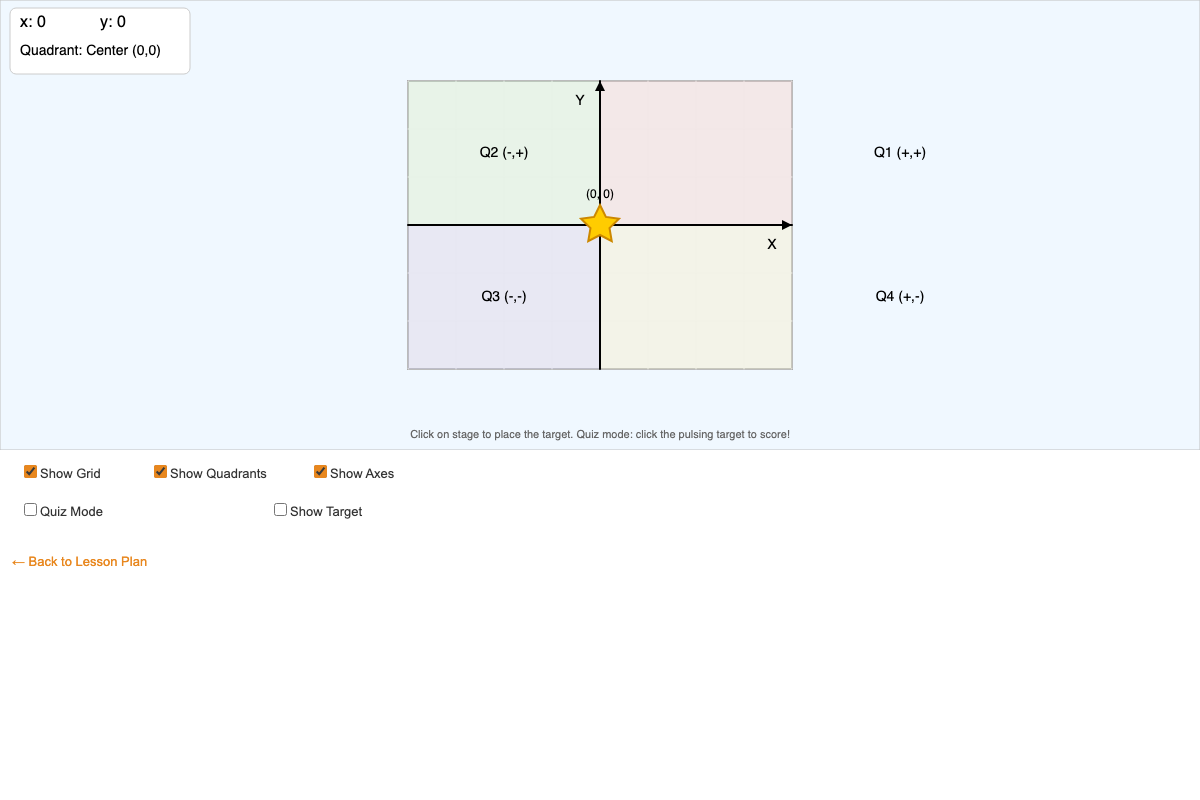
Interactive p5.js coordinate plane: move the mouse or click the stage to place a star sprite and see its (x, y) coordinates and quadrant update live, plus a quiz mode that scores target clicks.
-
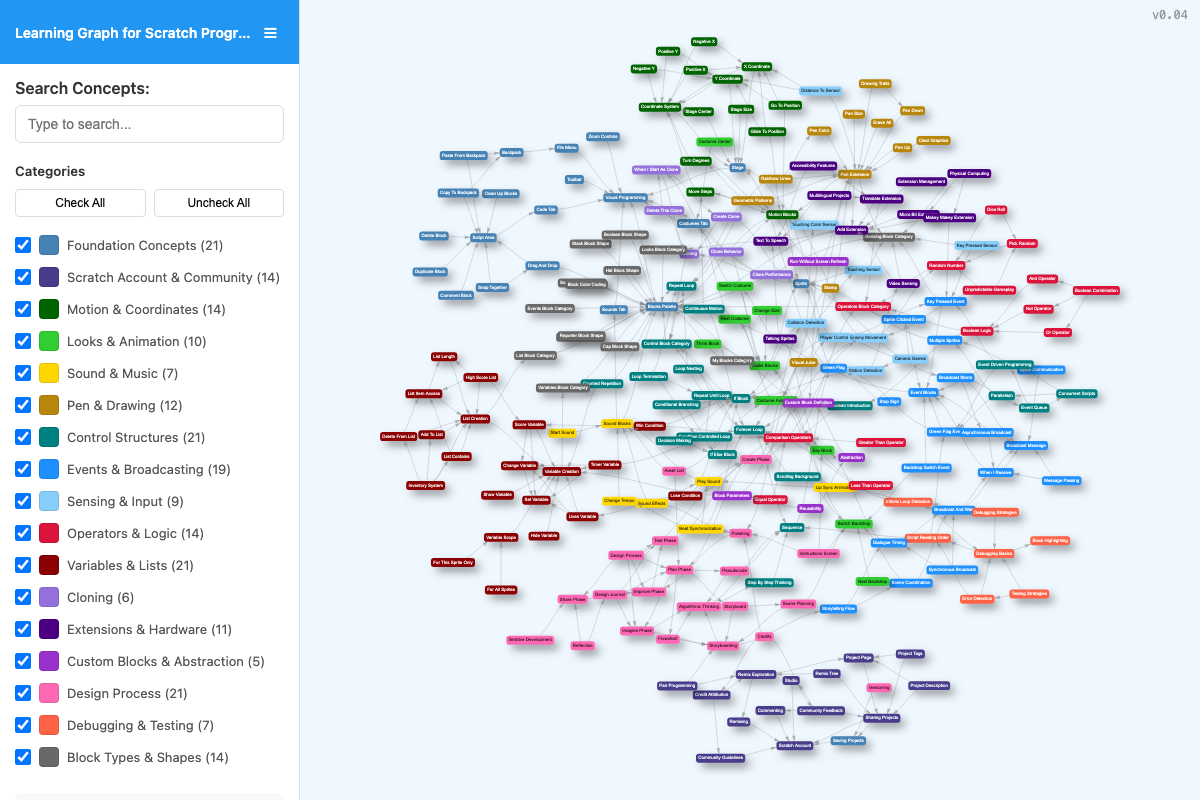
Interactive learning graph viewer that lets users explore all concepts in the course and how they are related. Used by AI to recommend personalized learning paths.
-
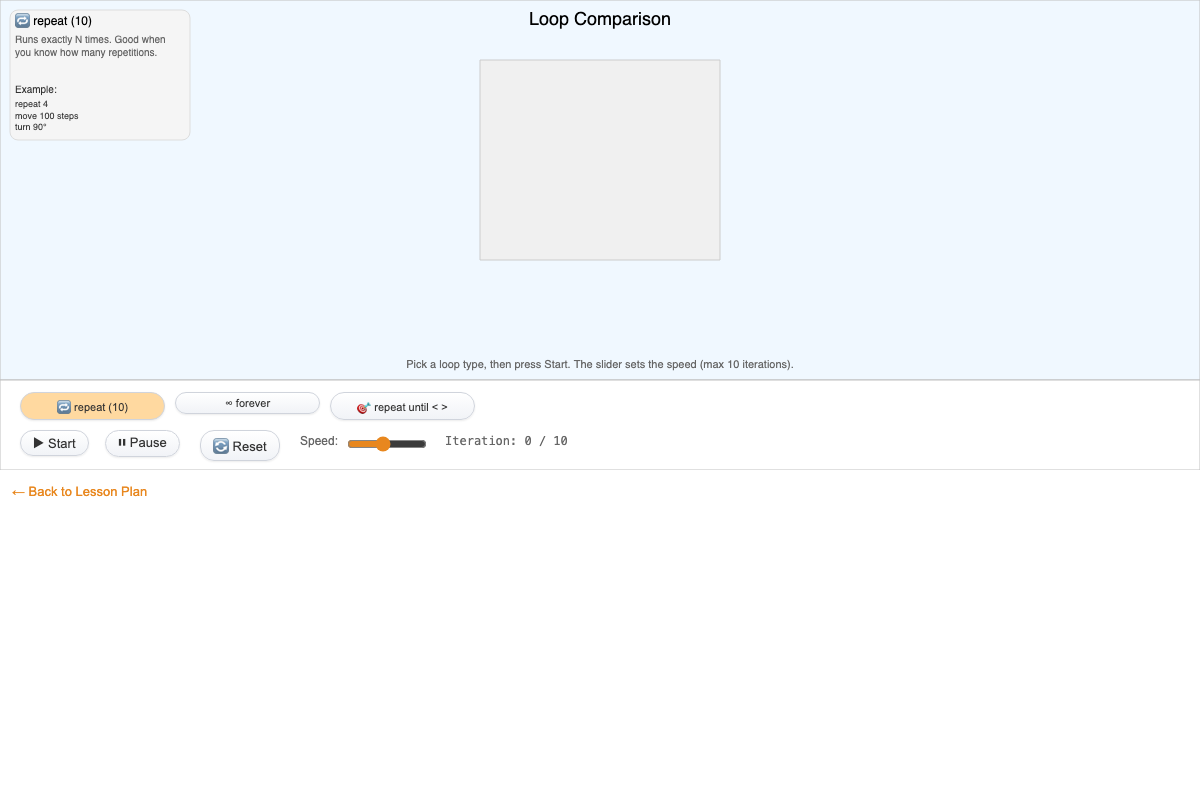
Animated comparison of Scratch's repeat, forever, and repeat until loops, controlled with loop-select buttons, Start/Pause/Reset, and a speed slider.
-
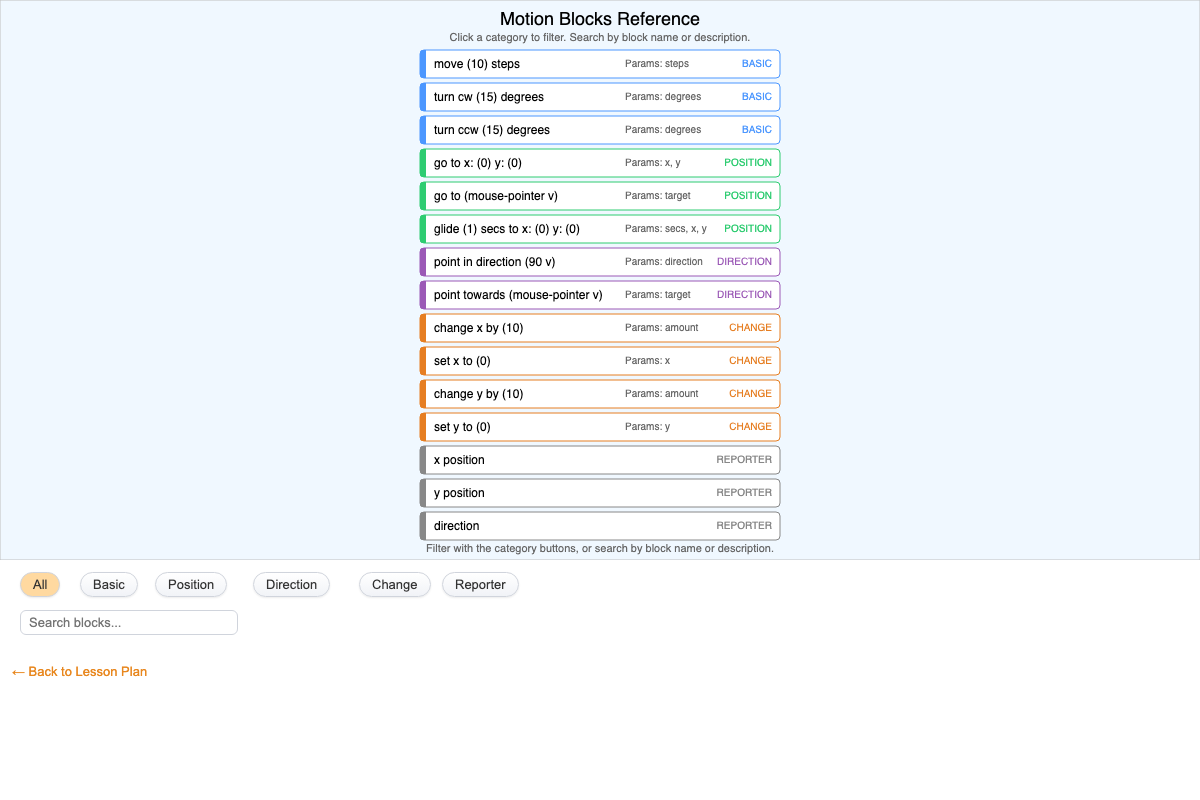
Browsable reference of 15 Scratch Motion blocks, filterable by category (Basic, Position, Direction, Change, Reporter) and searchable by name or description.
-
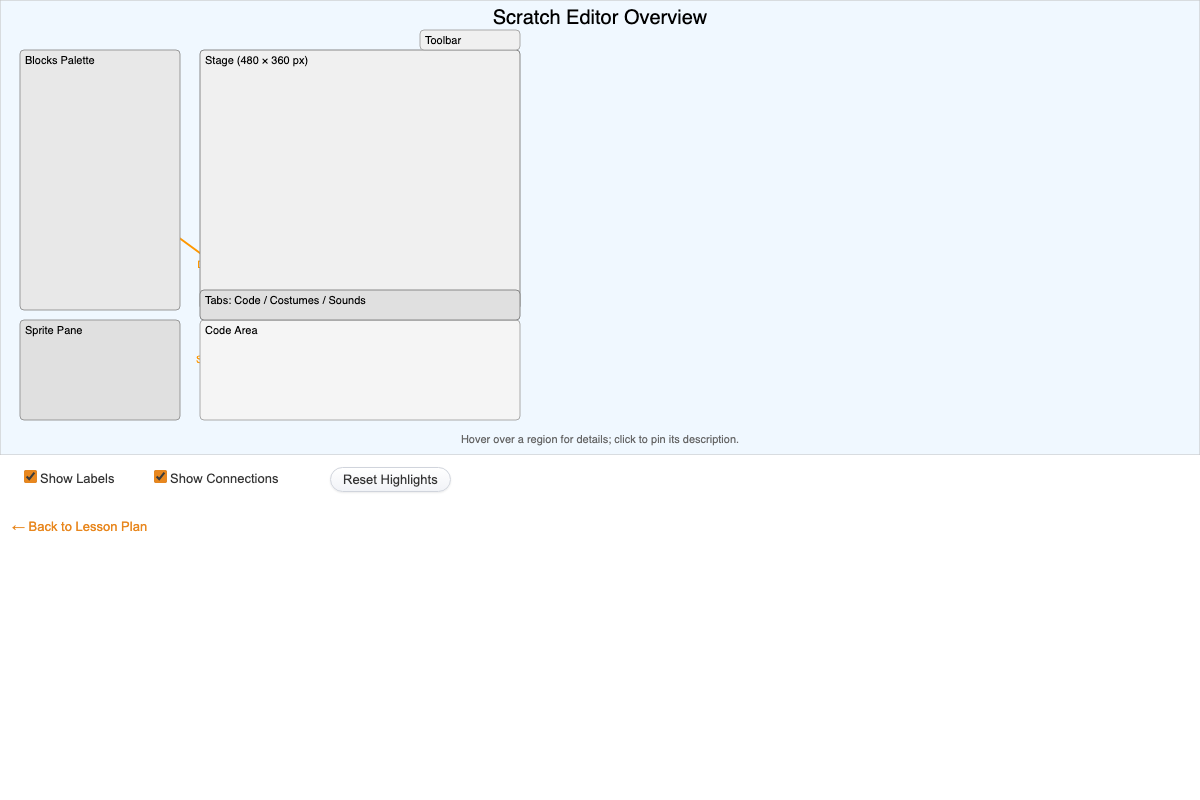
Interactive p5.js diagram of the Scratch editor layout: hover or click regions like the Stage, Blocks Palette, Code Area, Sprite Pane, and Tabs to see descriptions and workflow connections.
-
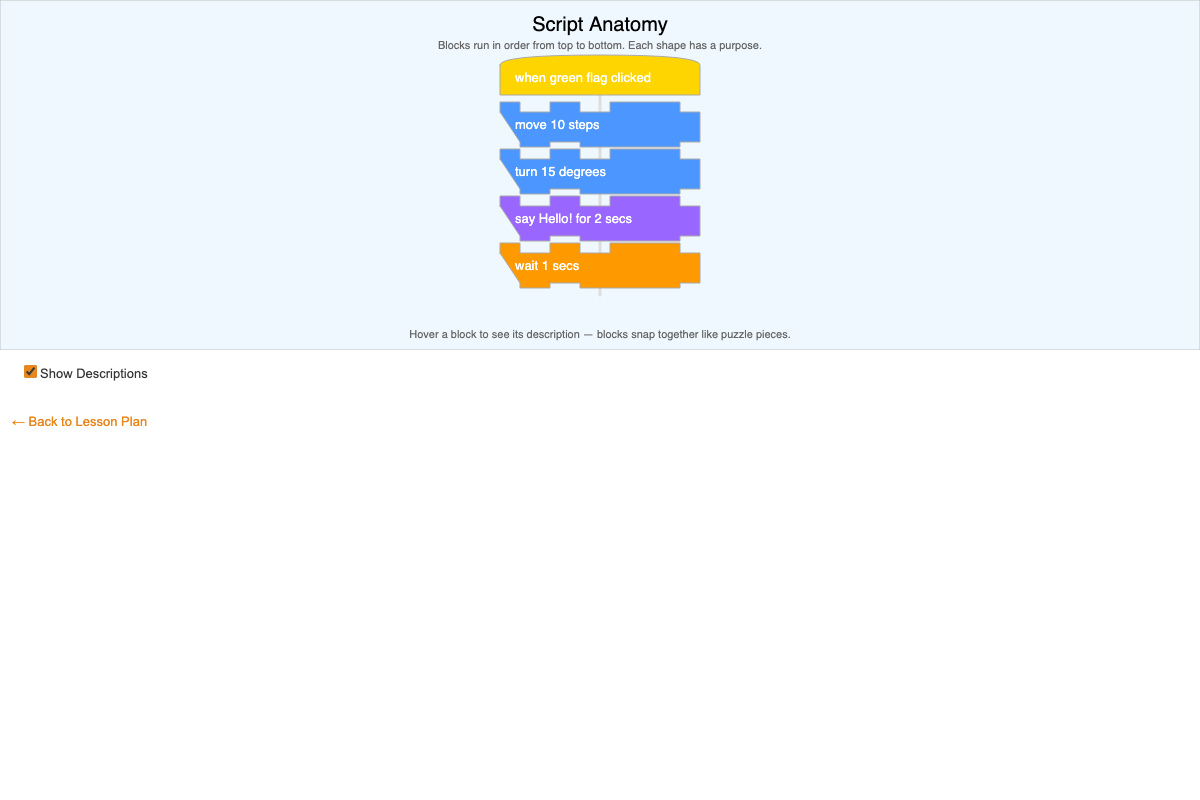
Interactive diagram of a five-block Scratch script showing how hat and stack blocks snap together; hover any block to reveal its description via a toggleable checkbox.
-
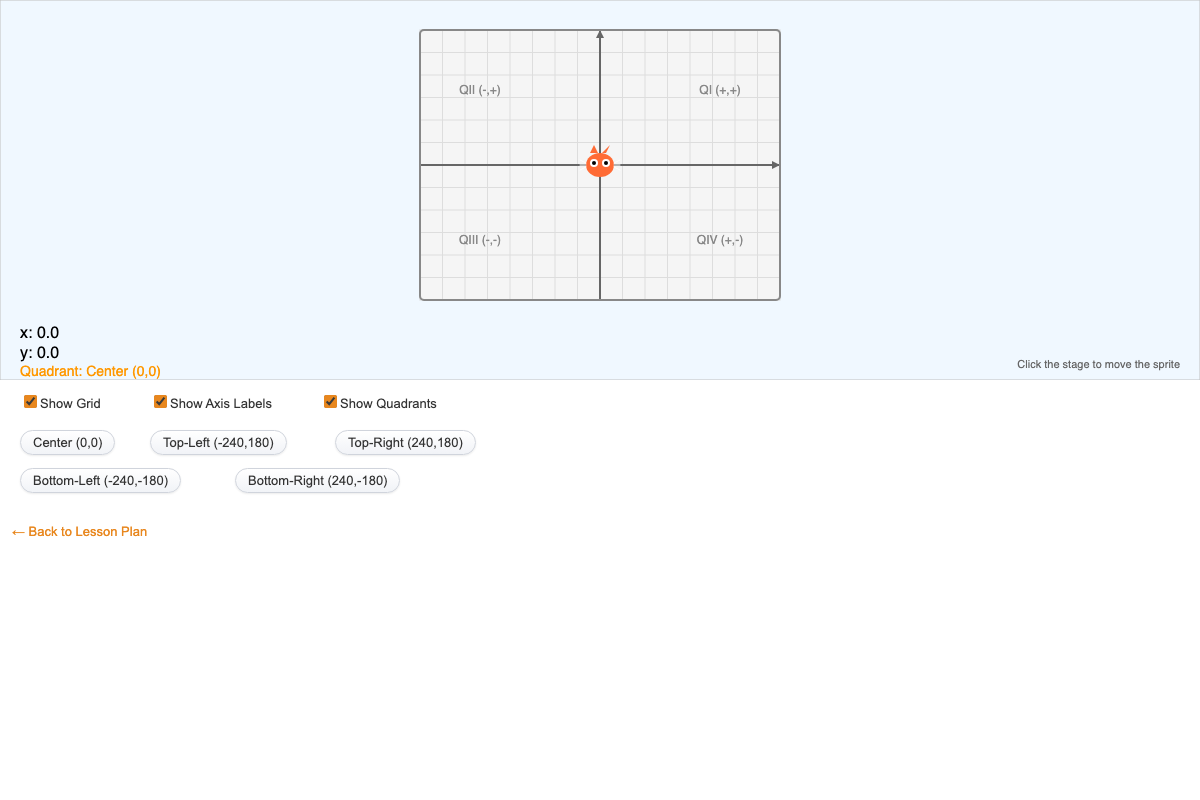
Click anywhere on the Scratch stage to move a sprite and see its live x, y coordinates and quadrant; buttons jump to the center or corners, and checkboxes toggle the grid, labels, and quadrants.
-
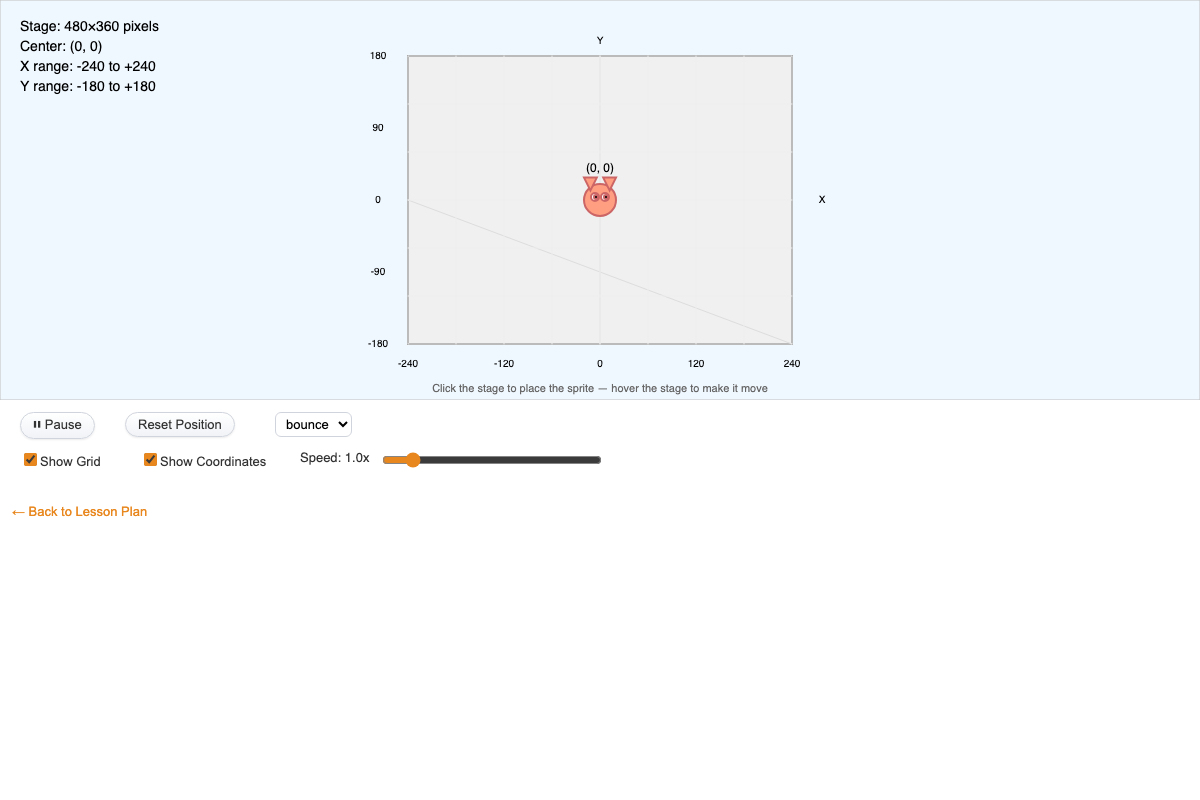
A sprite moves on the 480x360 Scratch stage and bounces, stops, or wraps at the edges based on a dropdown choice, with pause, reset, click-to-place, a speed slider, and grid and coordinate toggles.
-
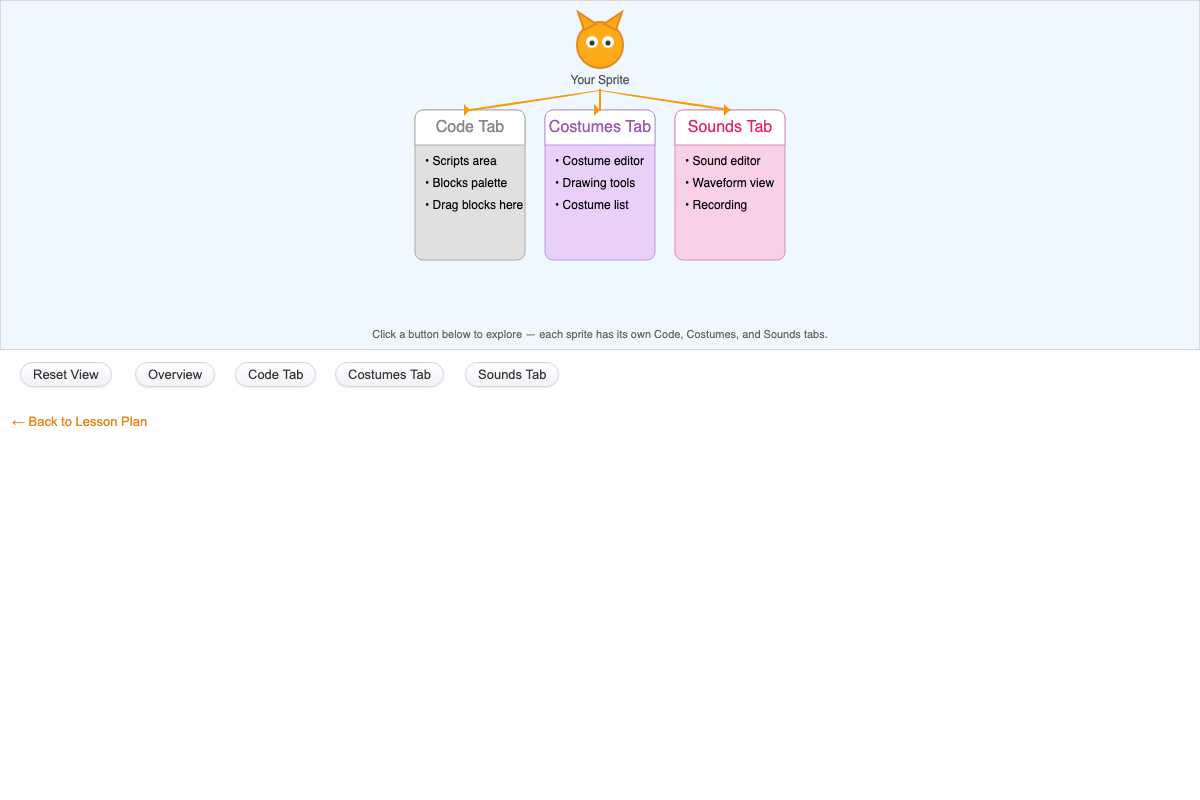
Shows how a Scratch sprite owns its Code, Costumes, and Sounds tabs; buttons switch between an overview of all three and a detailed view of each tab, describing its purpose and key features.