Mascot Style Guide
This page tests all seven Monty admonition styles defined in
docs/css/mascot.css.
Each box below shows the admonition type, its color theme, the correct image
float, and the text wrapping to the right of the image. If an image is
missing you will see a broken-image icon — check that docs/img/mascot/ contains
the seven PNG files with transparent backgrounds.
Image path note
This page lives at learning-graph/mascot-test/index.html after MkDocs
builds it, so every mascot image path is ../../img/mascot/POSE.png
(two directory levels up to reach docs/).
1 · Welcome — chapter openings
Welcome to This Chapter
 Hi there, coder! I'm Monty, your Python snake guide for this course.
The welcome admonition opens every chapter with an encouraging preview of
what's coming. The title bar is emerald green (
Hi there, coder! I'm Monty, your Python snake guide for this course.
The welcome admonition opens every chapter with an encouraging preview of
what's coming. The title bar is emerald green (#2e7d32).
2 · Thinking — key concepts and insights
Key Idea
 The thinking admonition highlights important concepts and "aha" moments.
Use it when you want students to pause and make sure an idea has landed
before moving on. Title bar is warm brown (
The thinking admonition highlights important concepts and "aha" moments.
Use it when you want students to pause and make sure an idea has landed
before moving on. Title bar is warm brown (#5d4037).
3 · Tip — hints and helpful guidance
Monty's Tip
 The tip admonition shares practical shortcuts that experienced makers use
but nobody writes down. Use it sparingly — zero to two per chapter.
Title bar is teal (
The tip admonition shares practical shortcuts that experienced makers use
but nobody writes down. Use it sparingly — zero to two per chapter.
Title bar is teal (#00838f).
4 · Warning — common mistakes and pitfalls
Watch Out!
 The warning admonition flags the exact place where students commonly get
tripped up. Always end the body with the specific mistake and how to
avoid it. Title bar is red (
The warning admonition flags the exact place where students commonly get
tripped up. Always end the body with the specific mistake and how to
avoid it. Title bar is red (#c62828).
5 · Encourage — difficult sections
You Can Do This!
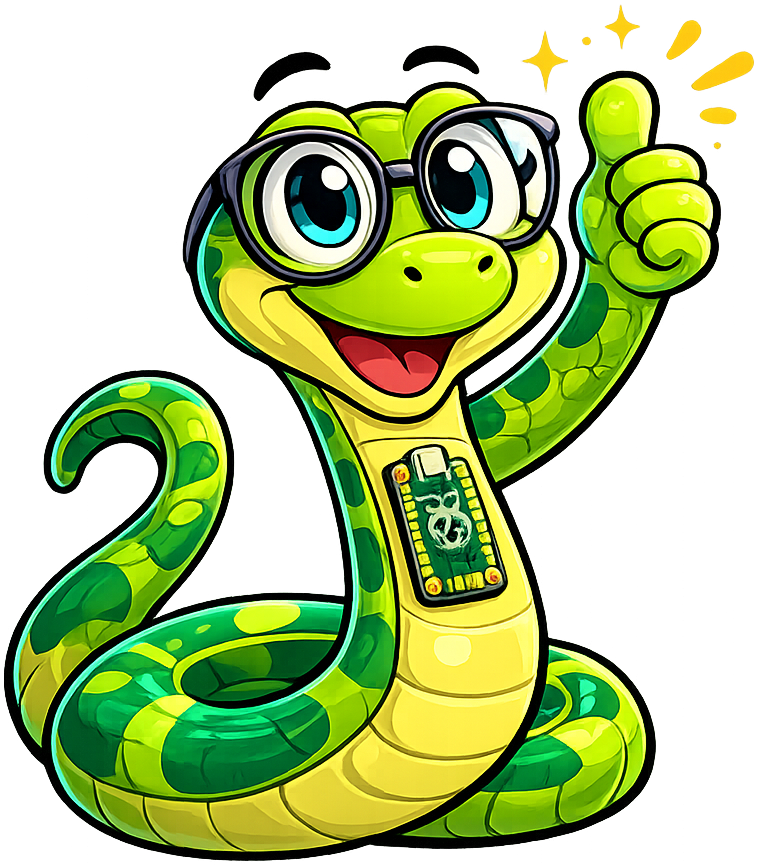 The encourage admonition appears before or during content that students
often find hard. Normalise struggle: "This part is tricky for everyone —
that's completely normal." Title bar is blue (
The encourage admonition appears before or during content that students
often find hard. Normalise struggle: "This part is tricky for everyone —
that's completely normal." Title bar is blue (#0277bd).
6 · Celebration — end of chapter / achievements
Great Work, Maker!
 The celebration admonition closes every chapter. It uses a dark purple
body (
The celebration admonition closes every chapter. It uses a dark purple
body (#311b4f) so that pale confetti sparkles on Monty's celebration
pose remain visible. Always end with a call-forward to the next chapter.
7 · Neutral — general sidebars and notes
A Note from Monty
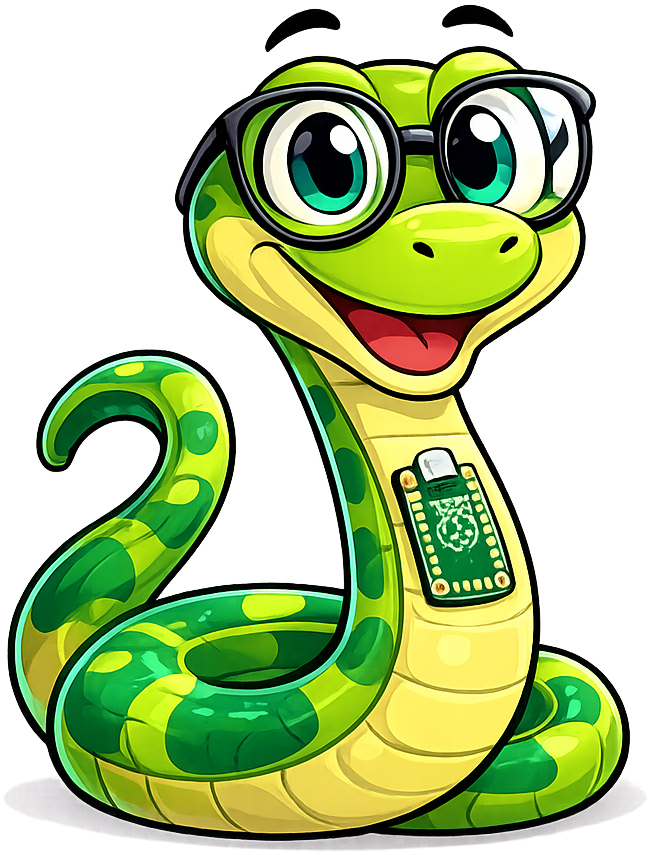 The neutral admonition is the catch-all for content that doesn't call for
a specific emotional tone — administrative notes, asides, or introductions.
Use it at most once per chapter. Title bar is slate gray (
The neutral admonition is the catch-all for content that doesn't call for
a specific emotional tone — administrative notes, asides, or introductions.
Use it at most once per chapter. Title bar is slate gray (#546e7a).
Image border diagnostic
The boxes below add a visible orange border around each mascot-admonition-img
element so you can confirm the float dimensions, margin, and object-fit
behaviour without relying on the actual image content.
Borders should not appear on the live site — they are toggled by the inline
<style> block on this page only.
Welcome — border diagnostic
The dashed orange outline shows the exact bounding box of the image element.
It should be a 90 × 90 px square (or whatever --mascot-size is set to
in :root). If the image appears much smaller than the box, run the trim
script to remove excess transparent padding from the PNG:
python $BK_HOME/src/image-utils/trim-padding-from-image.py docs/img/mascot/welcome.png
Tip — border diagnostic
The orange outline here lets you verify the margin: 0 0.6em 0.2em 0
spacing between the image and the body text. The right margin creates the
gap; the bottom margin ensures the image clears neatly above any wrapped
second line.
Placement rules quick reference
The table below summarises how often each admonition type should appear.
| Admonition type | Placement | Max per chapter |
|---|---|---|
mascot-welcome |
First element of chapter — always | 1 (required) |
mascot-thinking |
After introducing a key concept | 1–3 |
mascot-tip |
After explaining a technique | 0–2 |
mascot-warning |
Before or at a known pain point | 0–2 |
mascot-encourage |
Before a hard section | 0–2 |
mascot-celebration |
Last element of chapter — always | 1 (required) |
mascot-neutral |
General asides, anywhere | 0–1 |
| Total | ≤ 6 |
Hard rules:
- Never place two mascot admonitions back-to-back. At least one paragraph of regular prose must separate any two Monty boxes.
- Admonition body text must be 1–3 sentences. Longer text defeats the purpose.
- Images go in the body, never in the title string. The title bar is clean text only.
Markdown template
Copy and customise any of these snippets for your chapter content.
1 2 3 4 5 6 7 8 9 10 11 12 13 14 15 16 17 18 19 20 21 22 23 | |