List of MicroSims for Learning STEM with Raspberry Pi Hardware
Interactive Micro Simulations to help students learn Raspberry Pi and physical computing fundamentals.
Implementation status
✅ marks a MicroSim whose interactive simulation is built and runs (responsive p5.js, Chart.js, vis-network, vis-timeline, or Mermaid). Each card links to its page with a live embed and the full specification, and shows a preview screenshot captured from the running simulation.
-
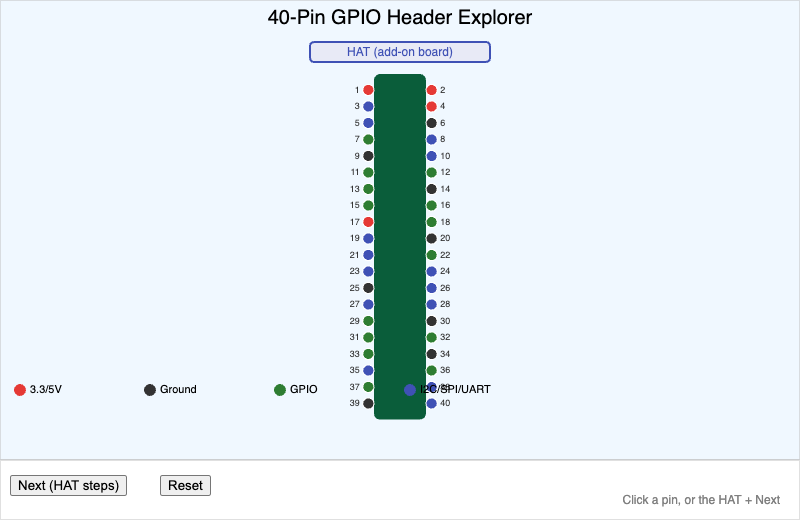
Students will identify (Bloom L1: Remember) the function of pins on the Raspberry Pi 5's 40-pin GPIO header and explain (Bloom L2: Understand) how a kernel driver and device…
-
✅ Analog and Digital Watch Face Designer
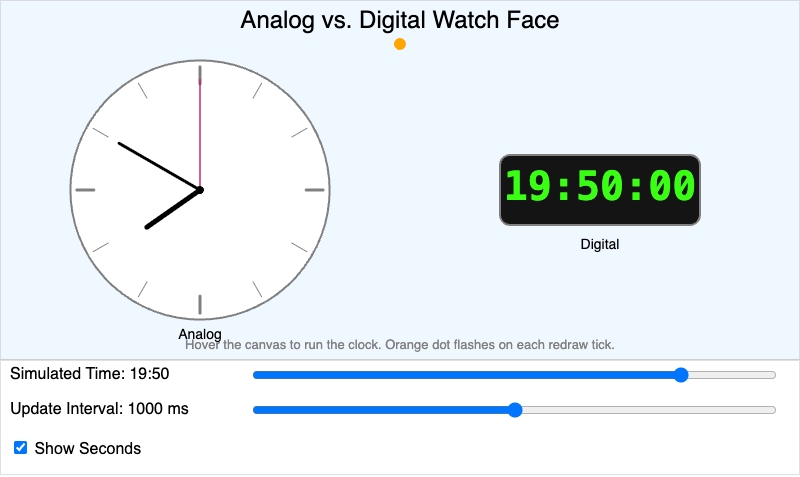
Students will compare (Bloom L4: Analyze) how analog clock hands and digital clock format each represent the identical real-time clock reading, and observe the visible effect of…
-
✅ APT Package Manager Workflow
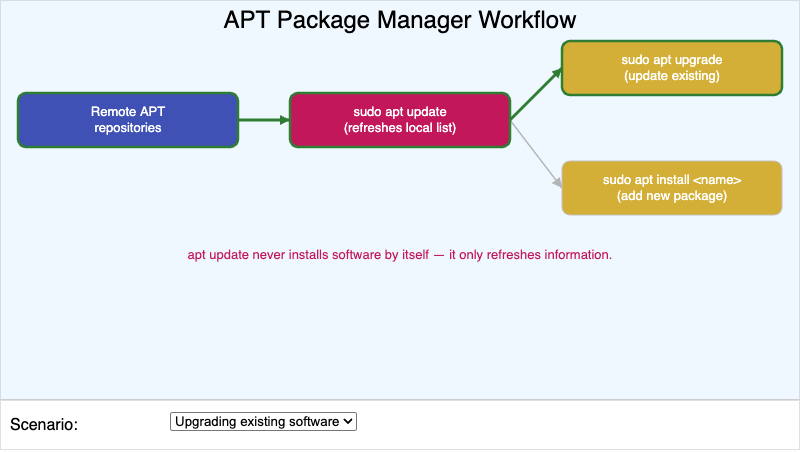
Students will explain (Bloom L2: Understand) the sequence of steps APT follows to update its package list and install or upgrade software.
-
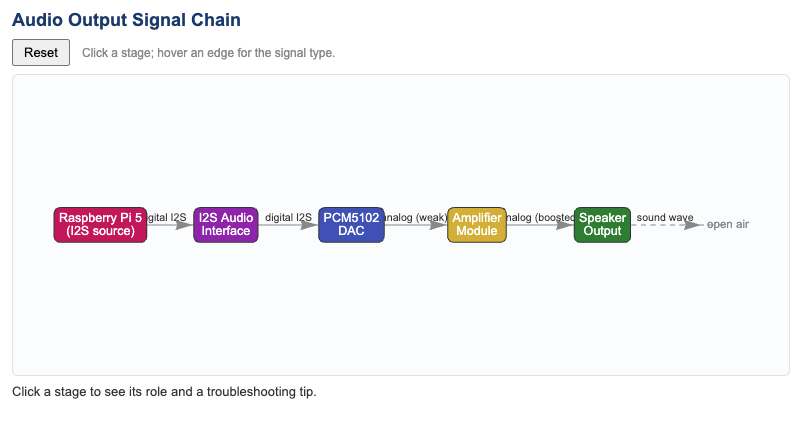
Students will understand (Bloom L2: Understand) the order and role of each hardware stage that converts a digital audio signal into physical sound, and the form the signal takes…
-
✅ Audio Preprocessing Pipeline Flow
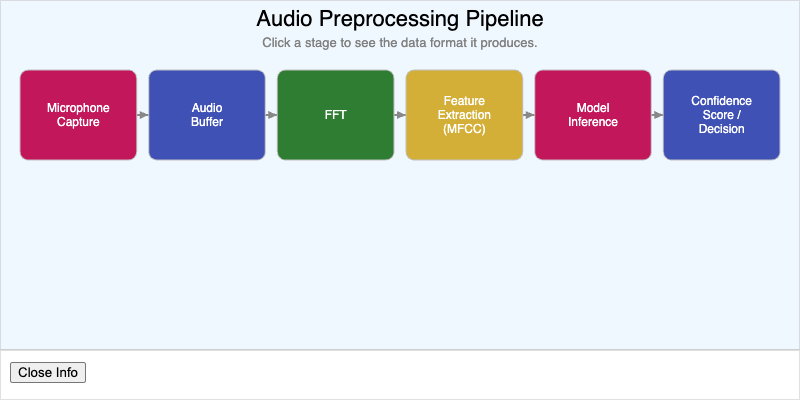
Students will analyze (Bloom L4: Analyze) the stages of an audio preprocessing pipeline from microphone capture to model inference, and identify the data format that exists at…
-
✅ Audio Sampling Rate and Aliasing Explorer
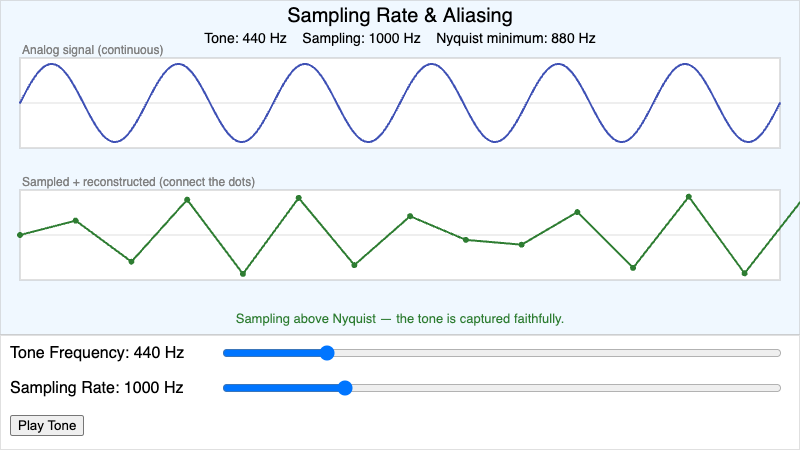
Students will apply (Bloom L3: Apply) the relationship between tone frequency and sampling rate to predict when a digitized signal will show aliasing distortion.
-
✅ Behavior Tree Priority Explorer
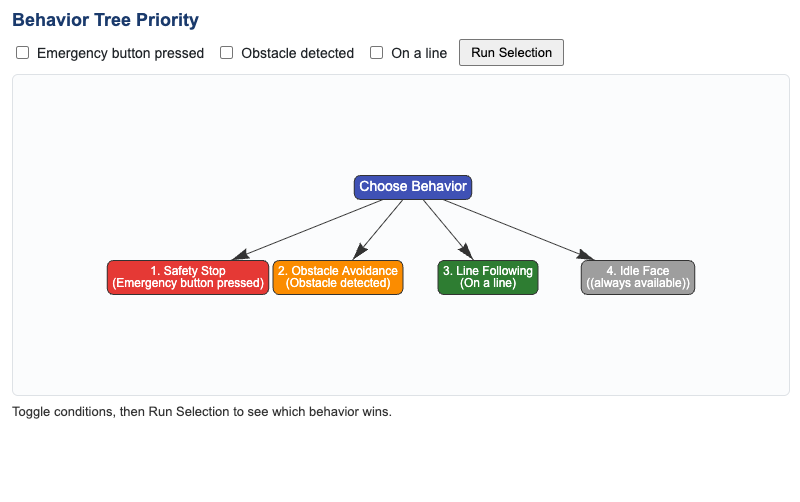
Students will evaluate (Bloom L5: Evaluate) which behavior a priority-based behavior tree selects when multiple sensor conditions are true simultaneously.
-
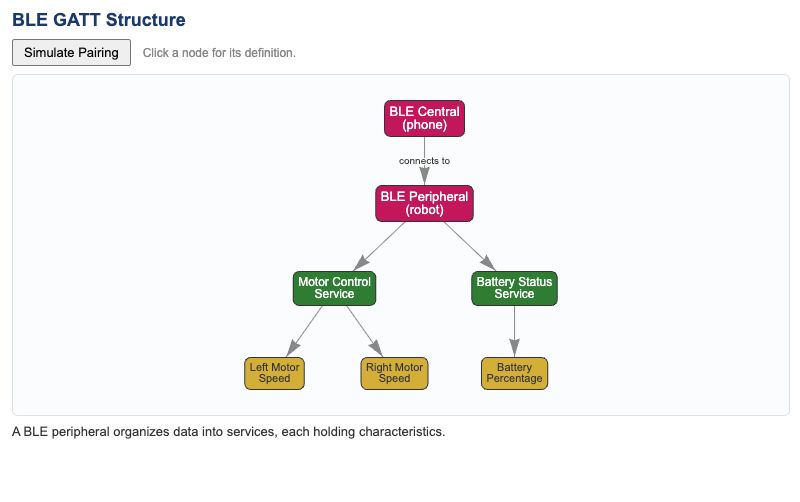
Students will analyze (Bloom L4: Analyze) how a BLE peripheral organizes the data it exposes into services and characteristics, and how a central device connects to access them.
-
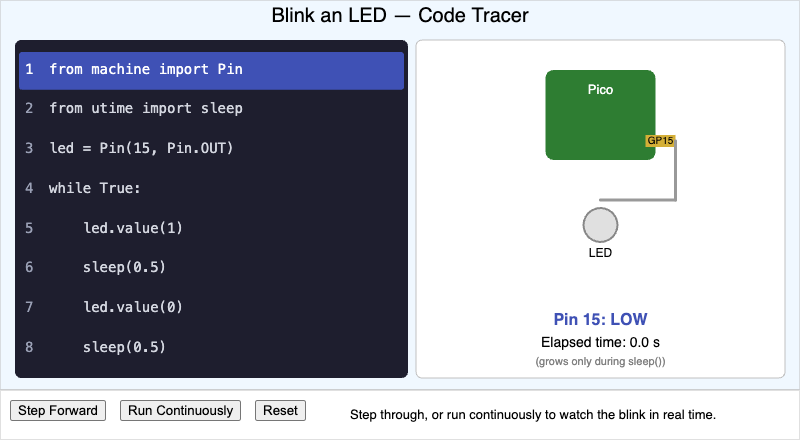
Students will apply (Bloom L3: Apply) knowledge of MicroPython syntax to trace the blink-an-LED program line by line and predict the resulting GPIO pin state and LED behavior at…
-
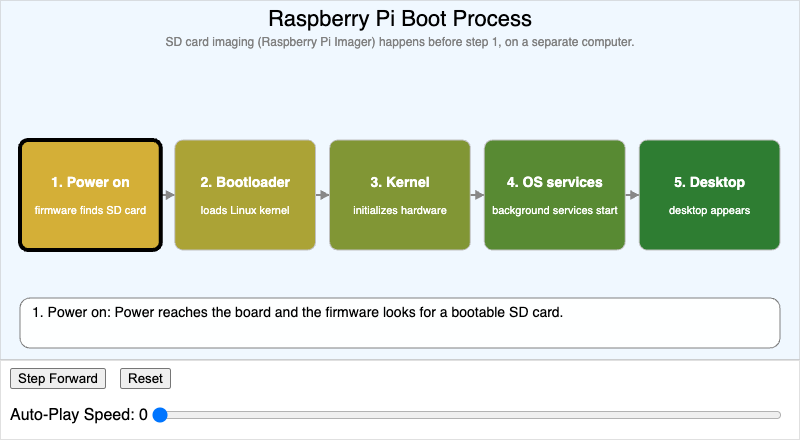
Students will explain (Bloom L2: Understand) the sequence of steps a Raspberry Pi 500+ follows between power-on and a usable Linux desktop.
-
✅ Bounding Box and Confidence Threshold Explorer
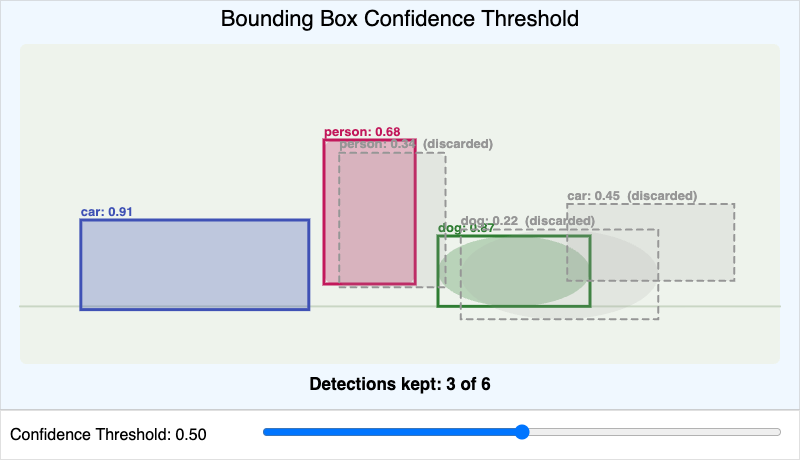
Students will apply (Bloom L3: Apply) a confidence threshold to decide which of a model's candidate detections should be kept or discarded.
-
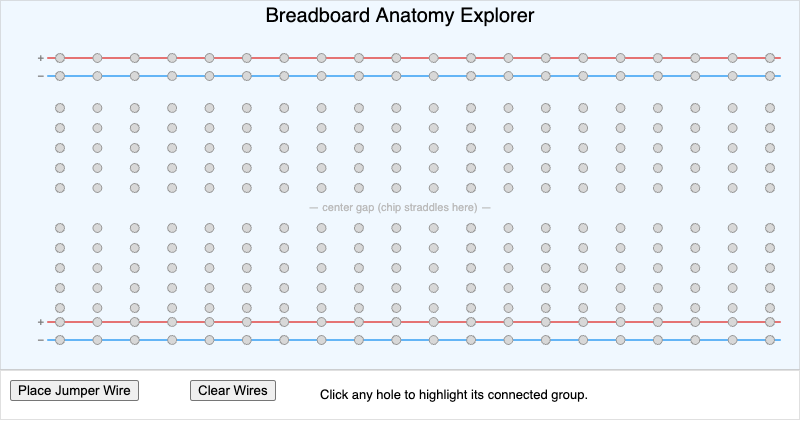
Students will identify (Bloom L1: Remember) which holes on a breadboard are electrically connected, and trace (Bloom L2: Understand) a circuit path from a power rail through a…
-
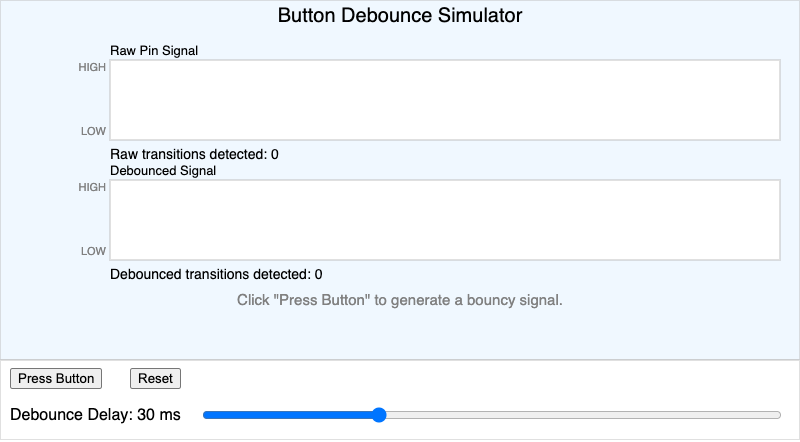
Students will analyze (Bloom L4: Analyze) why a mechanical button's raw electrical signal bounces between high and low immediately after a press, and evaluate (Bloom L5…
-
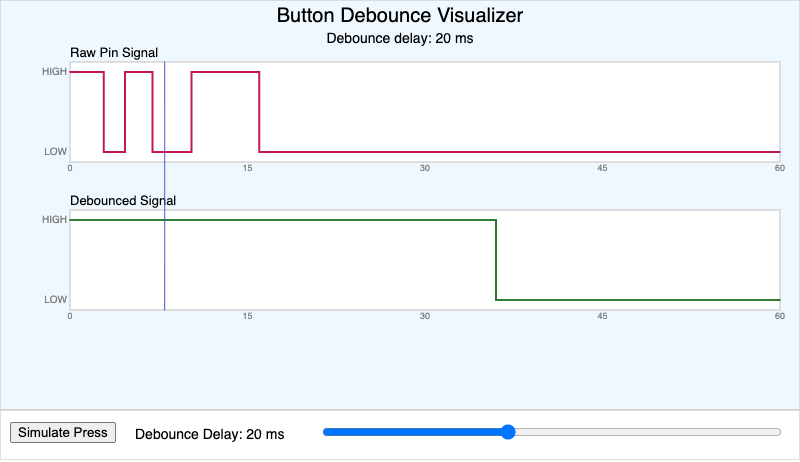
Students will analyze (Bloom L4: Analyze) how mechanical switch bounce produces a noisy raw signal and how a debounce delay converts it into a single clean logical event.
-
✅ Buzzer Tone Generator Simulator
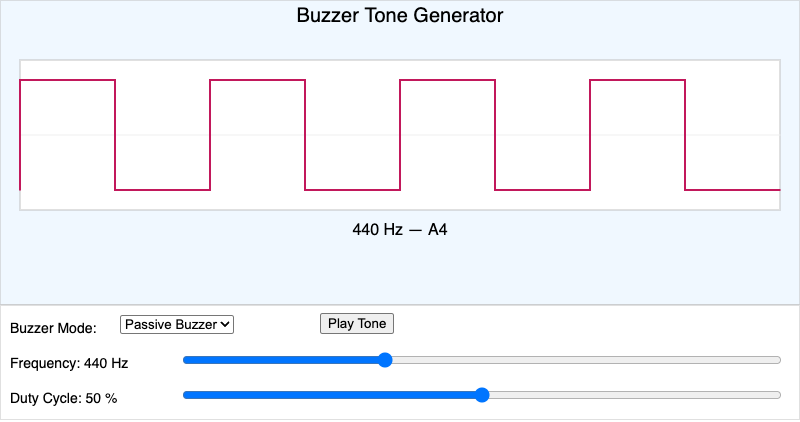
Students will compare (Bloom L4: Analyze) how active and passive buzzers respond to code, and apply (Bloom L3: Apply) a frequency value to generate a target musical pitch on a…
-
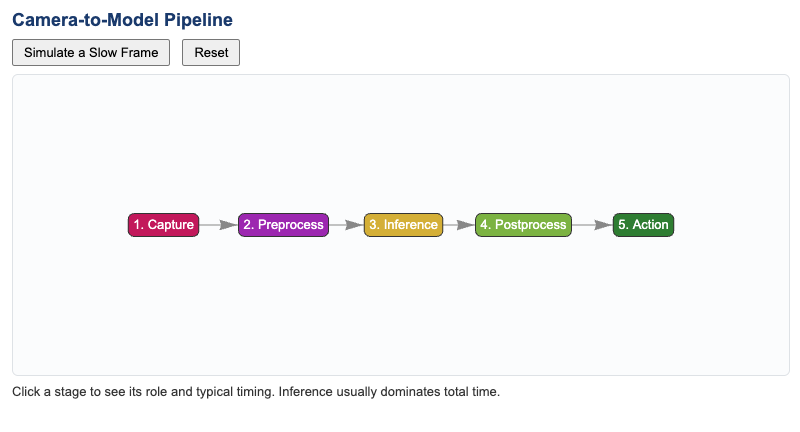
Students will decompose (Bloom L4: Analyze) a real-time object detection pipeline into its component stages and identify which stage is responsible for a given delay or error.
-
✅ Capstone Challenge Type Picker
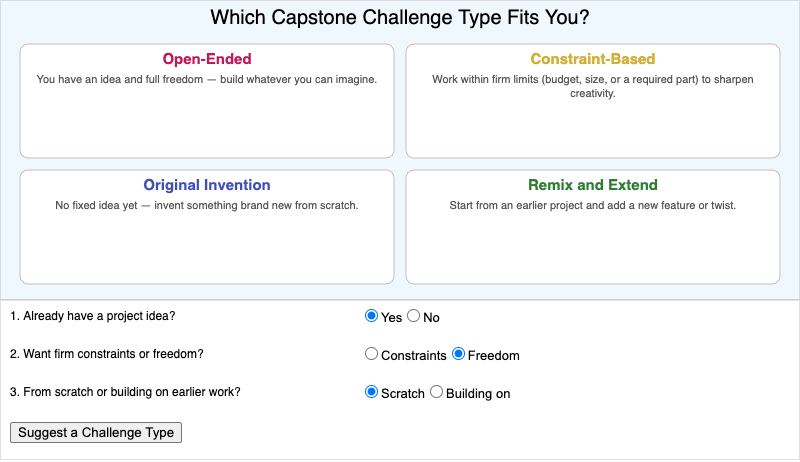
Students will evaluate (Bloom L5: Evaluate) which capstone challenge type — open-ended, constraint-based, original invention, or remix and extend — best fits their own project…
-
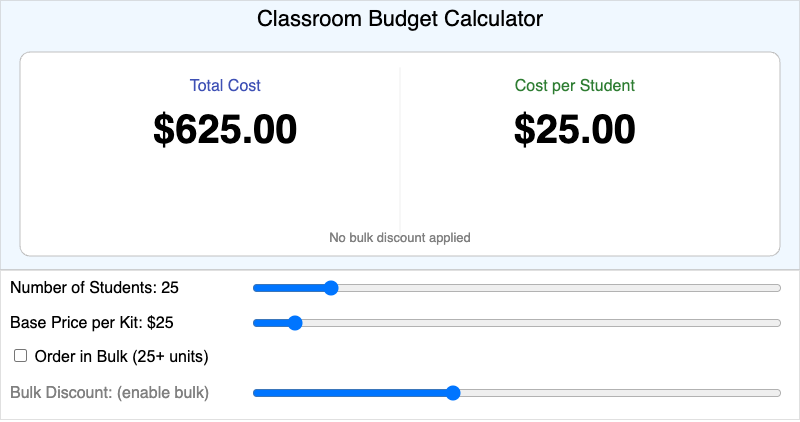
Students will apply (Bloom L3: Apply) class size, per-kit price, and bulk discount rate to compute a realistic total project cost and cost per student.
-
✅ Classroom Lighting Effects Picker
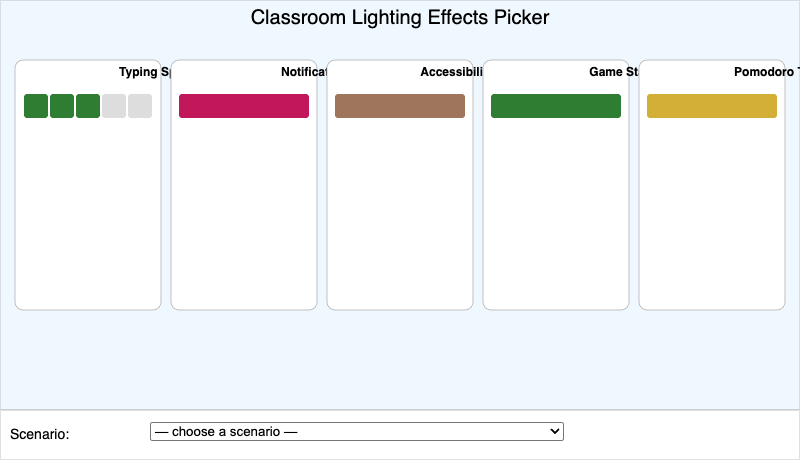
Students will evaluate (Bloom L5: Evaluate) which lighting design — typing speed indicator, notification pattern, accessibility cue, game status indicator, or Pomodoro timer…
-
✅ Color Wheel and Rainbow Cycle Explorer
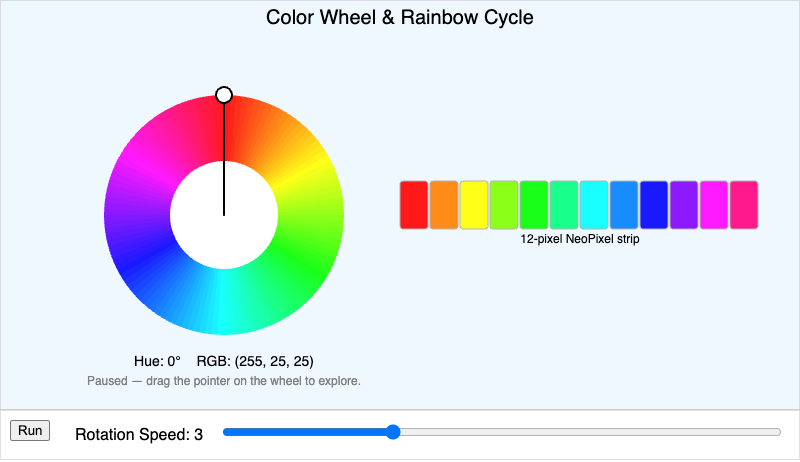
Students will interpret (Bloom L2: Understand) how rotating a hue value around a color wheel produces a rainbow cycle animation across a simulated NeoPixel strip.
-
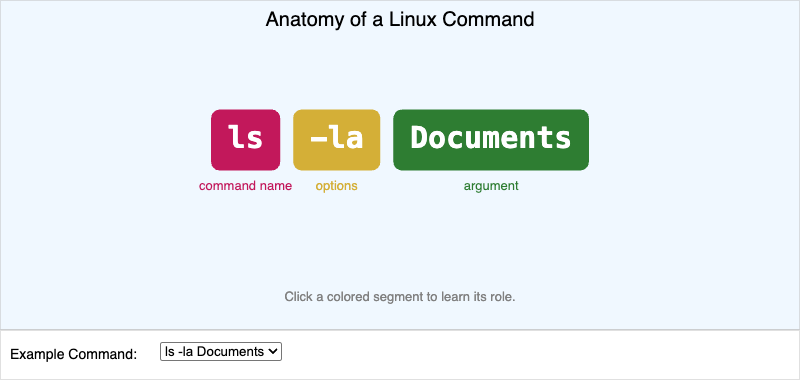
Students will analyze (Bloom L4: Analyze) how a Linux command is built from a command name, options, and arguments, using
lsandcdas examples. -
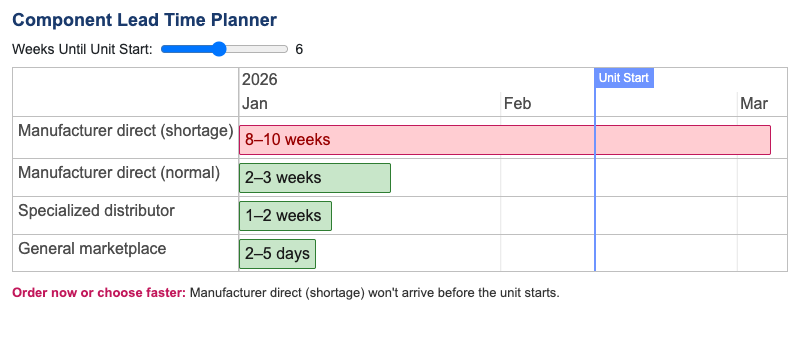
Students will evaluate (Bloom L5: Evaluate) sourcing options based on lead time to decide when a classroom order must be placed relative to a unit's start date.
-
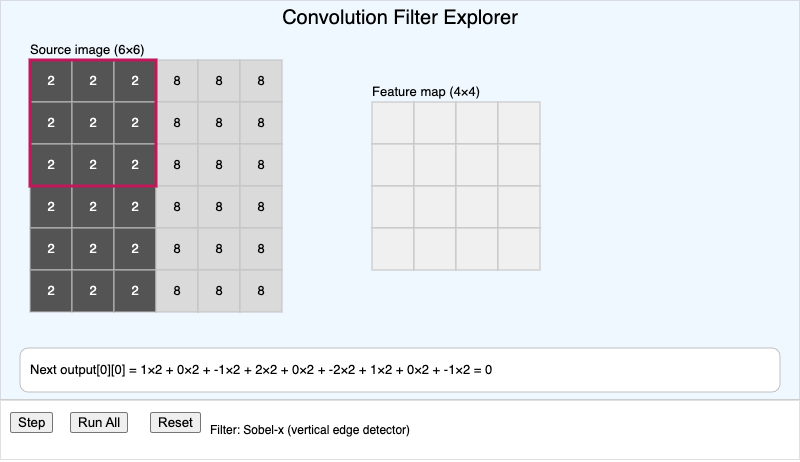
Students will apply (Bloom L3: Apply) a small convolution filter to a grid of pixel values and predict the resulting feature map value at each position.
-
✅ Cooperative Multitasking Timeline Simulator
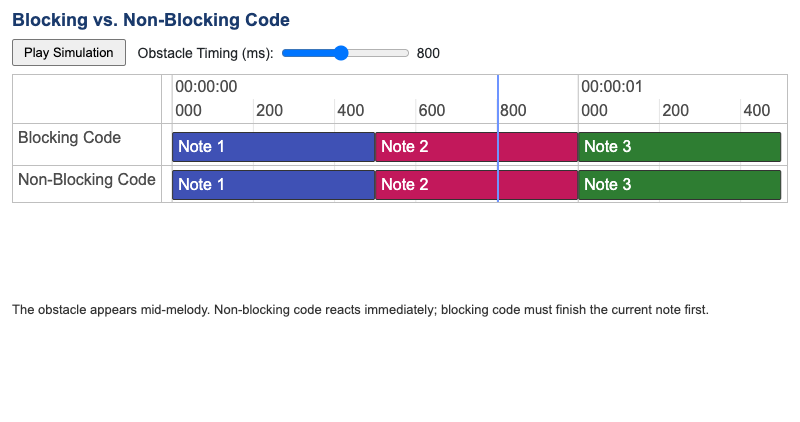
Students will compare (Bloom L4: Analyze) how blocking
sleep_ms()code versus non-blocking,ticks_ms()-based code affects a robot's ability to respond to a sensor event… -
✅ Cost Per Student by Hardware Tier
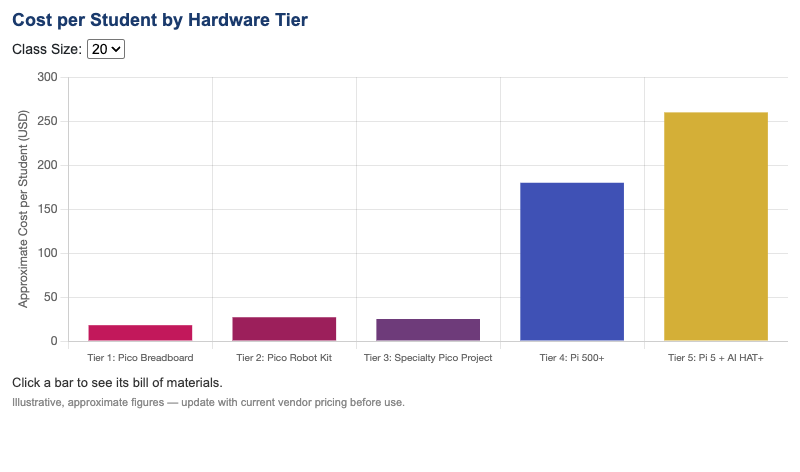
Students will analyze (Bloom L4: Analyze) how cost per student varies across the book's five hardware tiers to select a budget-appropriate project for a given class size.
-
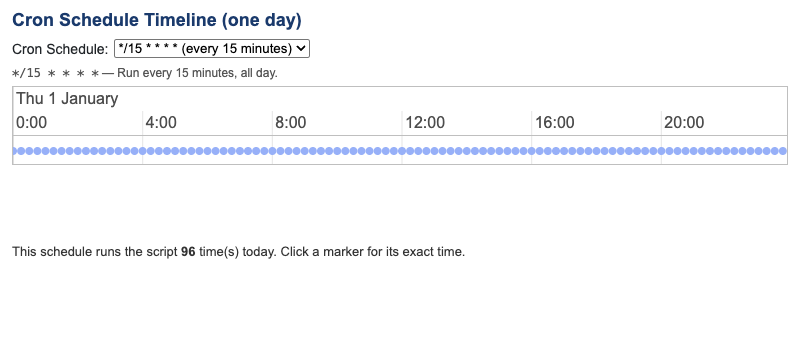
Students will apply (Bloom L3: Apply) cron schedule syntax to predict the specific times a scheduled shell script will run over a sample day.
-
✅ Cross-Tier Capstone Architecture
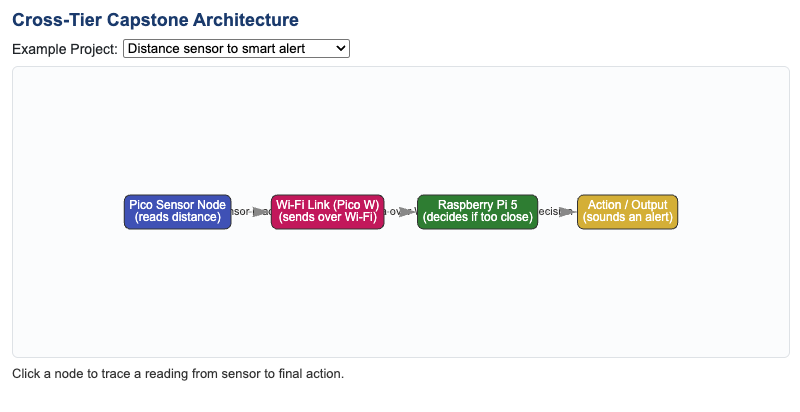
Students will analyze (Bloom L4: Analyze) how components across two hardware tiers communicate in a cross-tier capstone project, tracing a reading from sensor to final action.
-
✅ Damage and Repair Triage Guide
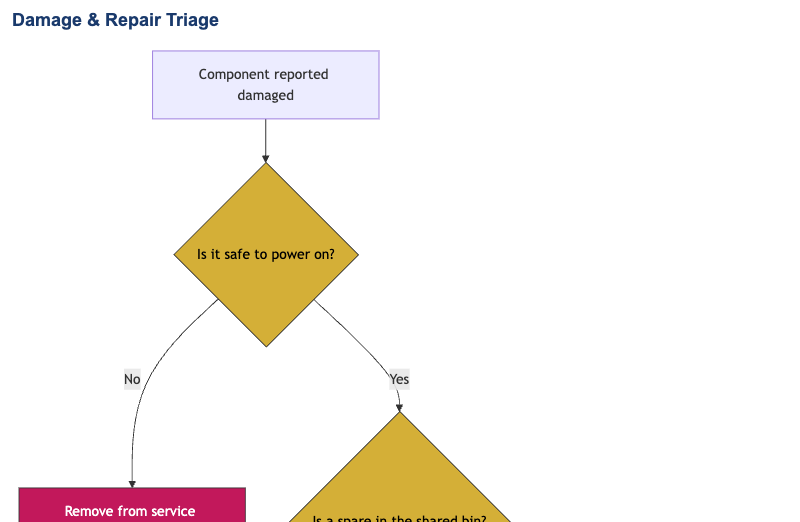
Students will apply (Bloom L3: Apply) a damage-and-repair triage process to decide whether a damaged component should be repaired, replaced from spares, or removed from the kit…
-
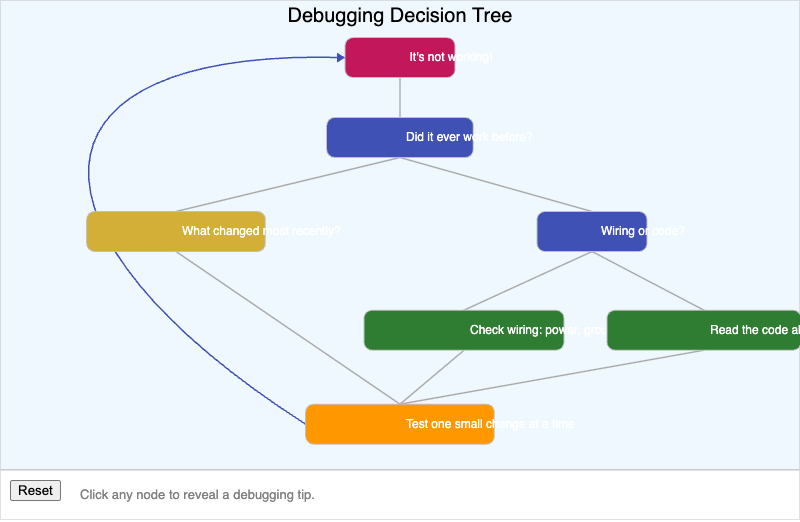
Students will apply (Bloom L3: Apply) a structured debugging process to select an appropriate strategy for diagnosing a broken circuit or program.
-
✅ Differential Drive Path Simulator
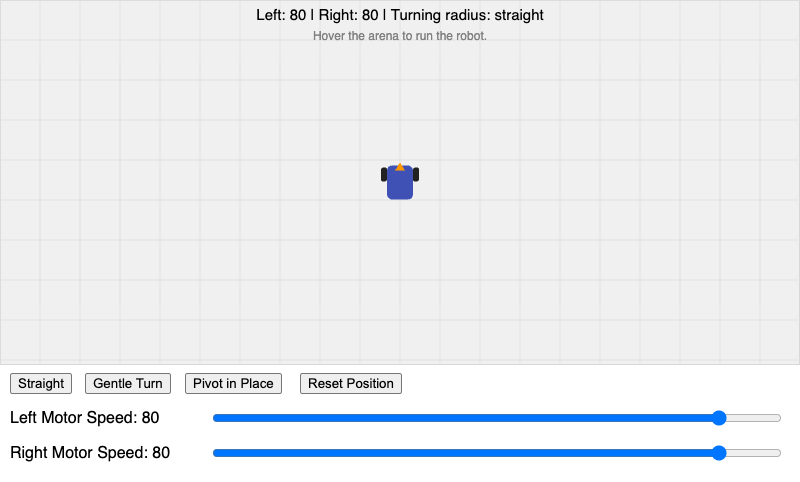
Students will predict (Bloom L3: Apply) a two-wheeled robot's path -- straight, curved, or pivoting -- from a chosen pair of left and right motor speed values.
-
✅ Display Driver Family Explorer
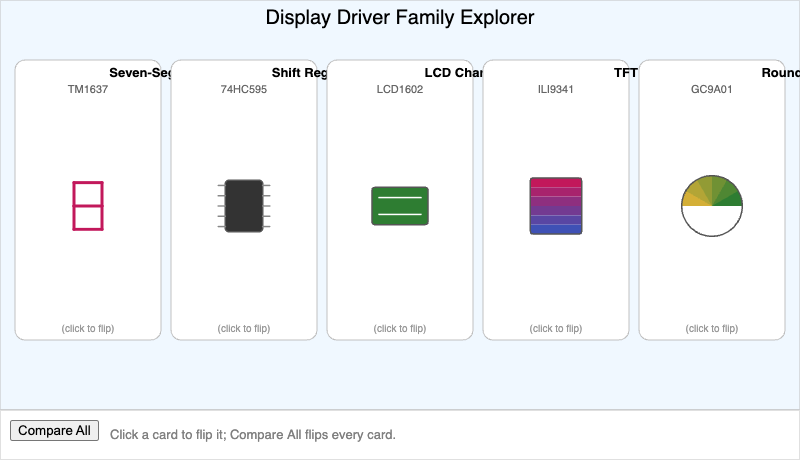
Students will classify (Bloom L2: Understand) each display driver family by its communication protocol, typical resolution, and best-fit clock or watch use case.
-
✅ Engineering Design Process Loop
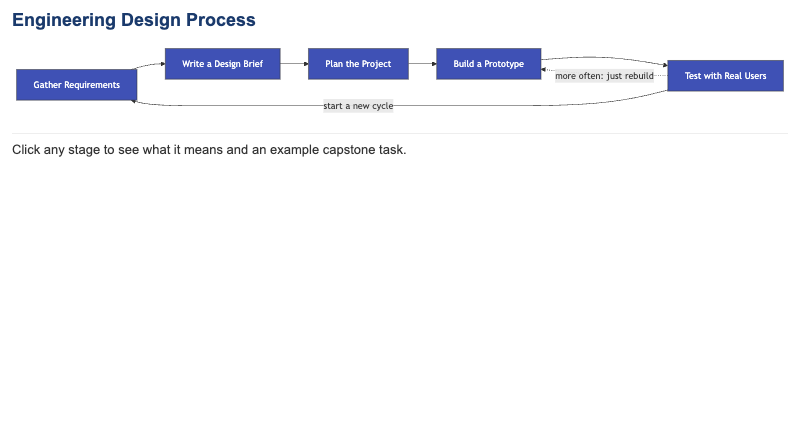
Students will apply (Bloom L3: Apply) the stages of the engineering design process to plan their own capstone project, recognizing which stage a given planning activity belongs…
-
✅ Epoch Time and Time Zone Converter
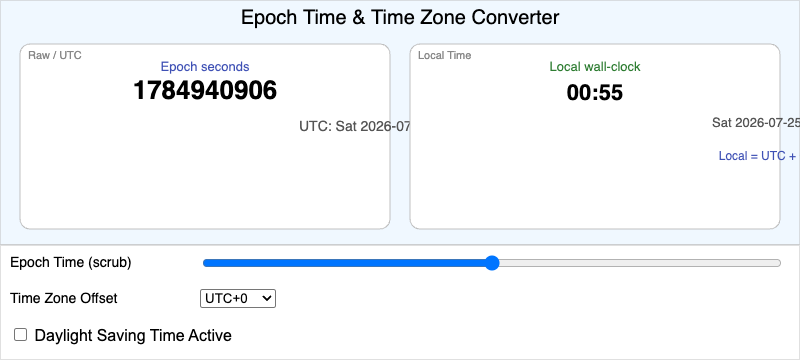
Students will apply (Bloom L3: Apply) a time zone offset and a daylight saving adjustment to convert a raw epoch timestamp into correct local wall-clock time.
-
✅ False Positive and False Negative Explorer
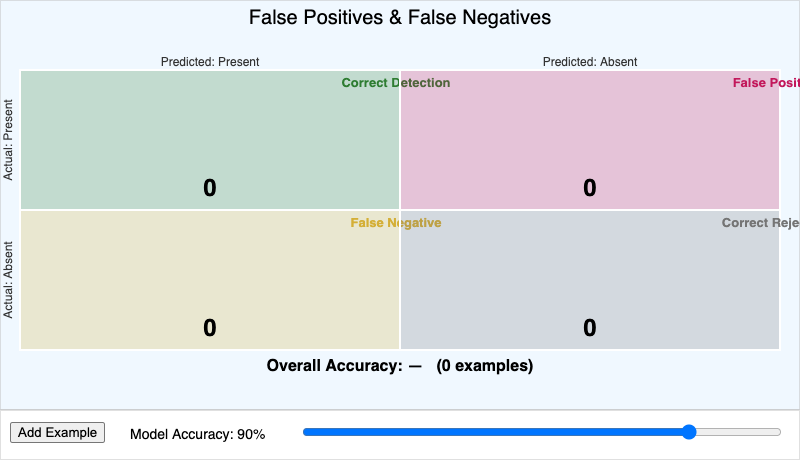
Students will classify (Bloom L4: Analyze) a model's prediction outcomes as correct detections, false positives, or false negatives, and connect the pattern of those outcomes to…
-
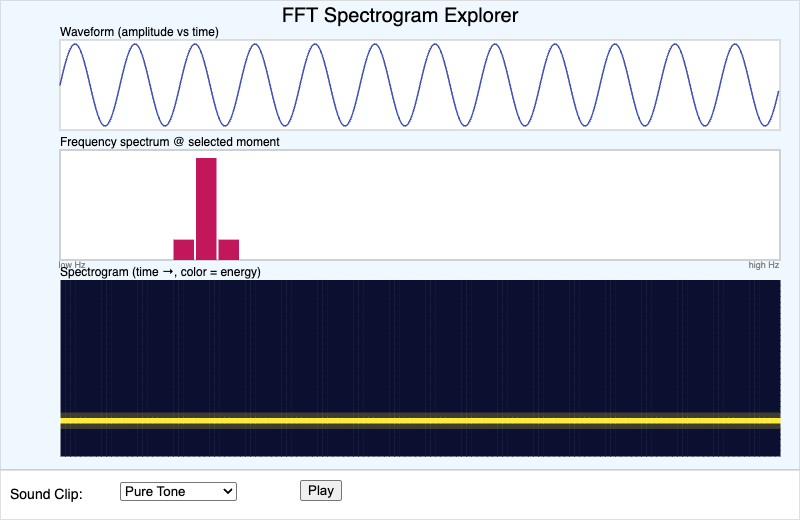
Students will analyze (Bloom L4: Analyze) how a waveform, a frequency spectrum, and a spectrogram represent the same sound in three different ways, and identify how sound type…
-
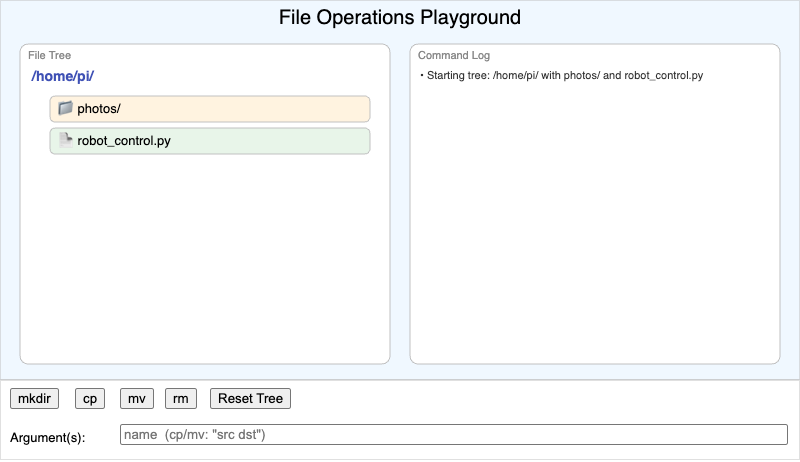
Students will apply (Bloom L3: Apply) mkdir, cp, mv, and rm commands to predict how a virtual file tree changes after each command.
-
✅ File Permissions and Chmod Simulator
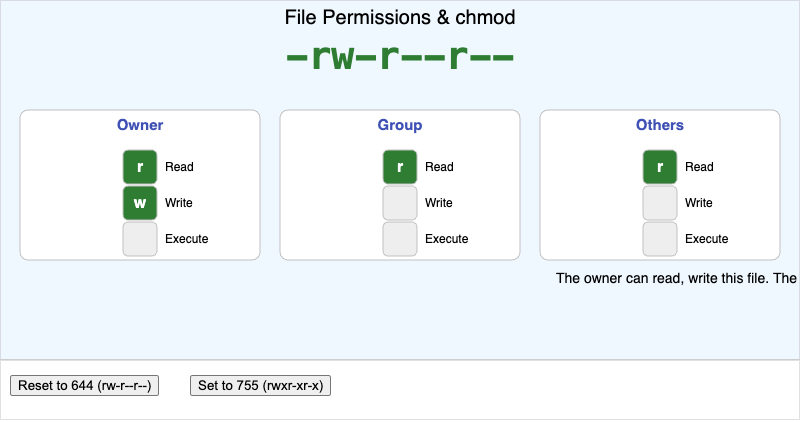
Students will apply (Bloom L3: Apply) a chmod permission change to a file and predict the resulting read/write/execute access for owner, group, and others.
-
✅ Flowchart and Pseudocode Explorer
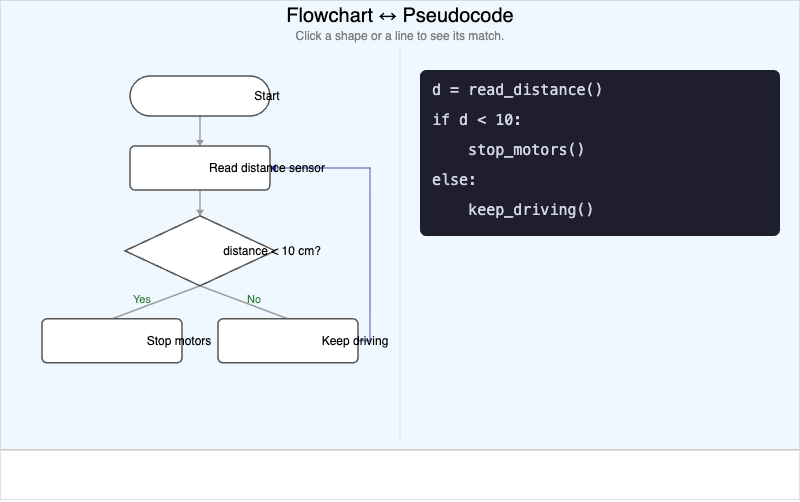
Students will analyze (Bloom L4: Analyze) the correspondence between a flowchart's graphical steps and the equivalent lines of pseudocode for a simple sense-and-react algorithm.
-
✅ Four Pillars of Computational Thinking
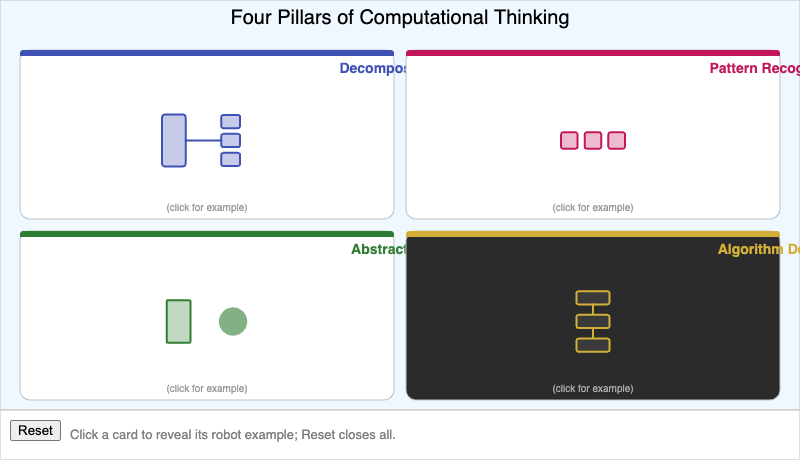
Students will explain (Bloom L2: Understand) how decomposition, pattern recognition, abstraction, and algorithm design each contribute to solving a physical computing problem.
-
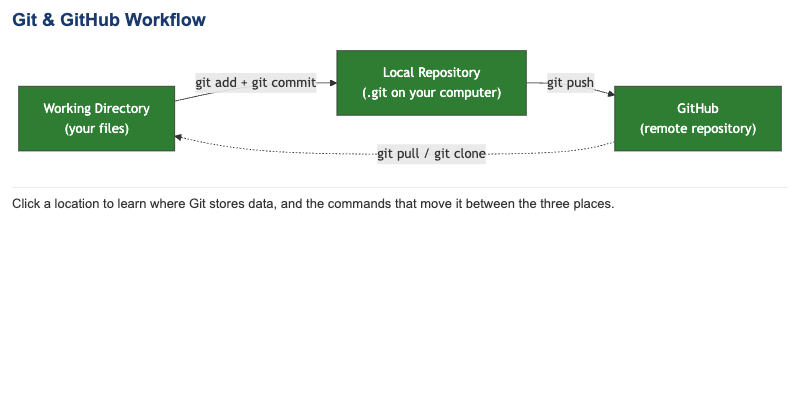
Git and GitHub Workflow
-
✅ Global vs Rolling Shutter Simulator
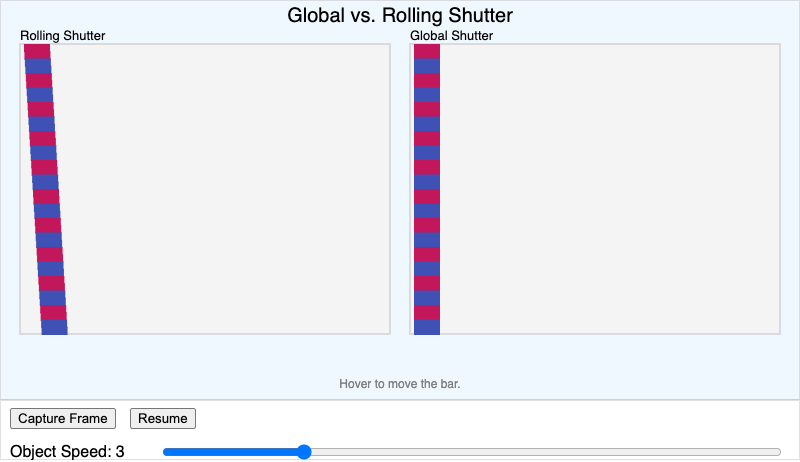
Students will analyze (Bloom L4: Analyze) how a rolling shutter camera's row-by-row capture produces a skewed image of a fast-moving object compared to a global shutter camera's…
-
✅ H-Bridge Motor Driver Explorer
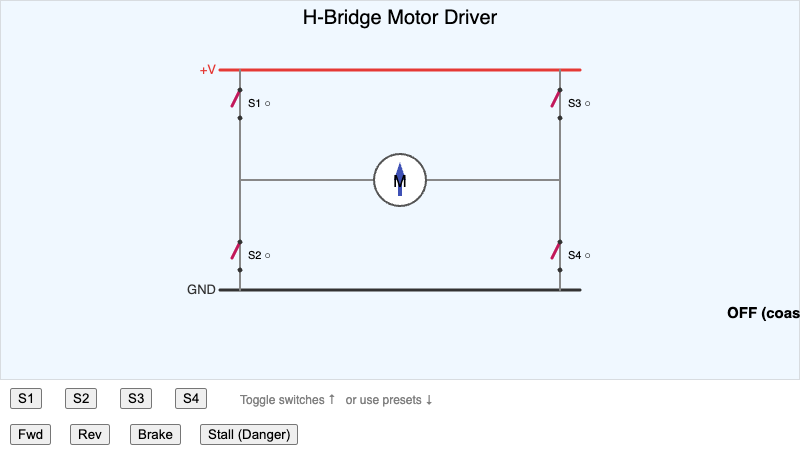
Students will analyze (Bloom L4: Analyze) how an H-bridge's four switch positions determine a DC motor's direction, braking, or stall condition.
-
✅ Headless Pi 5 Setup Workflow
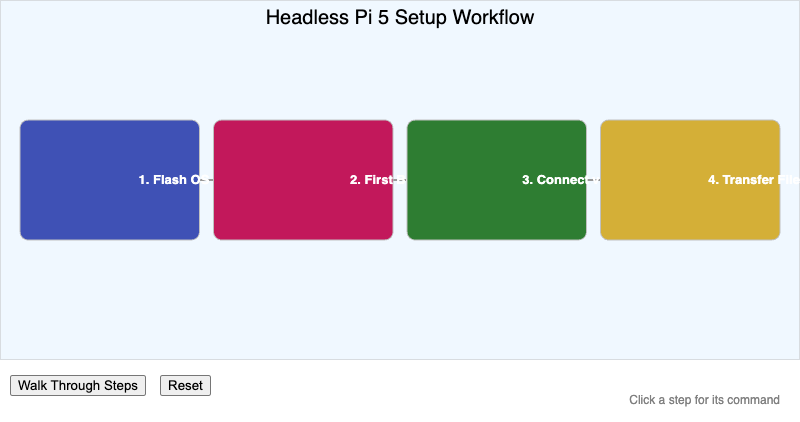
Students will sequence (Bloom L3: Apply) the steps required to set up and connect to a Raspberry Pi 5 without a directly attached monitor.
-
✅ HTTP Client-Server Request/Response Explorer
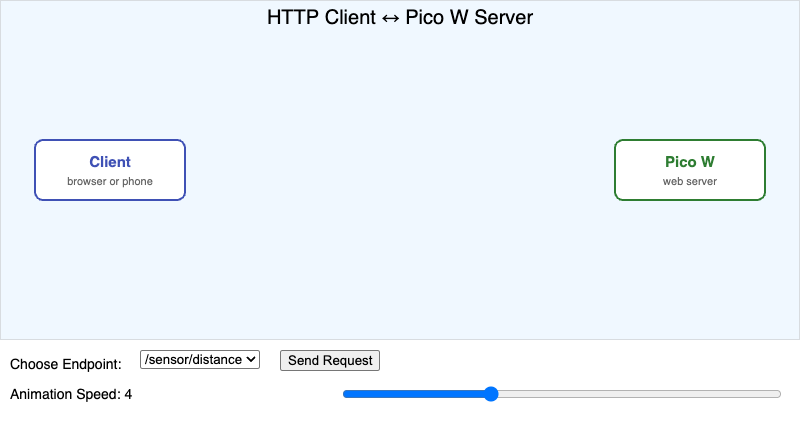
Students will analyze (Bloom L4: Analyze) the structure of an HTTP request and its matching HTTP response as they travel between a client and a Pico W web server.
-
✅ I2C Bus and Address Explorer
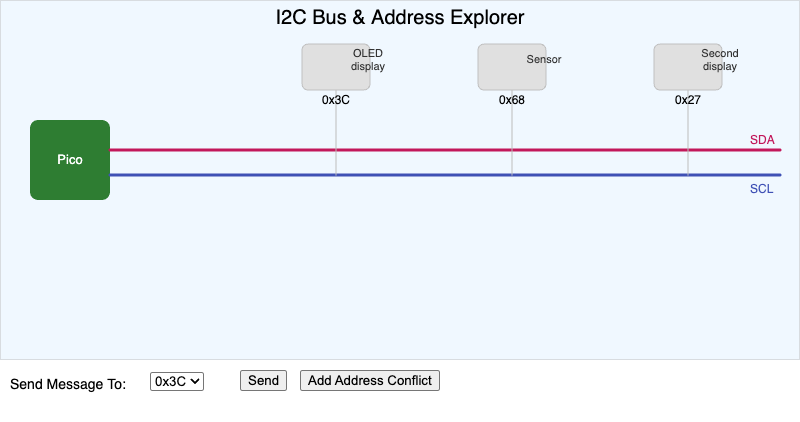
Students will explain (Bloom L2: Understand) how multiple I2C devices share the same two wires by responding only to messages addressed to their own unique I2C address.
-
✅ Inference Latency and Frames Per Second Benchmark Chart
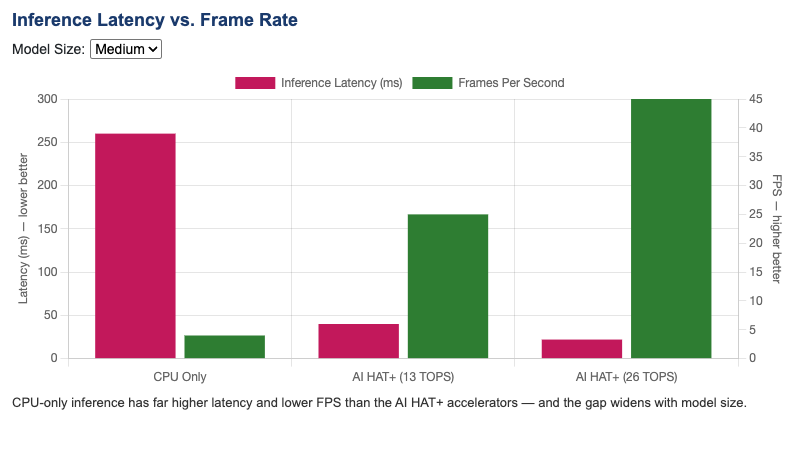
Students will interpret (Bloom L4: Analyze) a benchmark comparing inference latency and frame rate across CPU-only inference and two AI HAT+ hardware accelerator variants.
-
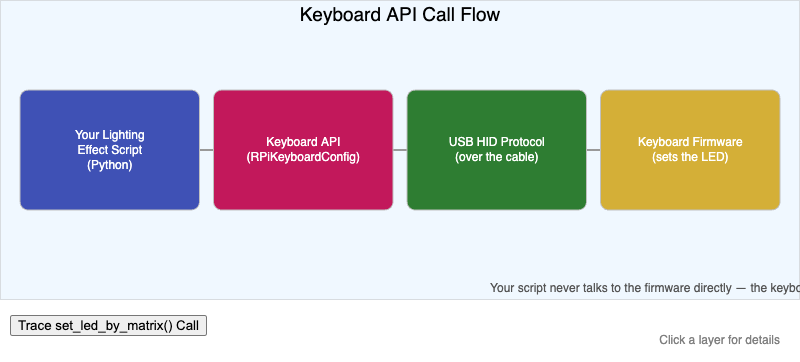
Students will analyze (Bloom L4: Analyze) the layers between a Python lighting effect script and an illuminated key, from the keyboard API down to the firmware.
-
✅ Keyboard Matrix and Scan Code Explorer
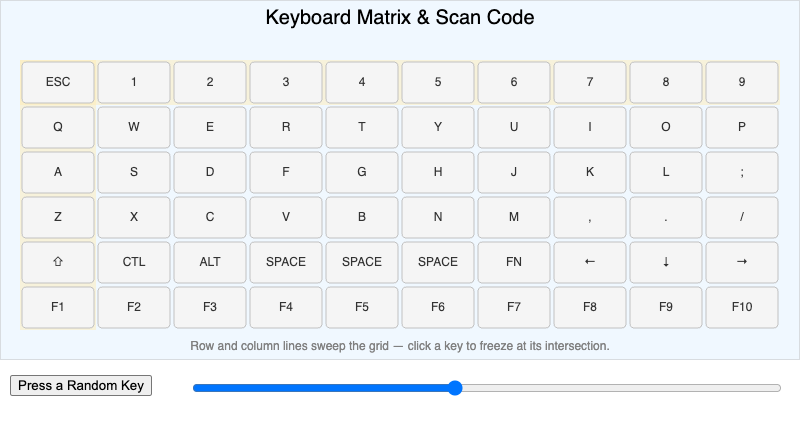
Students will explain (Bloom L2: Understand) how a keyboard matrix's row/column grid and a resulting scan code identify a specific pressed key.
-
✅ Lab Station Layout and Group Size Planner
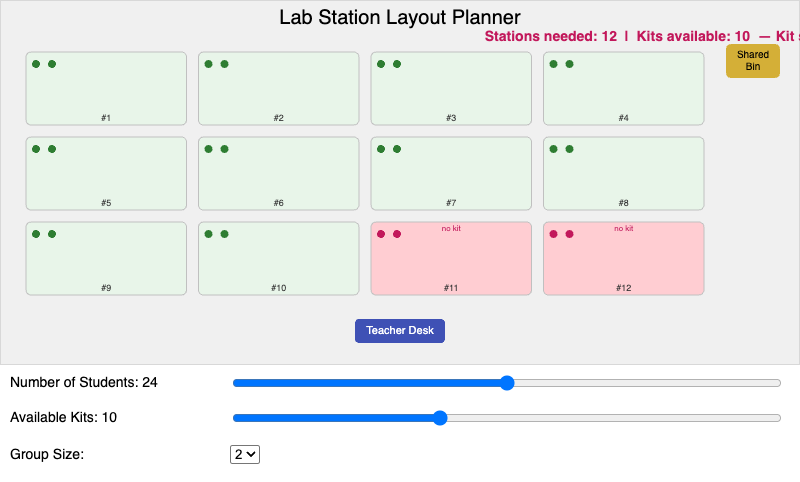
Students will apply (Bloom L3: Apply) group size and station layout decisions to configure a classroom lab for a given number of students and available kits.
-
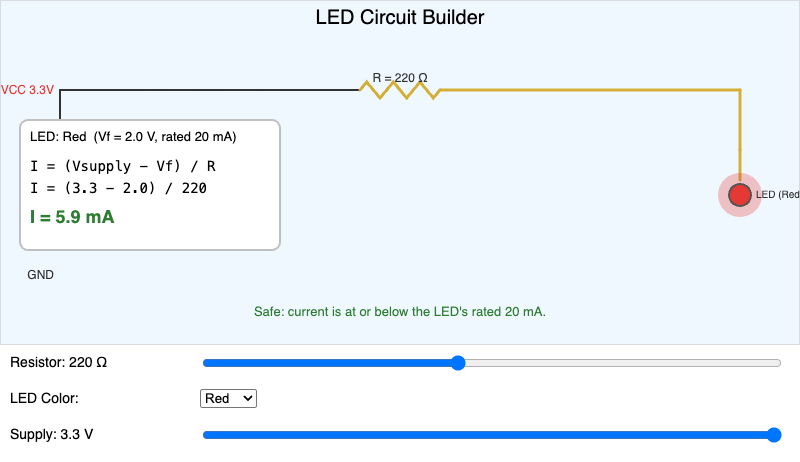
Students will apply (Bloom L3: Apply) the current-limiting resistor formula to build a safe LED circuit, and analyze (Bloom L4: Analyze) what happens to current and LED…
-
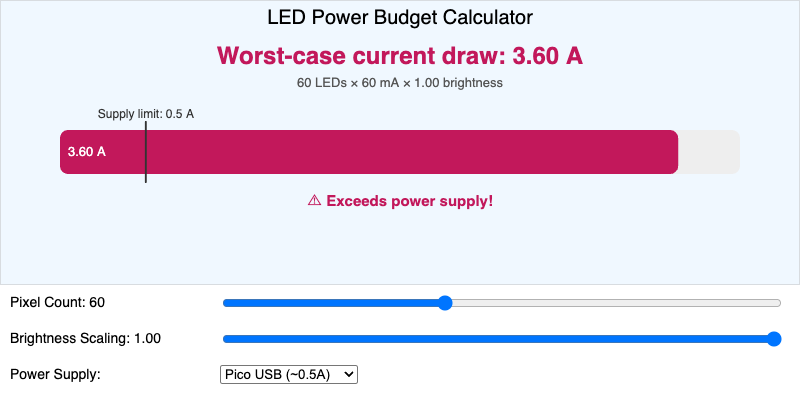
Students will calculate (Bloom L3: Apply) the total current draw of a NeoPixel strip from pixel count and brightness scaling, and evaluate (Bloom L5: Evaluate) whether a given…
-
✅ Lighting Animation Loop and Gradient Simulator
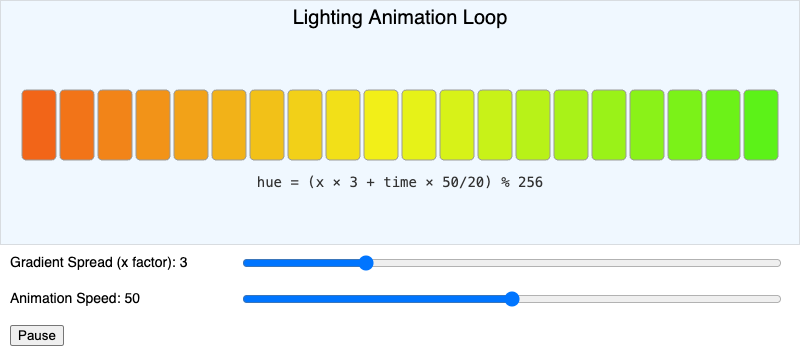
Students will analyze (Bloom L4: Analyze) how an animation loop's per-frame hue calculation, based on key position and time, produces a moving color gradient effect.
-
✅ Line Following Reflectance Sensor Simulator
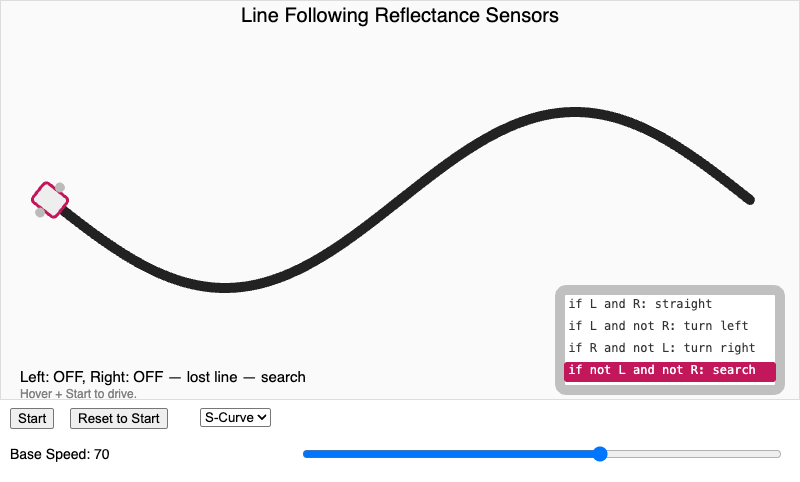
Students will analyze (Bloom L4: Analyze) how a pair of reflectance sensor readings determines a line-following robot's steering correction at each moment along a curving path.
-
✅ Linux File System Hierarchy Explorer
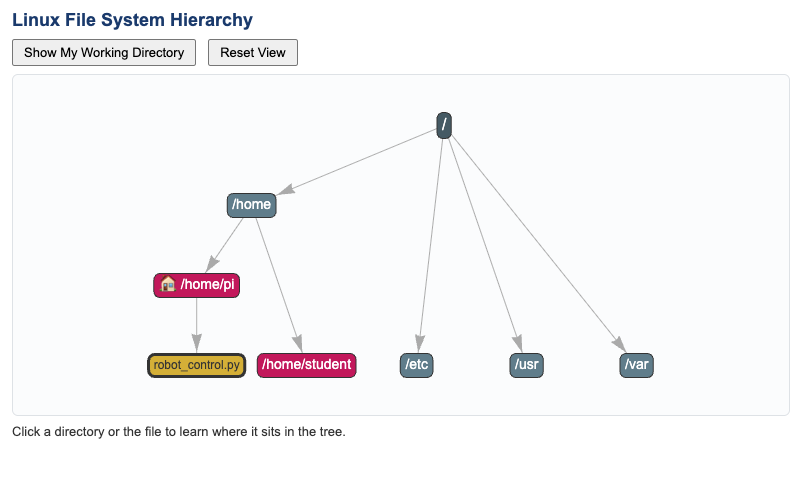
Students will analyze (Bloom L4: Analyze) how directories are organized in the Linux file system hierarchy, and locate the home directory and current working directory within it.
-
✅ Microcontroller vs. Single Board Computer
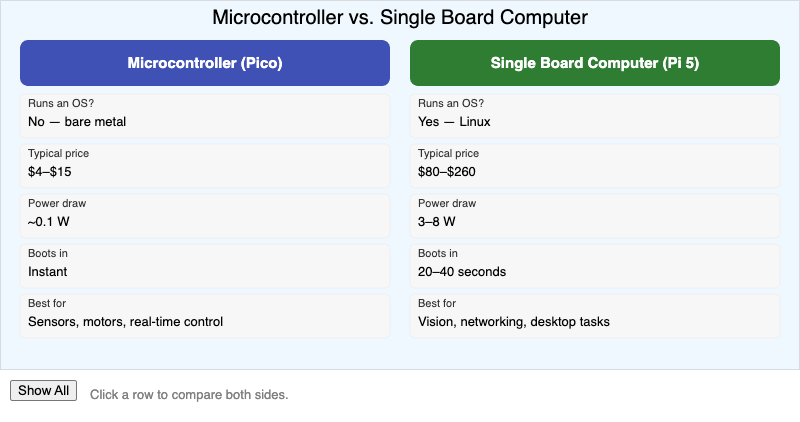
Students will differentiate (Bloom L4: Analyze) microcontrollers from single board computers based on operating system support, cost, power draw, and typical use case.
-
✅ Model Compression Tradeoff Explorer
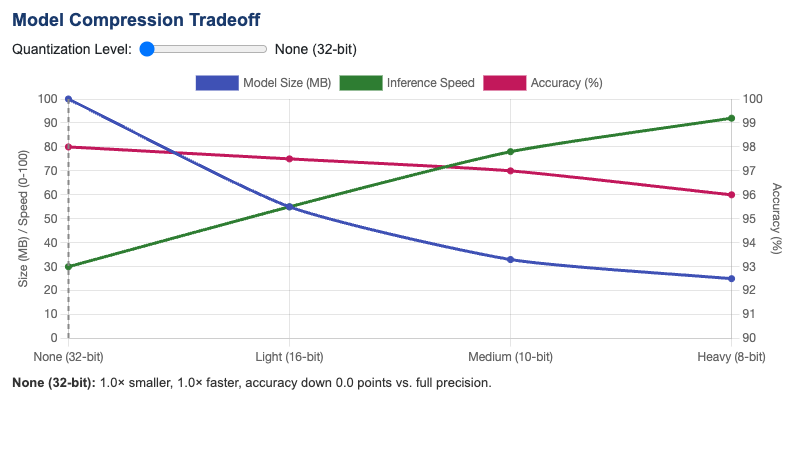
Students will analyze (Bloom L4: Analyze) the tradeoff between model size, inference speed, and accuracy as a model is progressively quantized and compressed.
-
✅ Moving Average Filter Simulator
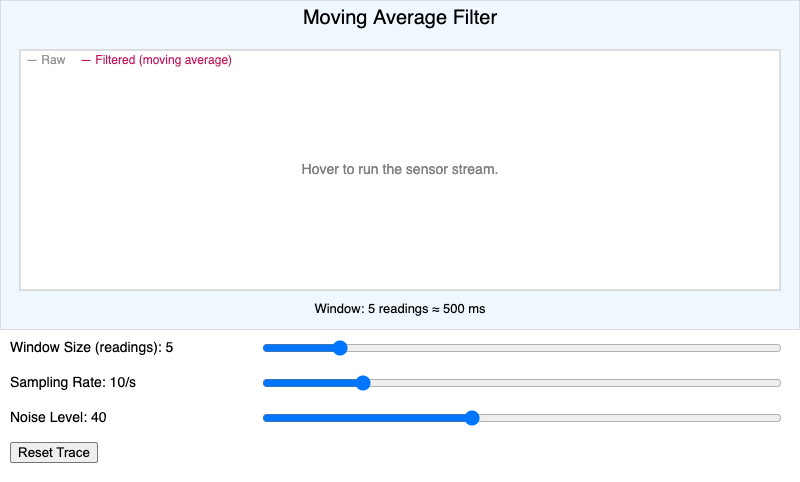
Students will evaluate (Bloom L5: Evaluate) how window size and sampling rate together affect a moving average filter's tradeoff between responsiveness and noise reduction.
-
✅ MQTT Publish-Subscribe Simulator
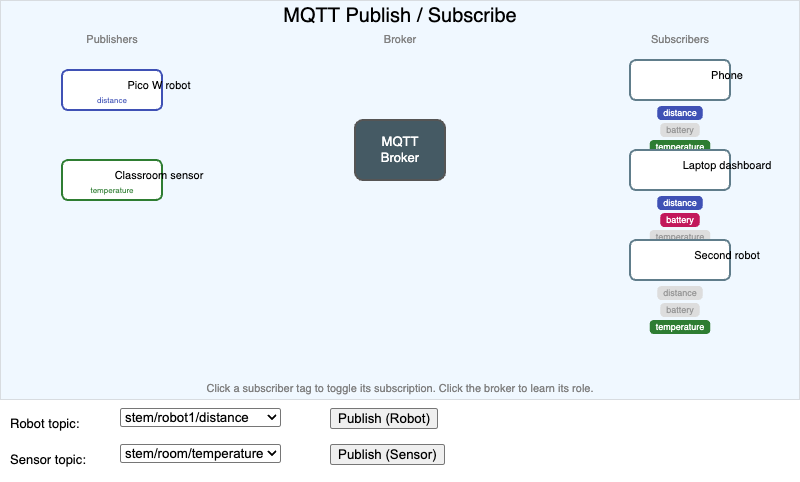
Students will understand (Bloom L2: Understand) how a publisher, an MQTT broker, and one or more subscribers exchange messages organized by topic.
-
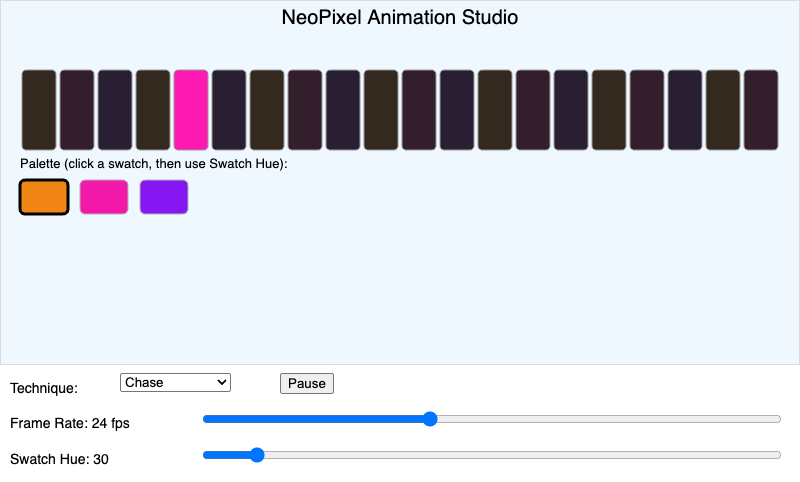
Students will create (Bloom L6: Create) an original NeoPixel animation by combining color fade, chase, sparkle, and rainbow cycle techniques with a chosen color palette on a…
-
✅ NeoPixel Library Method Explorer
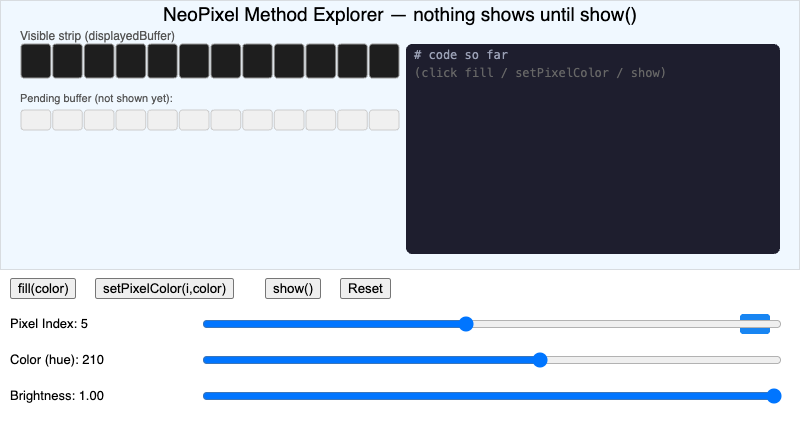
Students will apply (Bloom L3: Apply) the fill, set pixel color, and show methods, together with brightness scaling, to produce a target appearance on a simulated 12-pixel…
-
✅ Network Reliability Simulator
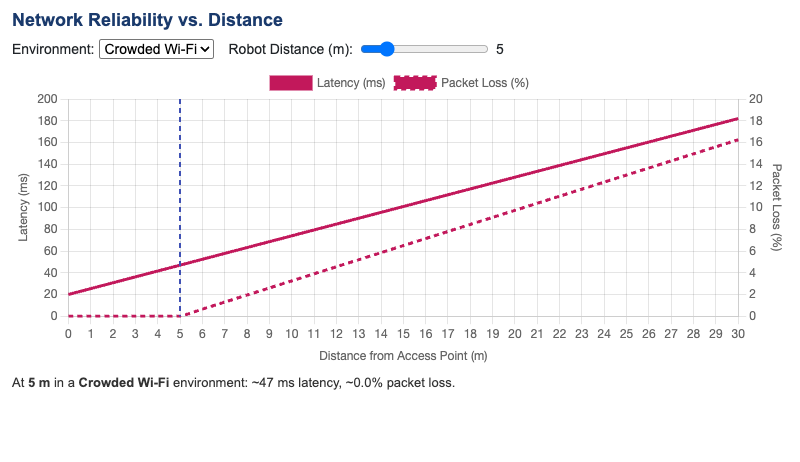
Students will analyze (Bloom L4: Analyze) how increasing distance between a robot and its access point affects network latency and packet loss.
-
✅ Neural Network Layer Explorer
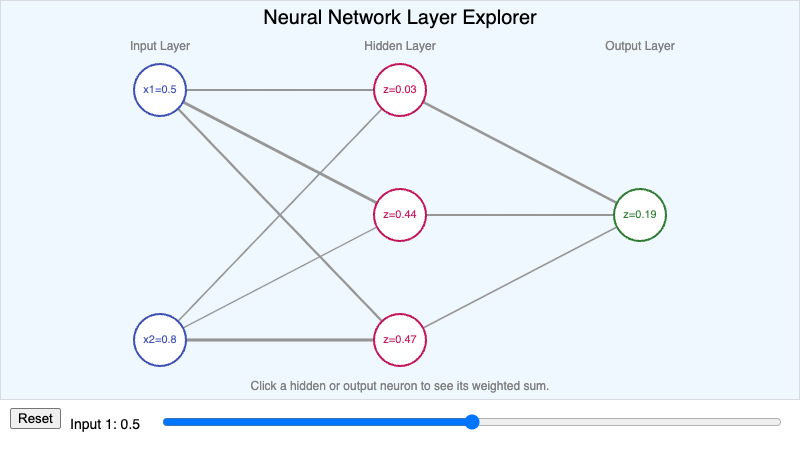
Students will explain (Bloom L2: Understand) how a neuron computes a weighted sum of its inputs and how neurons connect across layers to form a neural network.
-
✅ Non-Maximum Suppression Demo
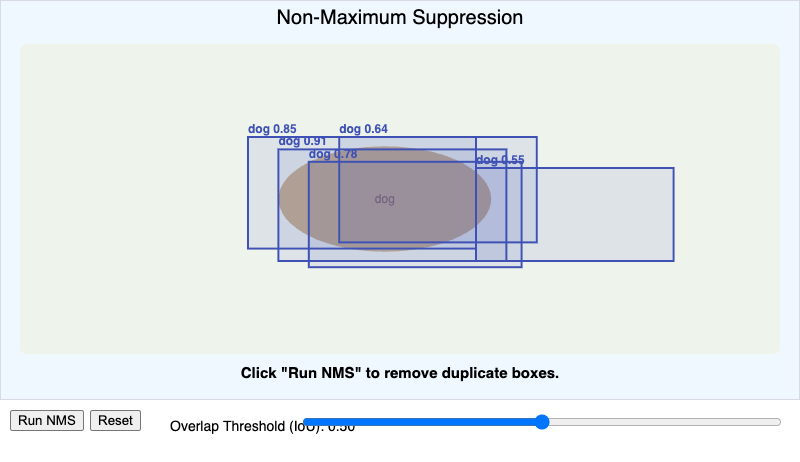
Students will apply (Bloom L3: Apply) a non-maximum suppression overlap threshold to eliminate duplicate overlapping bounding boxes while keeping the highest-confidence…
-
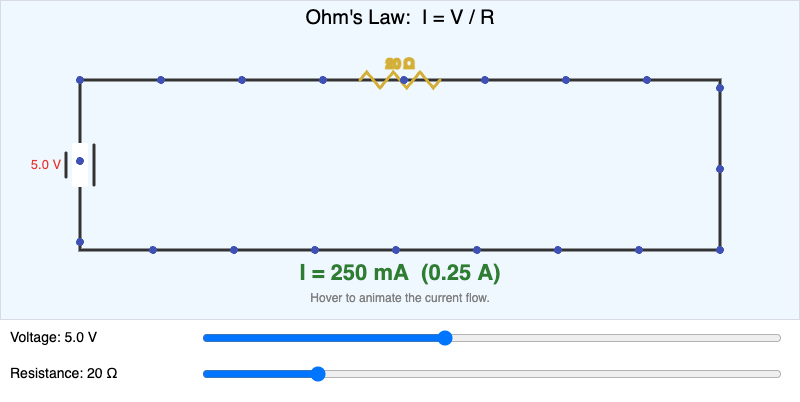
Ohm's Law Circuit Simulator
-
✅ Photoresistor Voltage Divider and Threshold Explorer
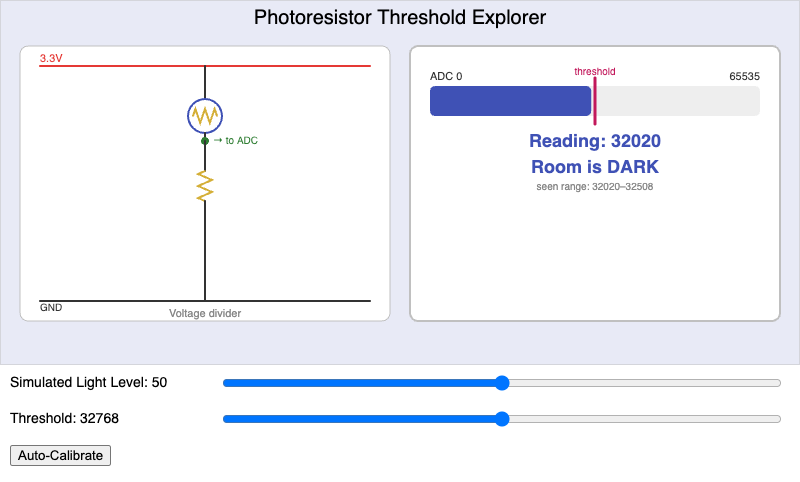
Students will apply (Bloom L3: Apply) a calibrated threshold value to a photoresistor's voltage-divider output to classify a simulated room as light or dark.
-
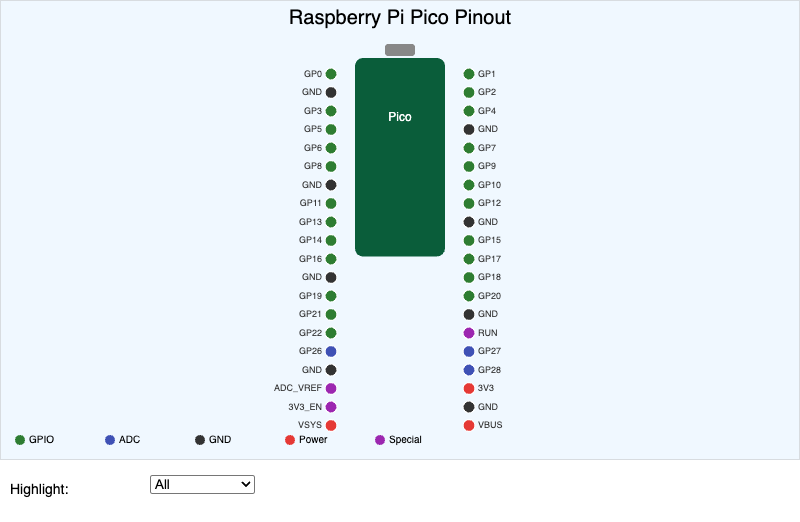
Pico GPIO Pinout Map
-
✅ Power Mode and Battery Life Simulator
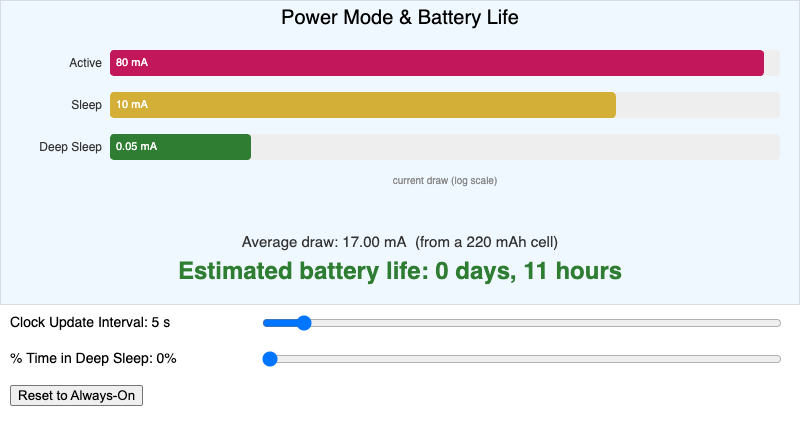
Students will evaluate (Bloom L5: Evaluate) the tradeoff between clock update interval and estimated battery life across active, sleep, and deep sleep power modes.
-
✅ Process and Task Manager Explorer
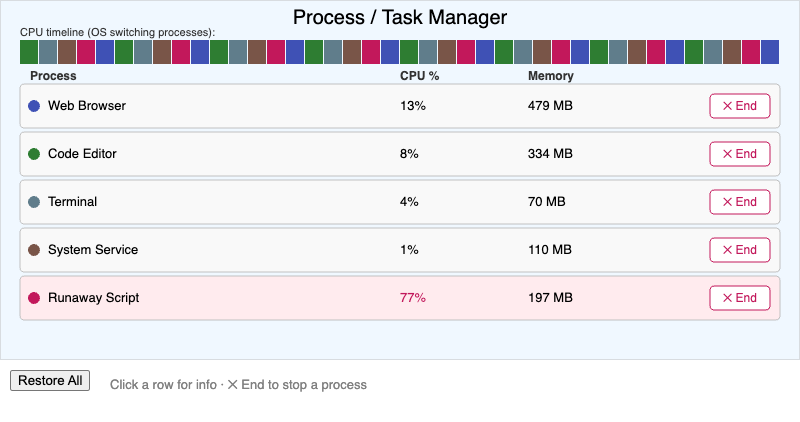
Students will analyze (Bloom L4: Analyze) how multiple processes share processor time under multitasking, and how a task manager reports and can end a running process.
-
✅ Product Decision Framework Wizard
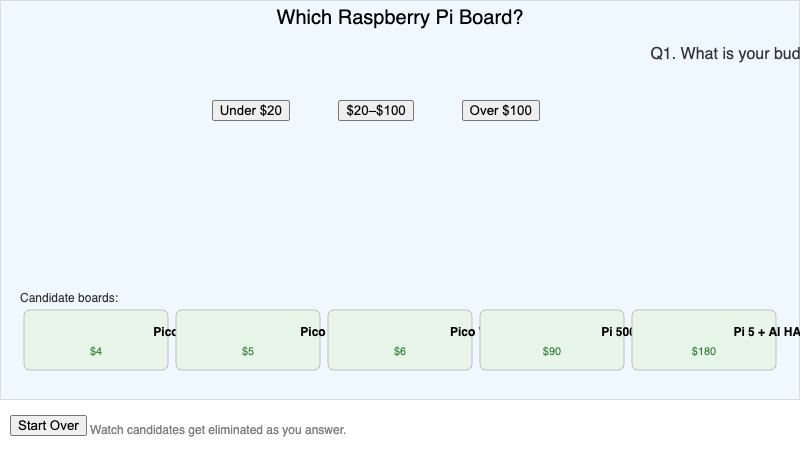
Students will apply (Bloom L3: Apply) the four-question product decision framework to recommend a Raspberry Pi board for a given project scenario and budget.
-
✅ Pull-Up and Pull-Down Resistor Explorer
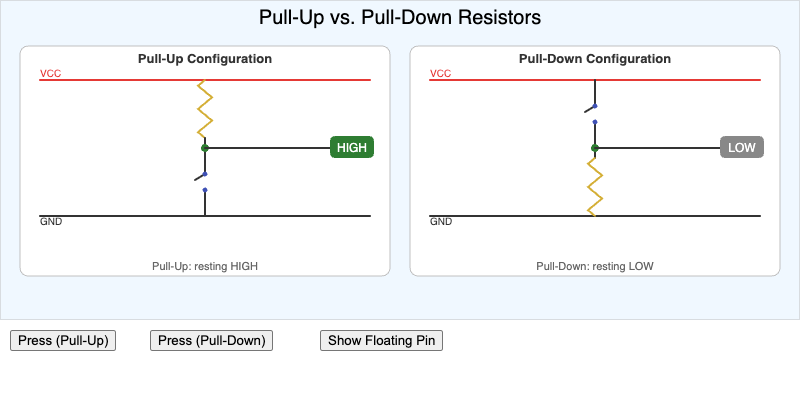
Students will compare (Bloom L4: Analyze) pull-up and pull-down resistor configurations and predict a digital pin's default and pressed-state reading for each.
-
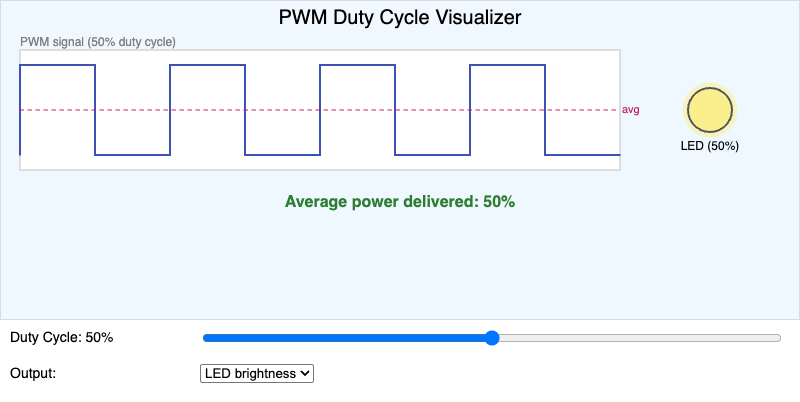
PWM Duty Cycle Visualizer
-
✅ Python Virtual Environment Sandbox Explorer
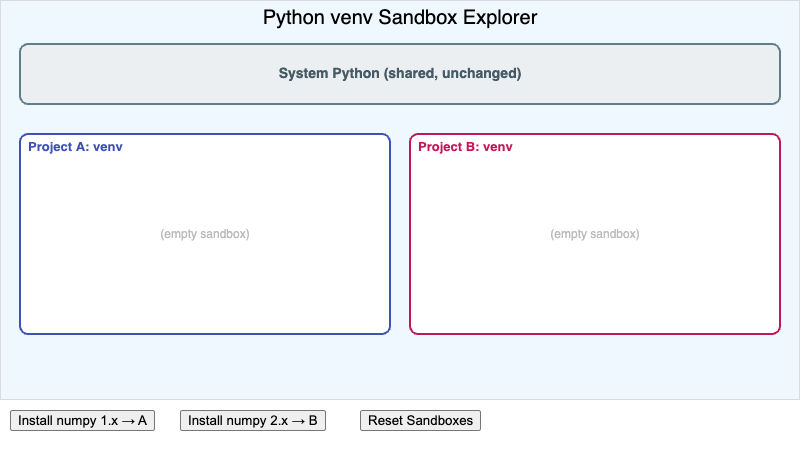
Students will explain (Bloom L2: Understand) how a Python virtual environment isolates one project's package dependencies from another project's.
-
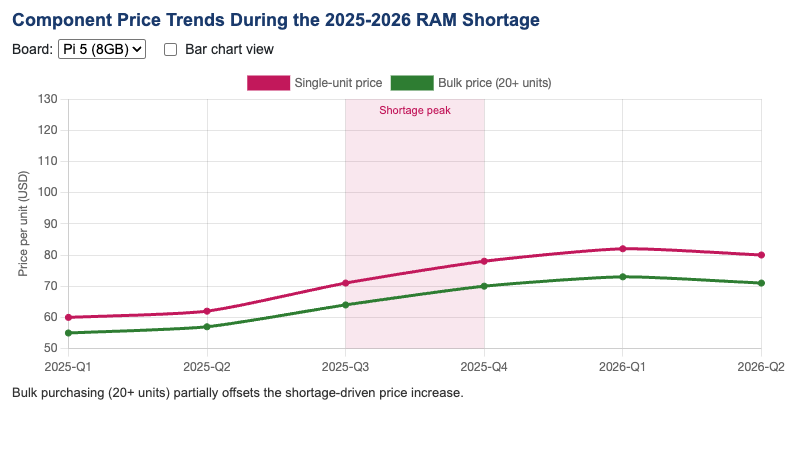
Students will analyze (Bloom L4: Analyze) how a component shortage changes hardware price tiers and per-unit bulk purchasing costs over time.
-
✅ Raspberry Pi 5 Port and Interface Explorer
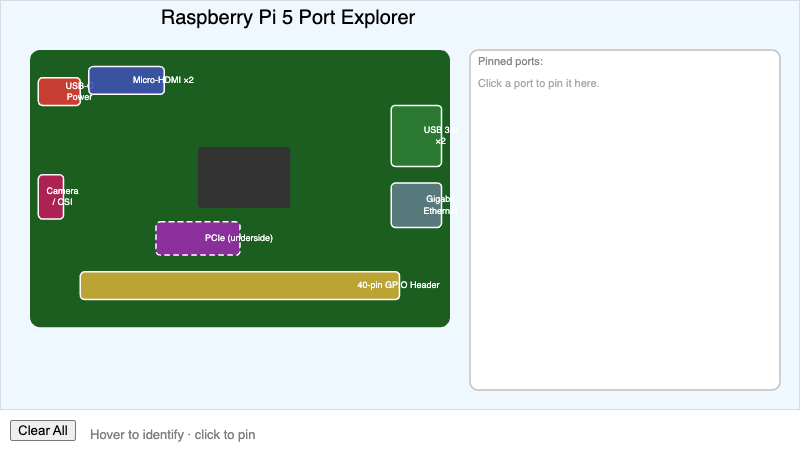
Students will identify (Bloom L1: Remember) the function of each major port and interface on a Raspberry Pi 5 board.
-
✅ Raspberry Pi Product Family Explorer
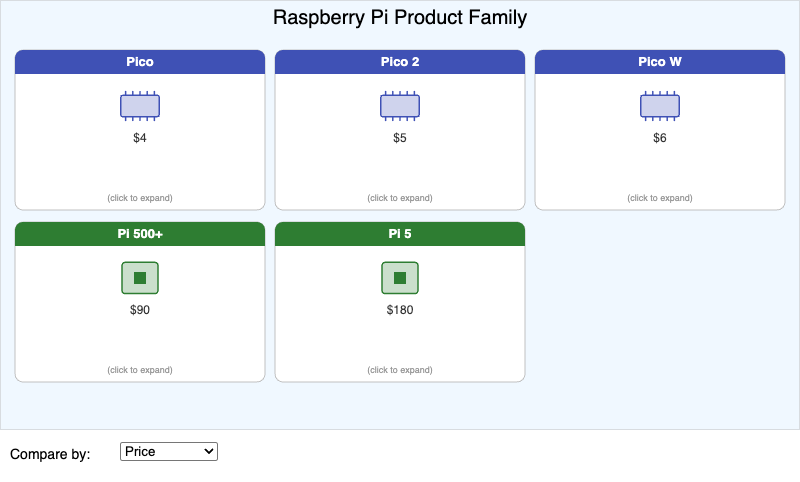
Students will compare (Bloom L4: Analyze) the price, chip, memory, and wireless capability of the Raspberry Pi Pico, Pico W, Pico 2, Pi 500+, and Pi 5.
-
✅ Reactive Event-Driven Lighting Explorer
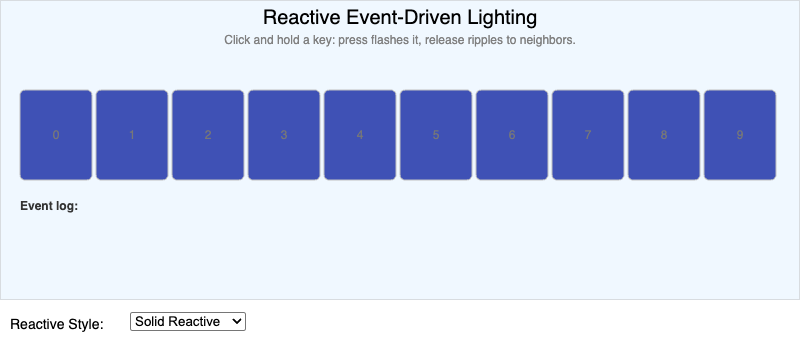
Students will analyze (Bloom L4: Analyze) how a key press event and a key release event each independently trigger a reactive lighting change.
-
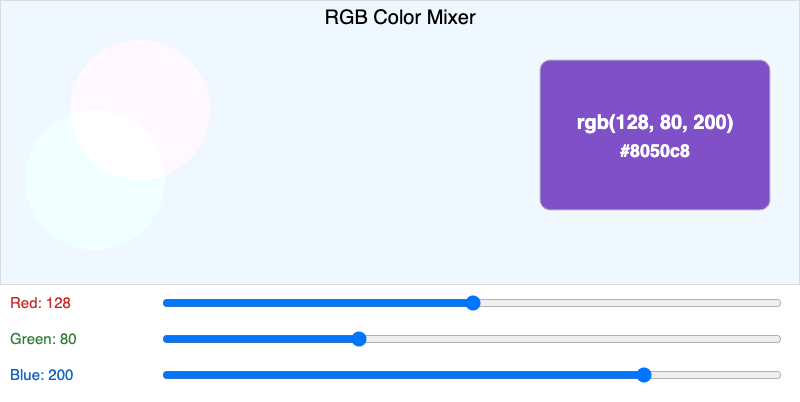
RGB Color Mixer
-
✅ Robot Facial Expression Designer
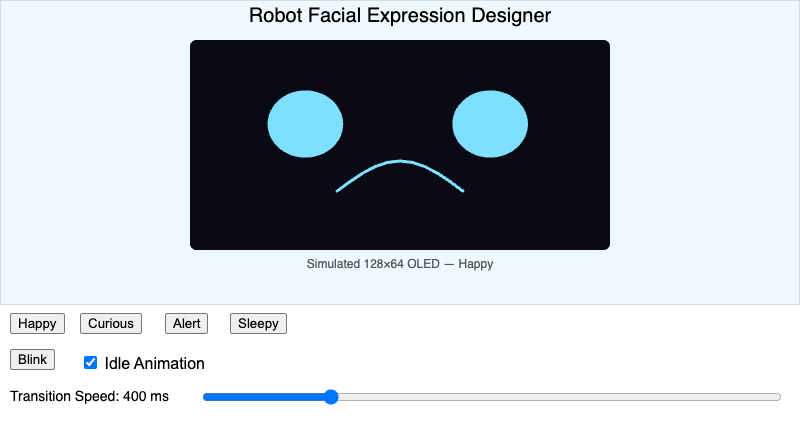
Students will analyze (Bloom L4: Analyze) how eye shape, mouth shape, and animation timing combine to communicate a specific robot emotion state, and observe how an expression…
-
✅ Robot State Machine Simulator
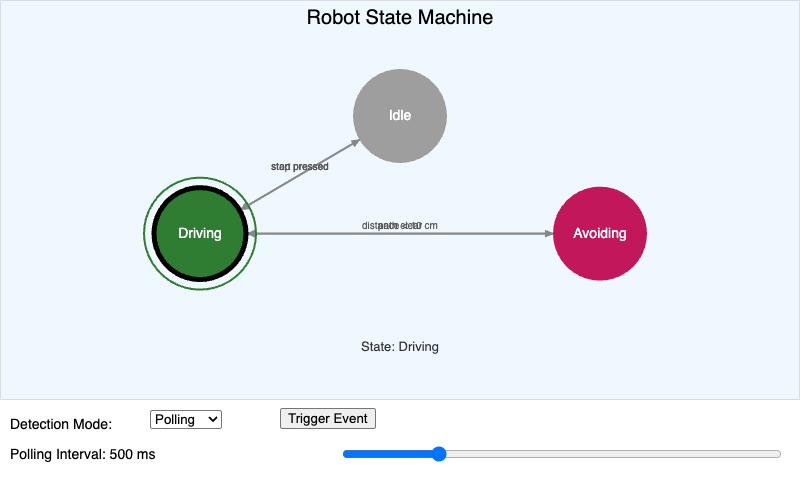
Students will analyze (Bloom L4: Analyze) how a robot's state machine transitions between states in response to events, and compare how those events are detected under polling…
-
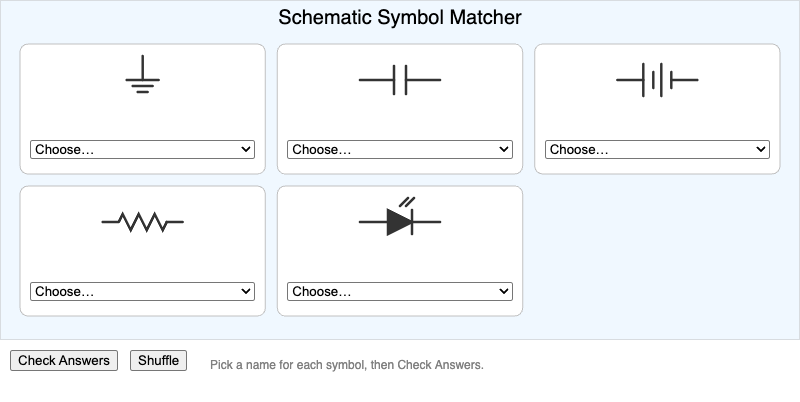
Students will identify (Bloom L1: Remember) standard schematic symbols for a resistor, LED, capacitor, battery/VCC source, and ground, and match each symbol to its component…
-
✅ Sense-Think-Act Cycle Explorer
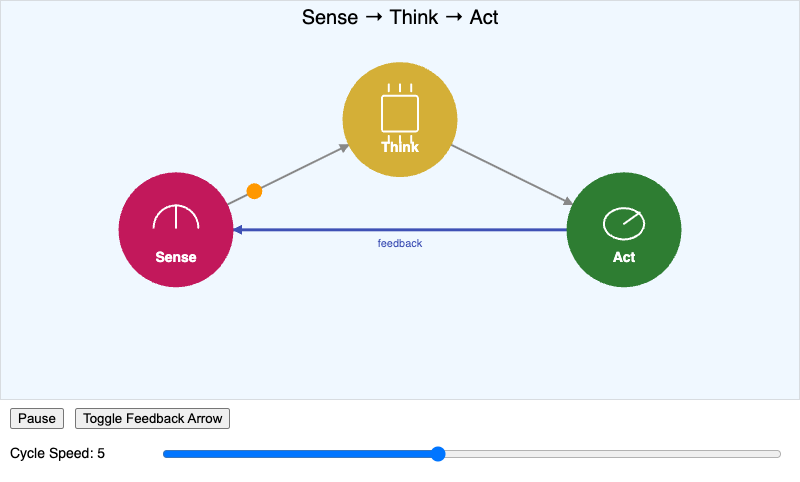
Students will understand (Bloom L2: Understand) how a sensor reading, a decision, and an actuator command form a repeating feedback loop in a physical computing system.
-
✅ Sensor Survey Interactive Infographic
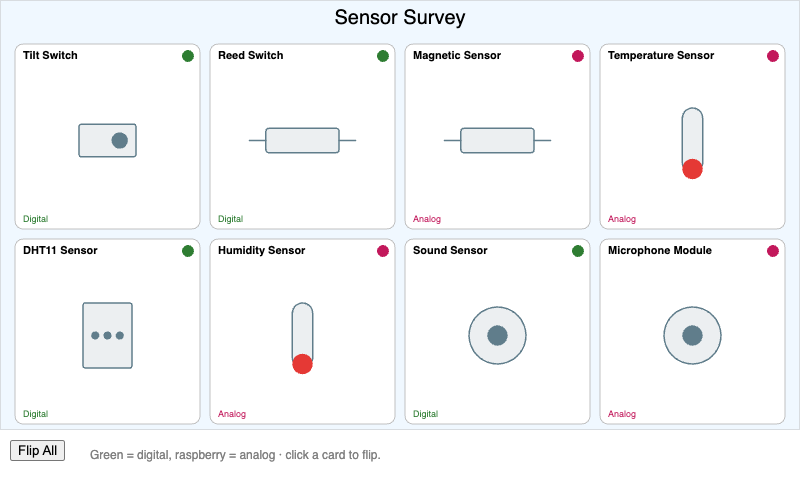
Students will classify (Bloom L2: Understand) a set of physical computing sensors by the physical quantity each one measures and whether it is typically read as digital or…
-
✅ Series vs. Parallel Circuit Explorer
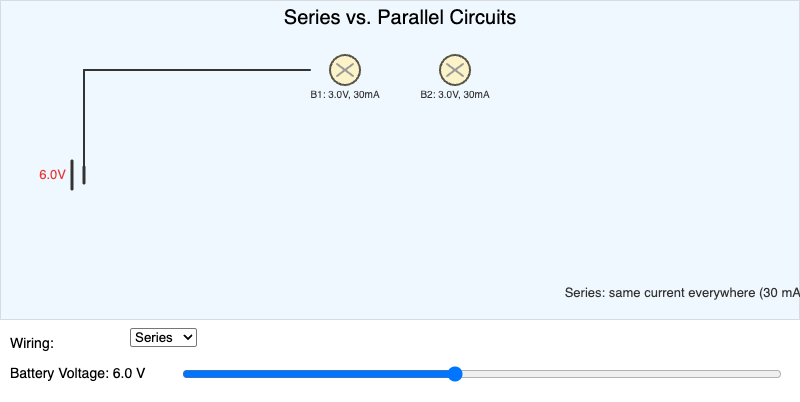
Series vs. Parallel Circuit Explorer
-
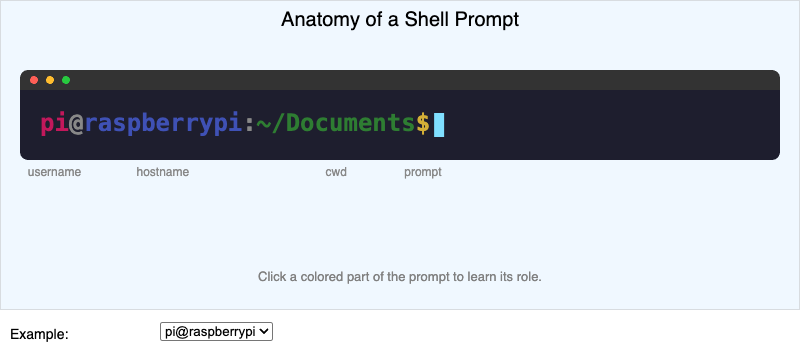
Shell Prompt Anatomy
-
✅ Shift Register Bit-Shift Visualizer
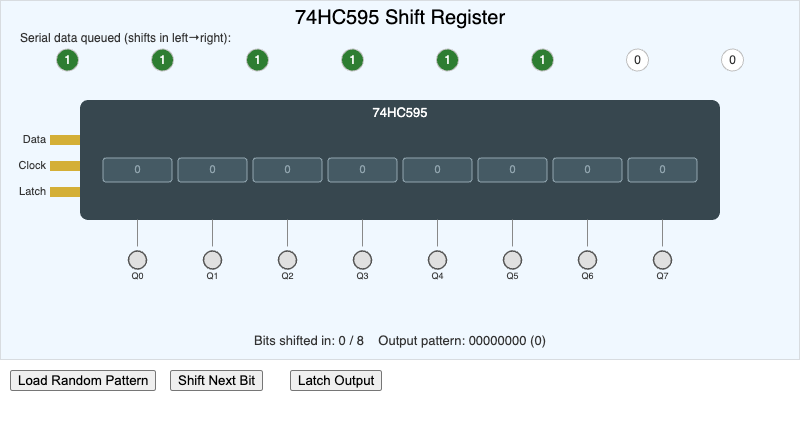
Students will explain (Bloom L2: Understand) how a 74HC595 shift register converts a serial bit stream, sent one bit at a time, into eight steady parallel output signals.
-
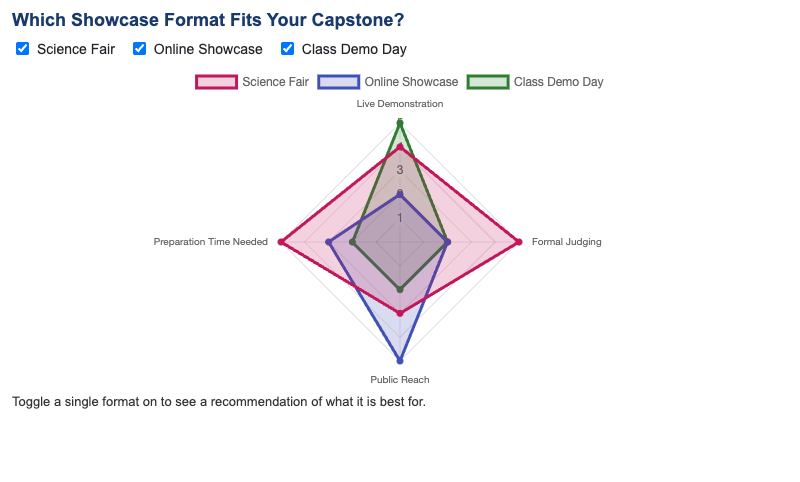
Students will evaluate (Bloom L5: Evaluate) which showcase format best fits a given capstone project and its intended audience.
-
✅ SSH vs VNC Remote Access Explorer
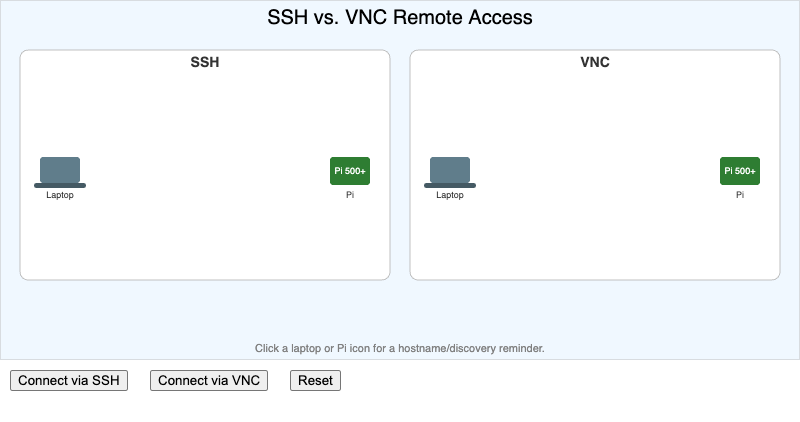
Students will compare (Bloom L4: Analyze) SSH remote login and VNC remote desktop access in terms of what data they transmit and when each is the better choice.
-
✅ Storage Benchmark Results Chart
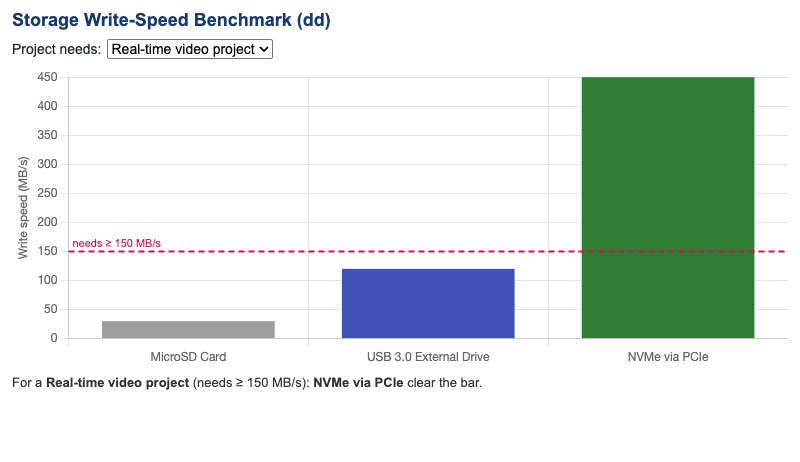
Students will interpret (Bloom L3: Apply) a
dd-style storage benchmark result to decide which storage option best fits a given Pi 5 project. -
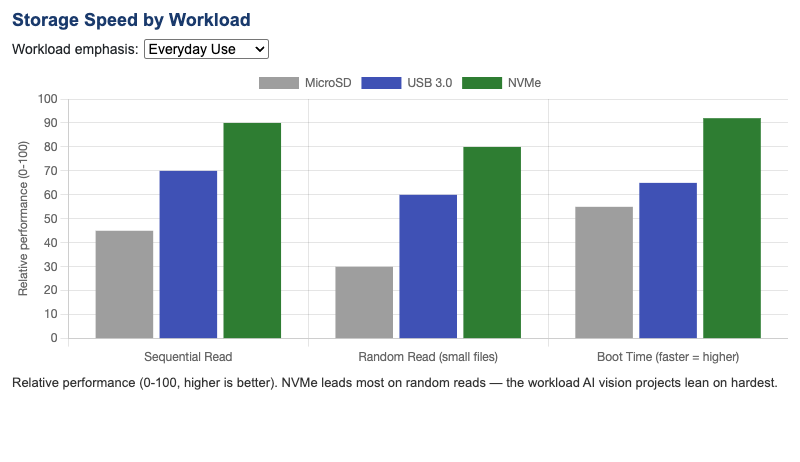
Students will compare (Bloom L4: Analyze) the read and write speeds of microSD, USB 3.0, and NVMe storage on a Raspberry Pi 5 across different workload types.
-
✅ Thermal Throttling and Active Cooling Chart
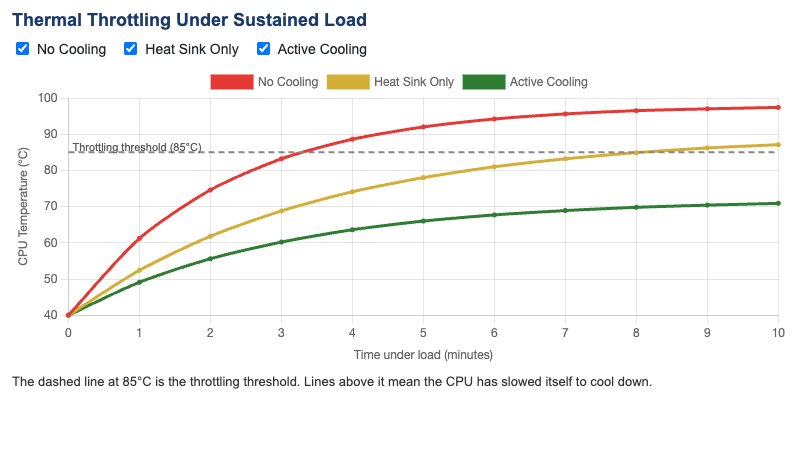
Students will analyze (Bloom L4: Analyze) how active cooling and heat sink choice affect processor temperature and the onset of thermal throttling under sustained load.
-
✅ Training vs Inference Workflow
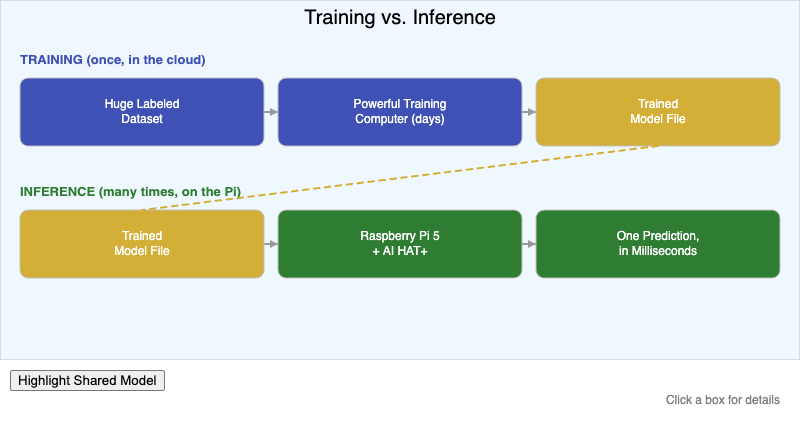
Students will compare (Bloom L4: Analyze) the training and inference phases of a neural network pipeline in terms of hardware, frequency, and output.
-
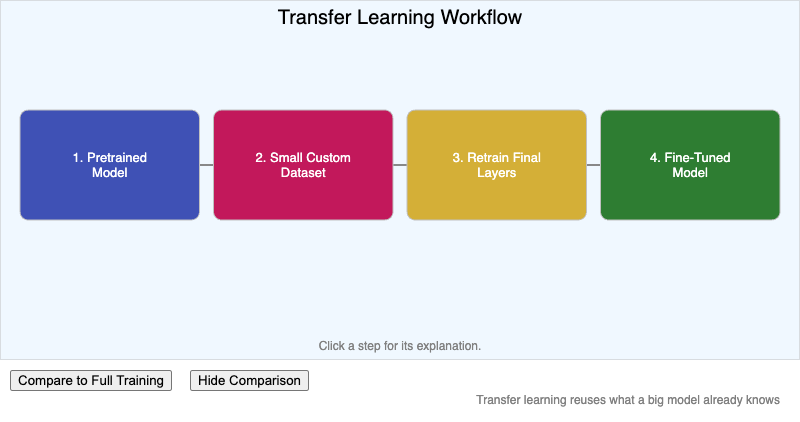
Students will sequence (Bloom L3: Apply) the steps of transfer learning used to add a custom object class to a pretrained model.
-
✅ Ultrasonic and Time-of-Flight Obstacle Avoidance Simulator
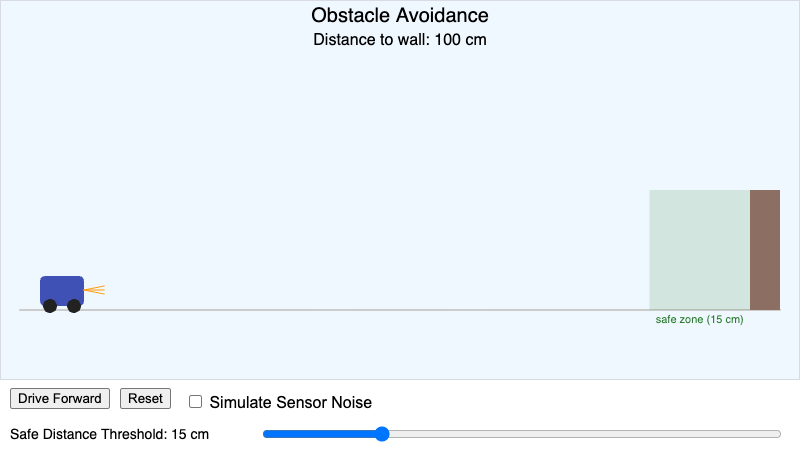
Students will apply (Bloom L3: Apply) a calibrated safe-distance threshold to trigger a simulated robot's obstacle avoidance and safety stop before it reaches a wall.
-
✅ VS Code Remote Development Architecture
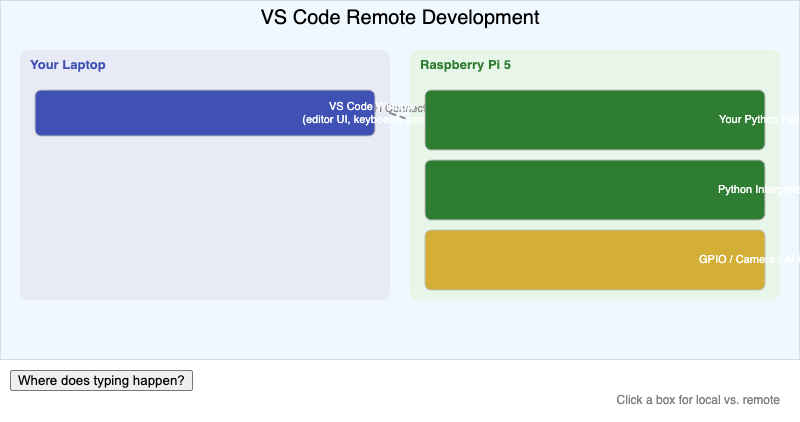
Students will explain (Bloom L2: Understand) which parts of a remote-development workflow run on the local laptop and which parts run on the Raspberry Pi 5.
-
✅ Wake Word Confidence Threshold Simulator
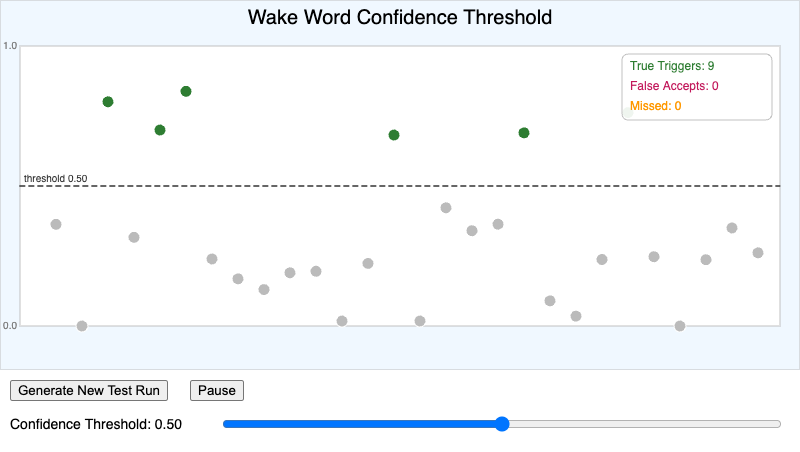
Students will apply (Bloom L3: Apply) a chosen confidence threshold to a stream of simulated wake-word detection scores, classifying each event as a true trigger, a false…
-
✅ Wi-Fi Connection Process Explorer
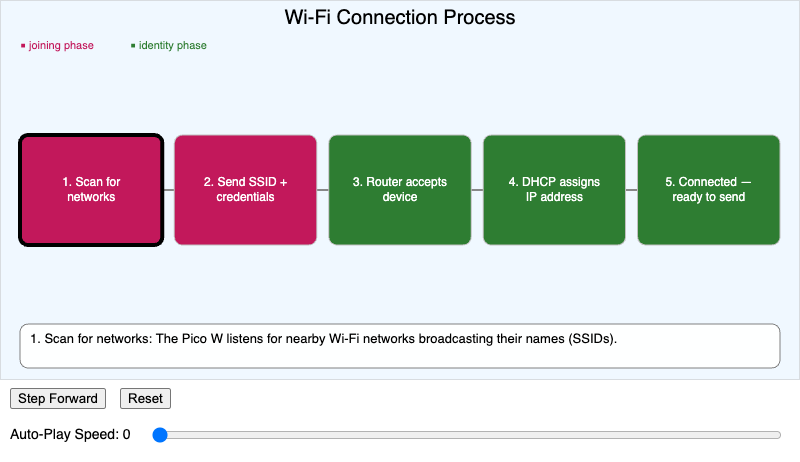
Students will explain (Bloom L2: Understand) the sequence of steps a Pico W follows to join a Wi-Fi network and obtain an IP address.
-
✅ WS2812B Addressable LED Protocol Explorer
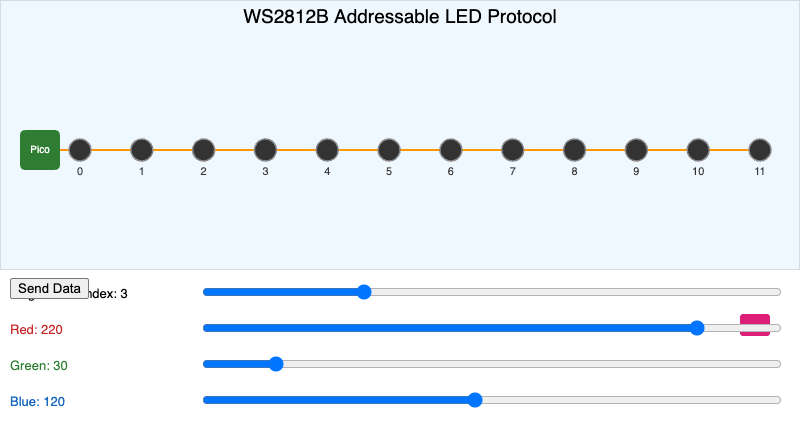
Students will explain (Bloom L2: Understand) how a chained LED protocol uses pixel index to deliver color data to a specific addressable LED over a single data line.
-
✅ Your Next Steps Learning Path
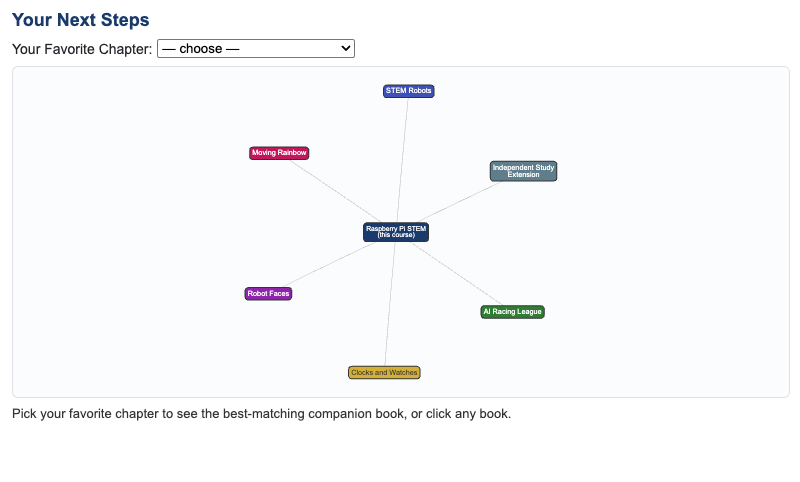
Students will evaluate (Bloom L5: Evaluate) which companion book or independent study extension best matches their own interests after completing this course.