Foundations of Health and Safe Habits
Summary
This opening chapter introduces the big idea of health and six root ideas that later chapters build on: trusted adults, asking permission, safe behavior, influences on our choices, and communication. Students meet these words for the first time so they can recognize them throughout the rest of Grade 1.
Concepts Covered
- Health
- Trusted Adult
- Permission
- Safe Behavior
- Influence
- Communication
Prerequisites
This is the first chapter in the Grade 1 band. It assumes only the Kindergarten bridging concepts described in the course description: that a trusted adult is someone at home, school, or in the community you can ask for help, and that simple safety rules exist at home, school, and in the community.
Teacher Notes: How to Use This Chapter
This chapter is written for you, the teacher, to read aloud, narrate, and guide from. Grade 1 students are beginning independent readers, but comprehension still depends on your read-aloud support. Use the text below as a script while your class explores the pictures and MicroSims. Every interactive element is designed for a child to click, drag, or point at while you talk them through it.
Hi! I'm Scout.
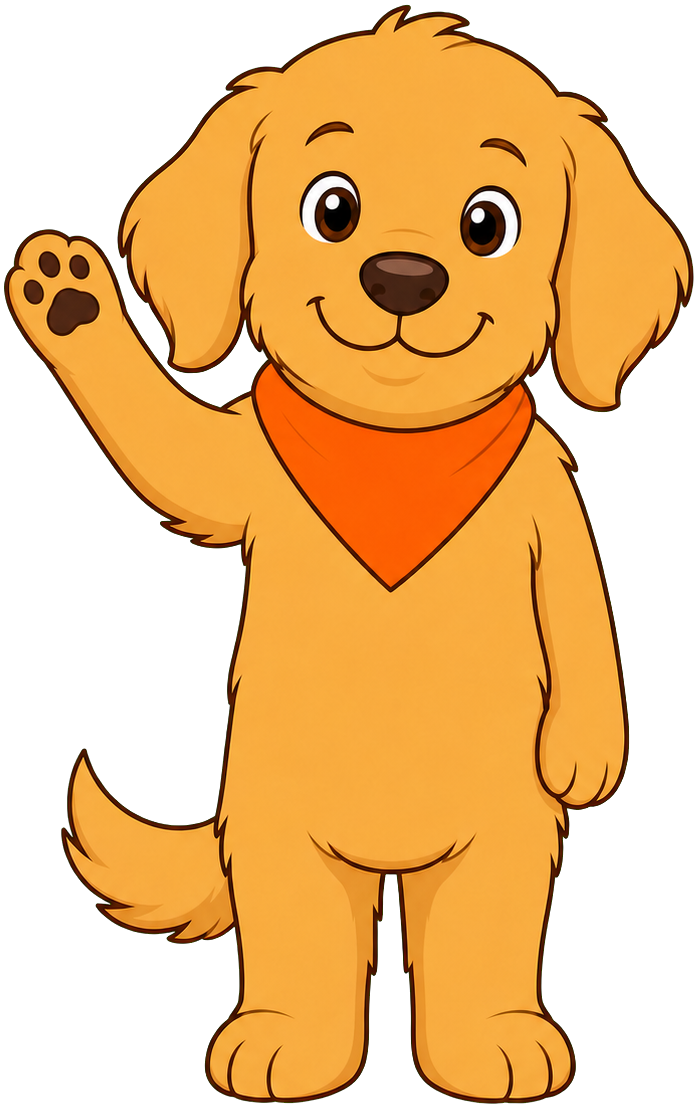 Welcome to Grade 1 Health Education! I'm Scout, a friendly dog who loves helping kids make healthy choices. I'll be popping up all through this book, but I don't show up just anywhere — I have exactly six jobs, and you can tell which one I'm doing by my pose:
- Welcome you at the start of every chapter — that's what I'm doing right now.
- Help you think about a big idea, using my thinking pose.
- Give you a tip — a small, helpful trick to remember something.
- Warn you gently when something needs extra care or a grown-up's help.
- Encourage you when an idea feels new or a little tricky.
- Celebrate with you when you've learned something great.
That's it — six jobs, six poses. If I'm not doing one of those six things, I'm not in the chapter. Let's think it through together, friend. Healthy choices, happy you!
What Is Health?
Health means how well a person's body and mind are working and feeling. A first grader who is healthy has energy to run, play, and learn. Health also includes feelings — a healthy mind can name how it feels and knows it is okay to talk about those feelings. Health is not just "not being sick" — it also means eating well, moving your body, resting enough, staying safe, and having people you trust to help you.
Talking points for read-aloud:
- Ask the class: "What does your body and mind need every day to feel your best?"
- Guide answers toward food, water, sleep, movement, feelings, and safety.
- Explain that this whole book is really about health, and today's six words will show up again and again.
Big Idea
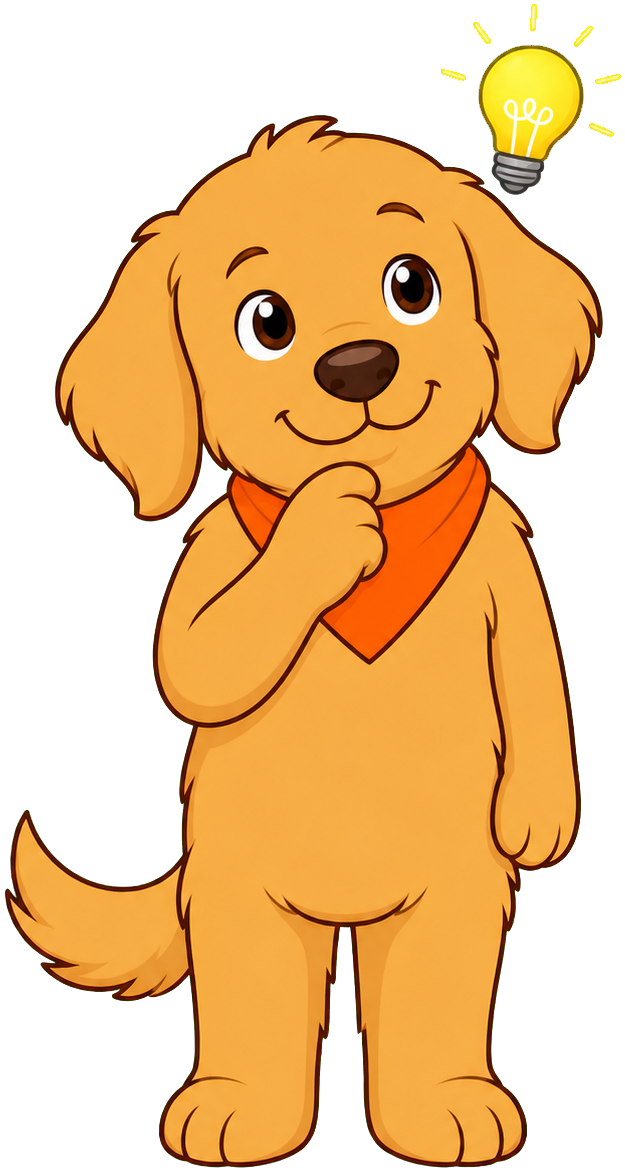 Health is bigger than just your body. It's your body, your feelings, and the people who help keep you safe — all working together!
The following table previews the six root ideas in this chapter, in the order the class will meet them:
| Word | One-Sentence Meaning |
|---|---|
| Health | How well your body and mind are working and feeling |
| Trusted Adult | A grown-up at home, school, or in your community you can go to for help |
| Permission | Saying yes before someone does something, like using an item or sharing information |
| Safe Behavior | An action that protects you and others from getting hurt |
| Influence | Someone or something that affects the choices you make |
| Communication | Sharing your thoughts, feelings, wants, and needs with someone else |
Diagram: Six Big Ideas Concept Map
Six Big Ideas Concept Map
Type: graph-model
sim-id: six-big-ideas-map
Library: vis-network
Status: Specified
Bloom Taxonomy: Remember (L1) Bloom Taxonomy Verb: identify, name, recognize
Learning objective: Students identify each of the six root words for this chapter (Health, Trusted Adult, Permission, Safe Behavior, Influence, Communication) and recognize that Health is the central idea connecting the other five.
Purpose: Show Health as a hub node connected to the five supporting ideas, so students see the chapter's whole shape before studying each part.
Node types: 1. Health (center, large yellow circle) - Property: "The big idea — how well your body and mind are working and feeling" 2. Trusted Adult, Permission, Safe Behavior, Influence, Communication (five smaller circles around Health, each a different color: blue, green, orange, purple, teal) - Property: one child-friendly definition sentence per node (matching the table above)
Edge types: 1. CONNECTS_TO (thick gray lines from Health to each of the five outer nodes) - No arrowheads needed; represents "is part of," not direction
Layout: Hierarchical/radial with Health in the center and the five ideas arranged evenly around it like a flower.
Interactive features: - Hover any node: node glows and a caption appears below the graph with that word's one-sentence meaning, read aloud by the teacher - Click any outer node: the connecting edge to Health highlights in yellow, reinforcing "this idea is part of being healthy" - Drag nodes: children can rearrange the circles; they snap gently back into a tidy layout after a few seconds - Zoom: mouse wheel or pinch; Pan: click-and-drag background
Visual styling: Large circular nodes (at least 80px) with big friendly icons (a heart for Health, a handshake for Trusted Adult, a raised hand for Permission, a shield for Safe Behavior, an arrow for Influence, two speech bubbles for Communication). Simple sans-serif labels in large text.
Legend: A small key below the canvas listing each color and its word.
Implementation: vis-network with a fixed hierarchical/radial layout option (not free-floating physics) so the shape stays readable for young students; canvas size approximately 700x450px, responsive to container width.
Meeting a Trusted Adult
A trusted adult is a grown-up at home, school, or in your community who you can go to for help — someone who listens, keeps you safe, and helps you solve a problem. Grade 1 students met this idea in Kindergarten. This year, students explain why a person counts as a trusted adult, not just point to one.
A trusted adult is usually someone who:
- Listens carefully when you talk to them.
- Helps you when something feels wrong, confusing, or scary.
- Keeps you safe and does not ask you to keep a secret that feels uncomfortable.
- Is available to you at home, at school, or in your neighborhood.
Every child's list of trusted adults may look different — a parent, a grandparent, a teacher, a school nurse, or a neighbor could all count, as long as they meet the qualities above.
Helpful Tip
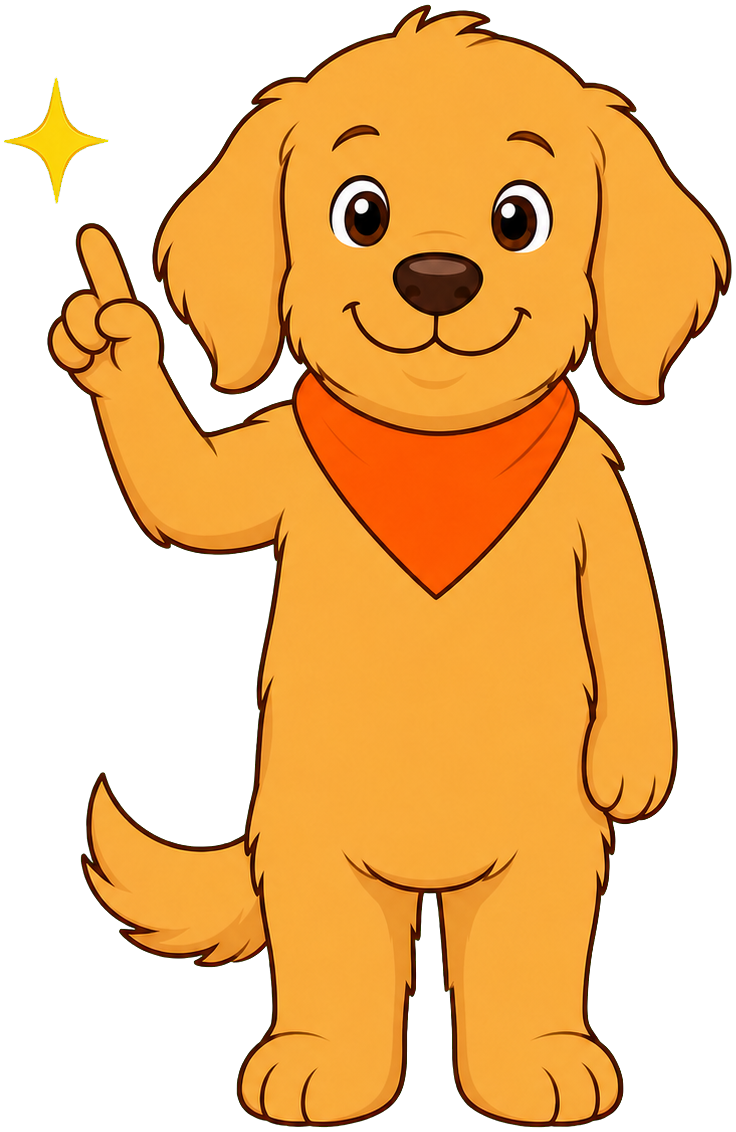 A good trick: think of three grown-ups you could go to if you needed help right now. If you can name three, you already know how to find a trusted adult!
Diagram: Who Is a Trusted Adult?
Who Is a Trusted Adult? MicroSim
Type: microsim
sim-id: trusted-adult-sorter
Library: p5.js
Status: Specified
Bloom Taxonomy: Understand (L2) Bloom Taxonomy Verb: explain, classify, justify
Learning objective: Students explain why a person is or is not acting like a trusted adult in a given scene, moving beyond simple identification toward reasoning about the qualities that make someone trustworthy.
Canvas layout: - Top area (150px): One short illustrated scene at a time showing an adult interacting with a child (e.g., a teacher helping a child who is hurt, a stranger offering candy through a car window, a school nurse listening to a worry, a neighbor asking a child to keep a secret from their parents) - Middle area (250px): Two large buttons: "Trusted Adult Behavior" and "Not Trusted Adult Behavior" - Bottom strip (100px): Explanation caption area and "Next Scene" button
Visual elements: - 8 simple scenes cycling one at a time, half showing clear trusted-adult behavior and half showing behavior that does not fit (without depicting anything graphic or frightening — kept calm and matter-of-fact) - Simple, friendly, flat-style illustrations
Interactive controls: - Button: "Trusted Adult Behavior" - Button: "Not Trusted Adult Behavior" - Button: "Next Scene"
Default parameters: - First scene: a teacher helping a student who fell down (clear trusted-adult behavior, to build confidence)
Data Visibility Requirements: Stage 1: Show the illustrated scene with no labels Stage 2: After the student answers, show a one-sentence reason ("A trusted adult listens and helps, even with small things.") Stage 3: Reinforce the specific quality shown (listens / keeps you safe / no uncomfortable secrets) so students connect the scene to the four qualities list
Behavior: - Correct answer: scene character gets a warm highlight, gentle chime, and the reason caption appears - Incorrect answer: no harsh feedback; caption gently prompts, "Look again — did this grown-up listen and keep the child safe?"
Instructional Rationale: This is an Understand-level (explain/classify) objective, so the pattern uses step-through scenes with a reason revealed after each answer, rather than continuous animation. Grade 1 benchmarks ask students to explain why, so every scene must surface the underlying reason, not just a right/wrong label.
Implementation notes: Use p5.js. Keep all scenes calm, non-graphic, and age-appropriate — the "not trusted adult" examples should feel mildly "off" rather than scary. Captions large enough for read-aloud.
Asking Permission
Permission means saying yes before someone does something — like using someone else's belongings, going somewhere new, or sharing a photo or piece of information about someone. Asking permission shows respect for other people and the rules that keep everyone safe. This year, students learn that permission applies to technology too: before using a device or sharing information, a child should ask a trusted adult first.
Everyday moments where asking permission matters:
- Asking a parent before downloading a game or app.
- Asking before taking or sharing a picture of a friend.
- Asking before borrowing a toy, book, or supply that belongs to someone else.
- Asking a trusted adult before going somewhere that is not the usual routine.
Asking first is never rude — it's respectful. Permission protects you, and it protects other people too.
Diagram: Ask First! Permission Scenarios
Ask First! Permission Scenarios MicroSim
Type: microsim
sim-id: ask-first-permission
Library: p5.js
Status: Specified
Bloom Taxonomy: Apply (L3) Bloom Taxonomy Verb: demonstrate, practice, use
Learning objective: Students demonstrate the practice of asking permission before using technology or sharing information by choosing the correct next step in short scenarios.
Canvas layout: - Top area (150px): A short scenario described in one simple sentence plus a picture (e.g., "You want to play a new game on the tablet.") - Middle area (250px): Two large response buttons: "Ask First" and "Just Go Ahead" - Bottom strip (100px): Feedback caption and "Next Scenario" button
Visual elements: - 6 scenarios cycling one at a time: downloading an app, taking a photo of a friend, posting a video, borrowing a classmate's tablet, sharing a home address online, using a parent's phone to call someone
Interactive controls: - Button: "Ask First" - Button: "Just Go Ahead" - Button: "Next Scenario"
Default parameters: - First scenario: downloading a new app (a clear, low-stakes example to build confidence)
Behavior: - Choosing "Ask First": character gives a thumbs-up, gentle chime, and caption explains why asking first was the safe, respectful choice - Choosing "Just Go Ahead": no harsh penalty — a calm caption explains what could go wrong and reminds the student to ask a trusted adult next time - After all 6 scenarios, a summary shows how many the student chose "Ask First" for, with encouragement regardless of score
Instructional Rationale: This is an Apply-level (demonstrate/practice) objective, so the MicroSim requires the learner to choose an action in a scenario rather than only recall a definition. Repeated scenario practice builds the habit of pausing to ask permission before acting with technology or shared information.
Implementation notes: Use p5.js. Keep tone plainly sincere with no jokes, consistent with the project's rule for personal-safety-adjacent content. Large text and icons for beginning readers; teacher reads scenario text aloud.
Choosing Safe Behavior
Safe behavior is an action that protects you and others from getting hurt. The opposite, unsafe behavior, is an action that could cause harm. Safe behavior looks a little different at home, at school, and in the community, but the goal is always the same: keep bodies safe and know when to ask a trusted adult for help.
Grade 1 students are also learning that keeping their own body safe includes the right to say "no" to touch that feels wrong or unwanted, and to tell a trusted adult right away if that happens.
Your Body Belongs to You
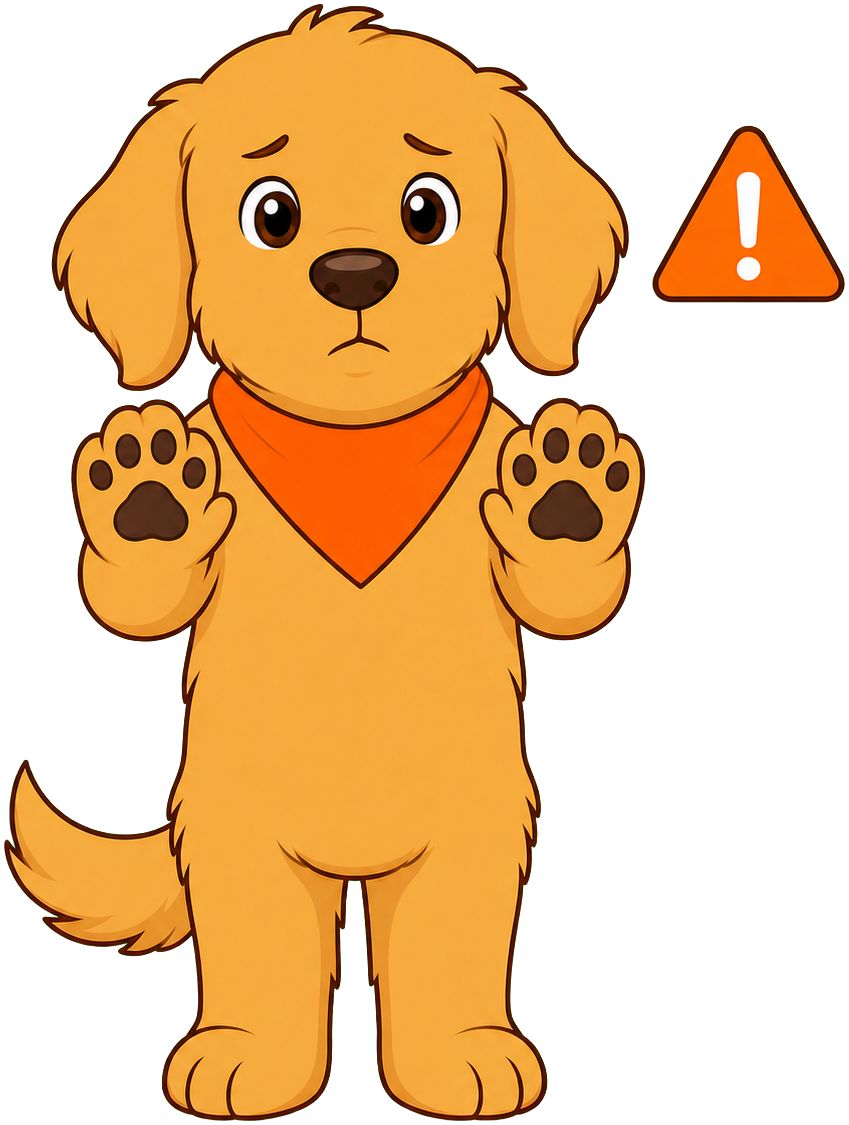 If a touch ever feels wrong or makes you uncomfortable, it is always okay to say "no" — loudly and clearly. Then tell a trusted adult right away, even if the person said to keep it a secret.
Examples of safe behavior in three settings:
| Setting | Safe Behavior Example |
|---|---|
| Home | Buckling a seatbelt, staying away from the stove without an adult nearby |
| School | Walking in the hallway, lining up during a fire drill |
| Community | Holding a grown-up's hand near streets, wearing a helmet while biking |
Diagram: Safe or Unsafe? School and Community Scenes
Safe or Unsafe? School and Community Scenes MicroSim
Type: microsim
sim-id: safe-or-unsafe-scenes
Library: p5.js
Status: Specified
Bloom Taxonomy: Analyze (L4) Bloom Taxonomy Verb: distinguish, examine, differentiate
Learning objective: Students distinguish safe behaviors from unsafe behaviors across home, school, and community settings, and identify when a scene calls for telling a trusted adult.
Canvas layout: - Top area (150px): One illustrated scene at a time (e.g., a child crossing the street holding an adult's hand vs. a child running into the street alone; a child participating calmly in a fire drill vs. a child ignoring the drill) - Middle area (250px): Two large bins: "Safe Behavior" (green) and "Unsafe Behavior" (orange) - Bottom strip (100px): Explanation caption and "Next Scene" button
Visual elements: - 10 paired scenes across home, school, and community settings, each clearly showing one safe and one unsafe version of a similar situation
Interactive controls: - Drag-and-drop or click-to-select: place the scene in the correct bin - Button: "Next Scene" - Button: "Reset"
Default parameters: - First scene: child holding an adult's hand to cross the street (clearly safe, to build confidence)
Behavior: - Correct placement: bin glows green or orange to match, gentle chime, one-sentence explanation appears - Incorrect placement: gentle prompt, "Look again — is anyone in danger of getting hurt here?" - Every 3rd scene, an extra prompt asks: "If this were unsafe, who could you tell?" with the answer always modeling "a trusted adult"
Instructional Rationale: Distinguishing safe from unsafe behavior across multiple settings is an Analyze-level task — it requires comparing visual cues rather than simple recall. Tying the unsafe examples back to "tell a trusted adult" reinforces the connection between Safe Behavior and Trusted Adult introduced earlier in this chapter.
Implementation notes: Use p5.js. Keep illustrations calm and non-graphic; no scene should depict actual injury. Maintain a plainly sincere tone in all captions, per the project's safety-content voice rule (no puns).
New Words Can Feel Like a Lot
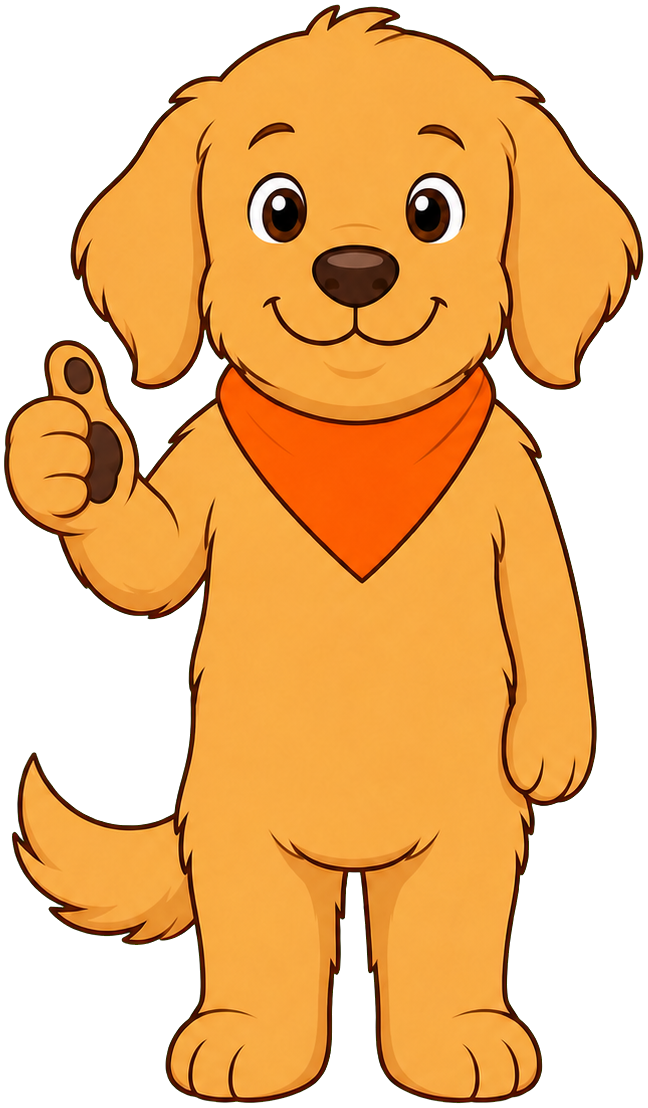 That's a lot of new words in one chapter! It's okay if they feel new right now — we'll practice them together all year. You've got this!
Noticing Influence
An influence is a person or thing that affects the choices you make. Influences can be positive, helping you make healthy choices, or negative, pulling you toward choices that are not as healthy. Friends, family, TV shows, and advertisements can all be influences. Grade 1 students begin telling the difference between a positive influence and a negative influence in simple, everyday examples.
A short list of influences students might notice:
- A friend who invites you to play outside (often a positive influence).
- A commercial that makes candy look like the best snack ever (often a negative influence).
- A family member who reminds you to wear a helmet (a positive influence).
- A sibling who dares you to skip washing your hands (a negative influence).
Not every influence is bad, and not every influence is good — the important part is noticing it, and then deciding for yourself what the healthy choice is.
Diagram: Positive or Negative Influence?
Positive or Negative Influence? MicroSim
Type: microsim
sim-id: influence-spotter
Library: p5.js
Status: Specified
Bloom Taxonomy: Analyze (L4) Bloom Taxonomy Verb: distinguish, examine
Learning objective: Students distinguish which people or situations positively or negatively influence a health practice or behavior, using short, everyday examples.
Canvas layout: - Top area (150px): A short scenario sentence plus a picture (e.g., "Your friend says, 'Let's ride bikes with our helmets on!'") - Middle area (250px): Two large buttons: "Positive Influence" and "Negative Influence" - Bottom strip (100px): Explanation caption and "Next Scenario" button
Visual elements: - 8 scenarios cycling one at a time, mixing friends, family, media, and advertising examples
Interactive controls: - Button: "Positive Influence" - Button: "Negative Influence" - Button: "Next Scenario"
Default parameters: - First scenario: friend suggesting bike helmets (clearly positive, to build confidence)
Behavior: - Correct answer: gentle chime, character nods, and a one-sentence explanation appears connecting the choice to health - Incorrect answer: calm caption reframes the example, "Let's think again — does this help your body stay healthy and safe, or not?" - After all scenarios, a wrap-up caption reminds students they get to choose which influences to follow
Instructional Rationale: Judging whether an influence is positive or negative requires comparing the example against a health standard, which is an Analyze-level task. Step-through scenarios with a revealed explanation (rather than animation) keep the focus on the reasoning, matching the Grade 1 benchmark of distinguishing influence direction.
Implementation notes: Use p5.js. Keep advertising examples generic (no real brand names or logos). Large text for read-aloud; teacher narrates each scenario.
Communicating Thoughts and Feelings
Communication means sharing your thoughts, feelings, wants, and needs with someone else, using words, signs, or pictures. Healthy communication also means listening when someone else shares theirs. Grade 1 students practice naming a feeling out loud and telling another person what they need — a skill they will use in every chapter of this book, from asking for help to saying "no" to unsafe touch.
Simple sentence starters that help young students communicate in healthy ways:
- "I feel ___ because ___."
- "I need ___ right now."
- "Can you help me with ___?"
- "I don't like ___. Please stop."
When you're not sure what to say, start with "I feel..." Naming your feeling is the first step to getting the help you need.
Diagram: Finish the Sentence — Communication Practice
Finish the Sentence — Communication Practice MicroSim
Type: microsim
sim-id: communication-sentence-builder
Library: p5.js
Status: Specified
Bloom Taxonomy: Apply (L3) Bloom Taxonomy Verb: demonstrate, practice, use
Learning objective: Students demonstrate communicating thoughts, feelings, wants, and needs in healthy ways by completing simple sentence-starter scenarios with the best available response.
Canvas layout: - Top area (150px): A short scene showing a child in a situation (e.g., feeling left out at recess, needing help with a zipper, feeling scared during a fire drill) - Middle area (250px): Three large word/phrase tiles the student clicks in order to build a short sentence (e.g., "I feel" + "left out" + "will you play with me?") - Bottom strip (100px): The built sentence displays large on screen; "Next Scene" button
Visual elements: - 6 scenes cycling one at a time, each with 3 tile choices per blank so students assemble a complete, healthy communication sentence
Interactive controls: - Click tiles to build the sentence, in order - Button: "Hear My Sentence" (reads the completed sentence aloud conceptually, i.e., displays it large for teacher read-aloud) - Button: "Next Scene"
Default parameters: - First scene: feeling left out at recess
Data Visibility Requirements: Stage 1: Show the scene and the empty sentence frame ("I feel ___ because ___.") Stage 2: Show each tile choice highlighted as the student clicks it Stage 3: Show the complete sentence filled in, large and readable
Behavior: - Once all blanks are filled with a reasonable combination, the character in the scene smiles and a gentle chime plays - No wrong combinations are truly "incorrect" — the MicroSim accepts multiple valid completions, since communication has more than one healthy phrasing, but flags combinations that are unrelated or unkind with a gentle prompt to try again
Instructional Rationale: This is an Apply-level (demonstrate/practice) objective, so students build and produce a sentence rather than just recognize one. A tile-based builder scaffolds beginning readers who cannot yet type or write full sentences independently.
Implementation notes: Use p5.js. Keep tile text short (2-4 words) and large. Teacher reads the finished sentence aloud with the student.
Bringing It All Together
Health is the big idea this whole book explores. This chapter introduced five ideas that support it: a trusted adult to help you, permission to ask before you act, safe behavior to protect yourself and others, influence to notice what shapes your choices, and communication to share what you think, feel, need, and want. Every later Grade 1 chapter — food, feelings, friendship, healthy habits, personal safety, and asking for help — will use these six words again.
Wrap-Up for Teachers
By the end of this chapter, most Grade 1 students should be able to identify and briefly explain each of the six root ideas: Health, Trusted Adult, Permission, Safe Behavior, Influence, and Communication. Several MicroSims in this chapter go beyond simple recall into explaining why and distinguishing examples, matching the Grade 1 shift toward "identify and explain why." No multi-step evaluative reasoning is expected yet — that begins in Grade 2-3.
Chapter Complete!
 You made it through the whole chapter, friend! You now know about health, trusted adults, permission, safe behavior, influence, and communication. Keep these six words in your pocket — we'll use every one of them again soon. Healthy choices, happy you!
Quick Check for Read-Aloud Time — Click to expand
Ask the class: "If something felt unsafe, what are the two things you should do?" Then reveal: Say "no" clearly, and tell a trusted adult right away.