Controlling a Robot Arm
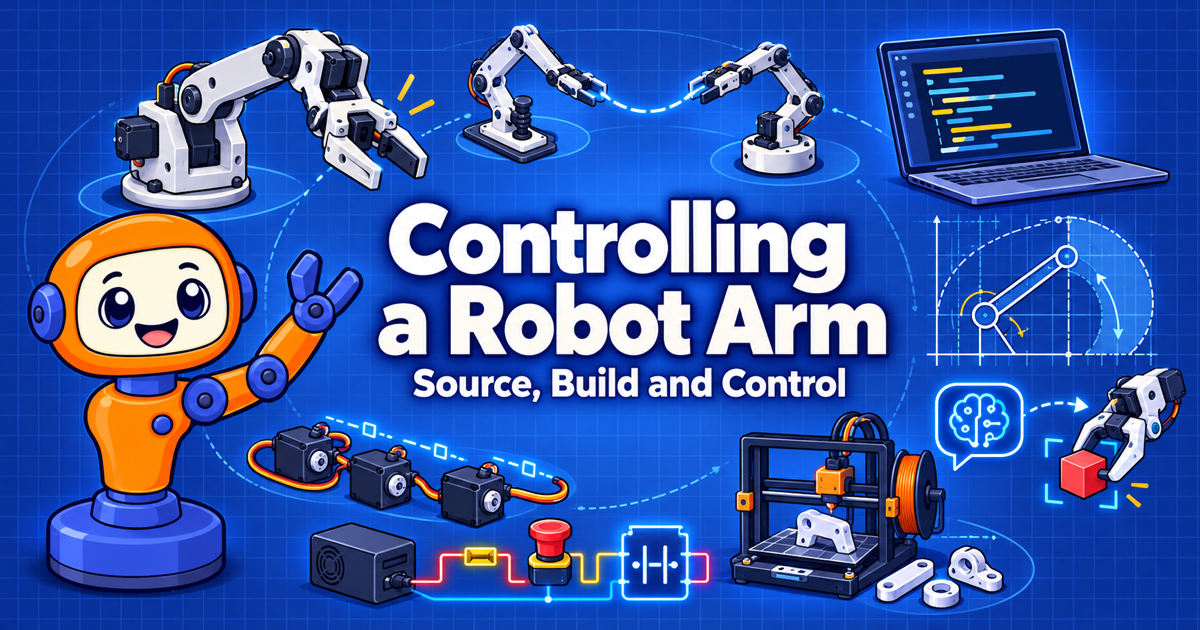
An interactive intelligent textbook on sourcing parts, building, and programming low-cost robot arms, using the open-source SO-ARM100 and the Seeed Studio reBot-DevArm as hands-on case studies.
Hi, Builder! I'm Servo.
 This is a Python book that happens to move a real robot. Pick a starting point below and let's move it!
Start Here
-
Chapter 1: Setting Up Python for Robotics
Begin at the beginning. You will have a clean Python project that is ready to talk to a real arm.
-
All 19 chapters, from the anatomy of an arm to AI agents that command one safely.
-
Sourcing Parts and Planning a Budget
Planning to buy an arm? Read this before you spend any money. The Procurement Notes show what we actually paid.
-
Electricity, Power, and Safety
Fuses, emergency stops, and common grounds. Read this before you power on anything.
Build and Program Your Arm
Two open-source arms, one learning path.
- Building and Calibrating the SO-ARM100 — the low-cost, 3D-printed entry point.
- Building the reBot-DevArm — the higher-payload step up, and how to choose between the two.
- A Python Hardware Library for Robot Arms — one Python class that drives either arm.
- Kinematics — where the hand is and how to get it where you want it.
- AI Agents, Tools, and OpenClaw Skills — connect an AI agent to your arm.
Learn by Doing
- MicroSims — interactive simulations you can drag, slide, and click, such as the Two-Link Workspace Explorer and the Ohm's Law Explorer.
- Hands-On Labs — small, low-cost labs to practice on before you touch a full robot arm.
- Glossary — short, precise definitions of every key term.
- FAQ — answers to the questions readers ask most.
Stories
Don't Miss the Stories
 Some ideas stick better as a story. Check the List of Robot Arm Stories for illustrated tales, and come back often because more will be added.
The collection is small today and will keep growing. Start with The Lobster and the Arm (OpenClaw), or browse the Story Ideas to see what is coming.
Search This Book
Looking for Something? Search!
The fastest way to find a servo model, a wiring term, or a Python function is the search box at the top of every page.
Click the search box, or press S or F on your keyboard from any page.
Suggestions appear as you type, matching words are highlighted on the page you
open, and you can share a search link with a classmate. Try searching for
STS3215, CAN bus, or inverse kinematics.
About This Book
- About — who the book is for, the prerequisites, and how to read it.
- Course Description — the learning outcomes the whole book is built from.
- Learning Graph — how the concepts depend on each other, so prerequisites always come first. Explore it interactively in the Learning Graph Viewer.
- Contact and License — send feedback, and learn how you can reuse this material.