Base STEM Robot
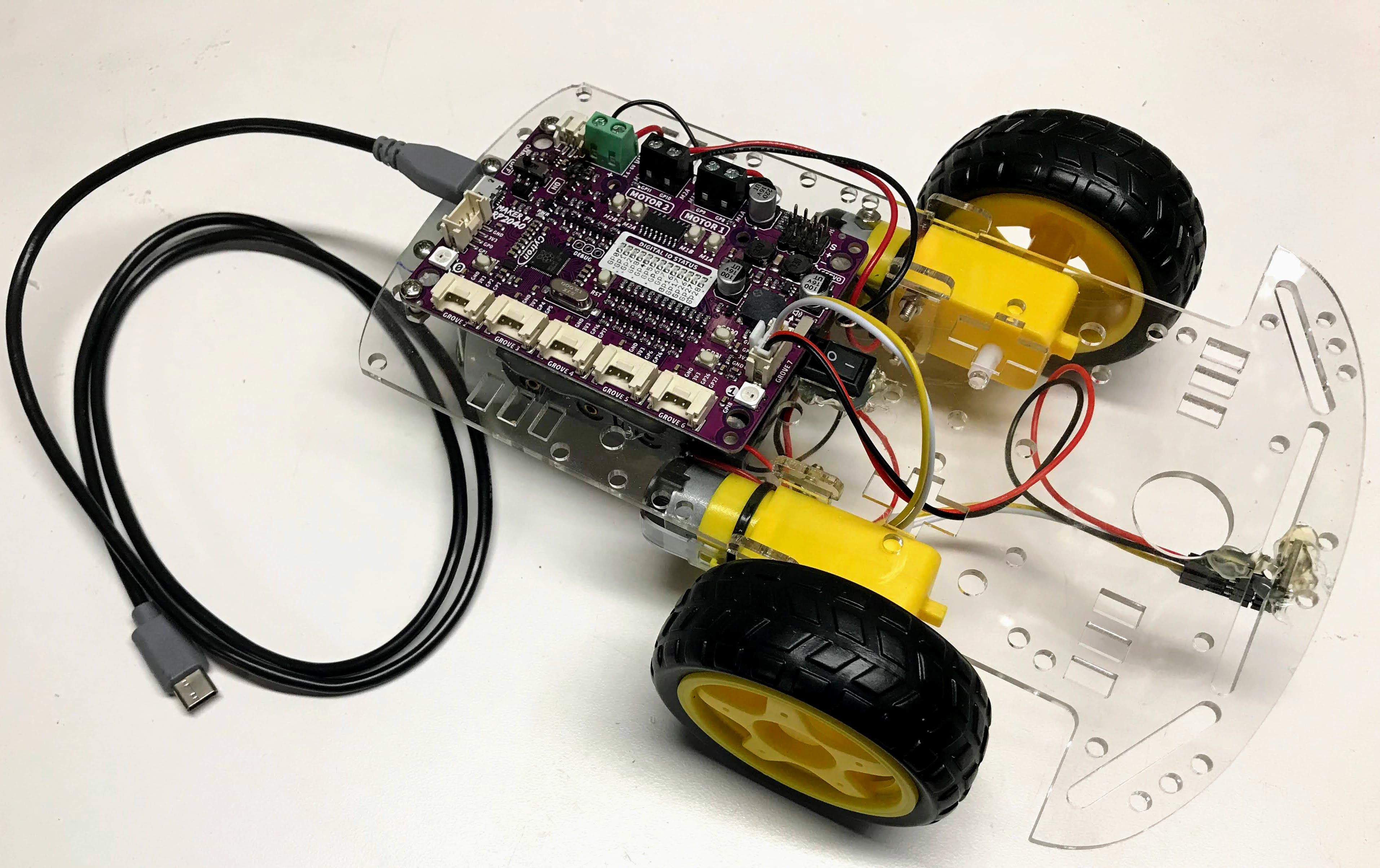
This is our classic low-cost collision-avoidance robot that can be purchased for around $19 each and can be assembled without any soldering. It is the first robot that we recommend that is purchased for students. Because it is an open system, other more complex versions can be added to this robot. For example, you can add an OLED display for an additional $13 after the base robot has been tested.
## Parts It is built on the powerful Cytron Maker Pi RP2040 board that is programmed by the same software that powers the Raspberry Pi Pico.
This robot uses the two wheel drive start robot chassis, although you can also print out your own chassis using a 3D printer.
We also prefer the low-cost Time-of-Flight Distance Sensor
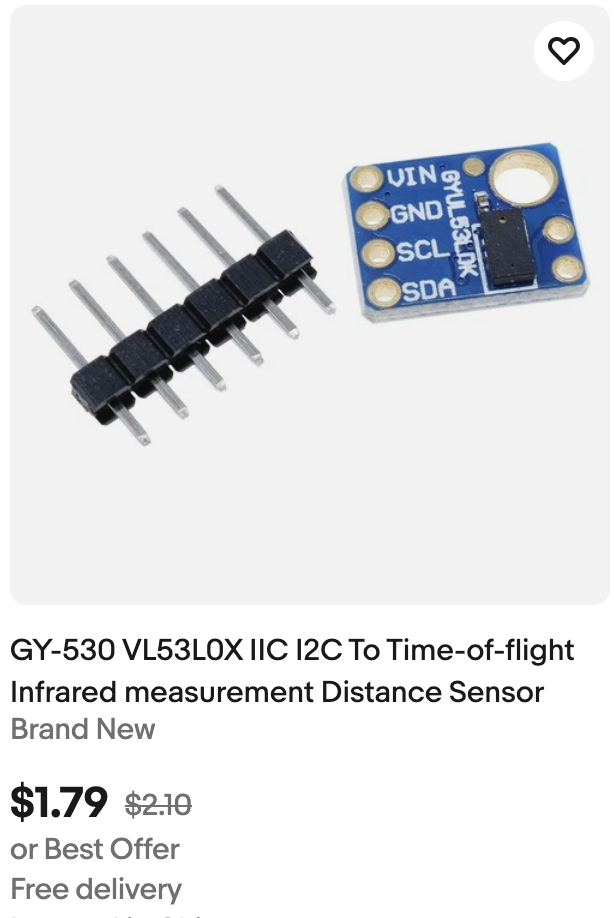
We find it is more precise and reliable than the older ultrasonic ping sensor. It does require a small plastic holder to attached to the front of the robot.
Introduction to the Base STEM Robot
Although there are many variations of our STEM Robot, this robot was specifically designed for classrooms that don't want to require any soldering and complex wiring.
Uploading the Code
The source code for every lab in this kit, plus a shared config.py, lives in
src/kits/base-bot/.
To copy the whole kit onto the Pico in one step, run
upload-code.sh
from a terminal:
1 | |
Any single program can also be run directly from Thonny, or headlessly with:
1 | |
(Your port name may differ — check what shows up when you plug in the Pico.)