WiFi Display Bot
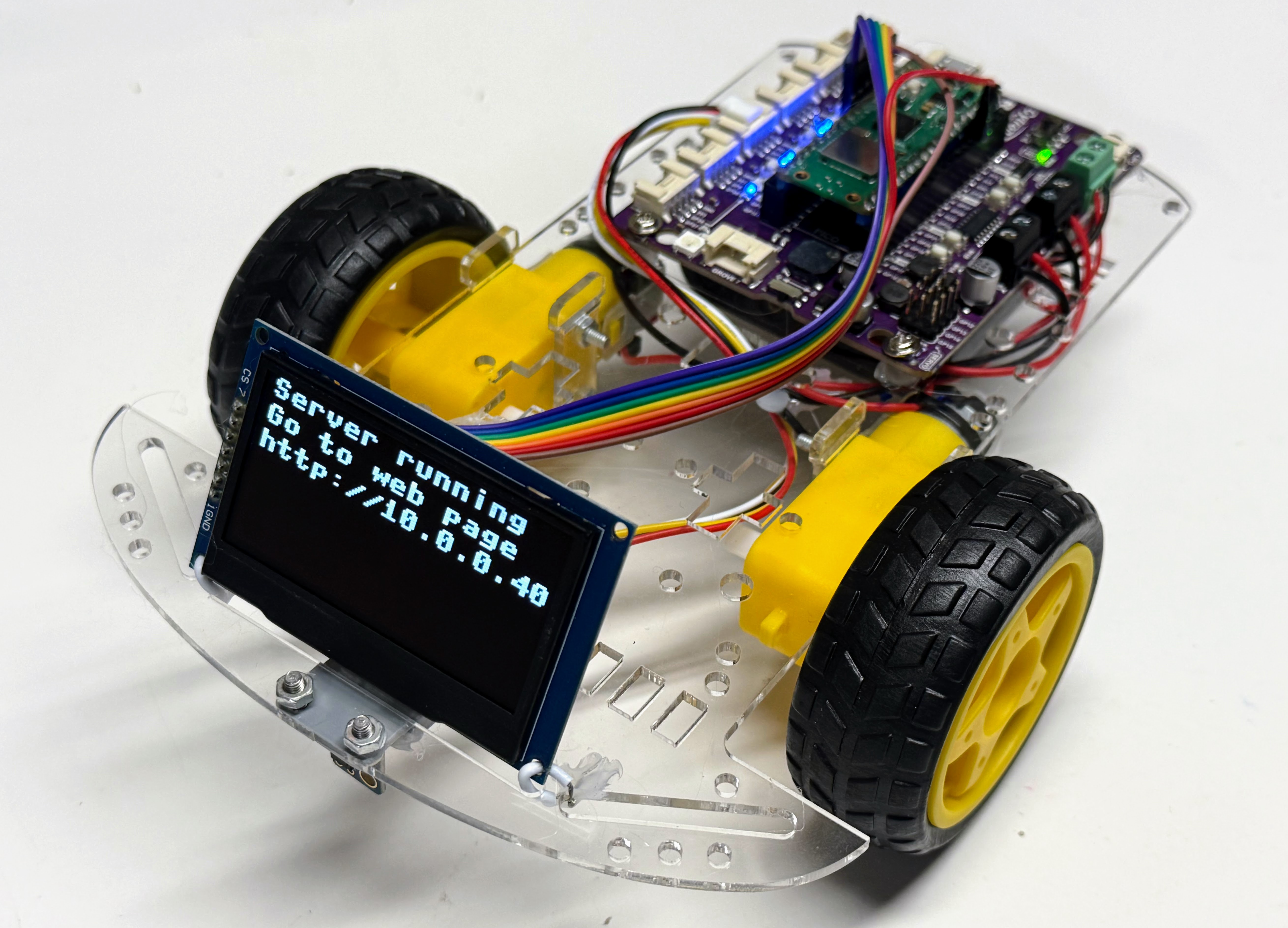
This robot starts with the WiFi Bot but then adds an OLED display to view the status of the bot as it starts up, connects to a WiFi access point and then display a driver form on a web server.
Display Status Screens
Uploading the Code
The source code for this kit, plus a shared config.py, lives in
src/kits/wifi-display-bot/.
To copy the whole kit — config.py, secrets.py, the shared display driver,
and every script — onto the Pico W in one step, run
upload-code.sh
from a terminal:
1 | |
This also uploads secrets.py as-is, so edit it with your own WiFi SSID and
password first. Any single script can also be run directly from Thonny, or
headlessly with:
1 | |
(Your port name may differ — check what shows up when you plug in the Pico.)