Lab 11: Stop at Twelve
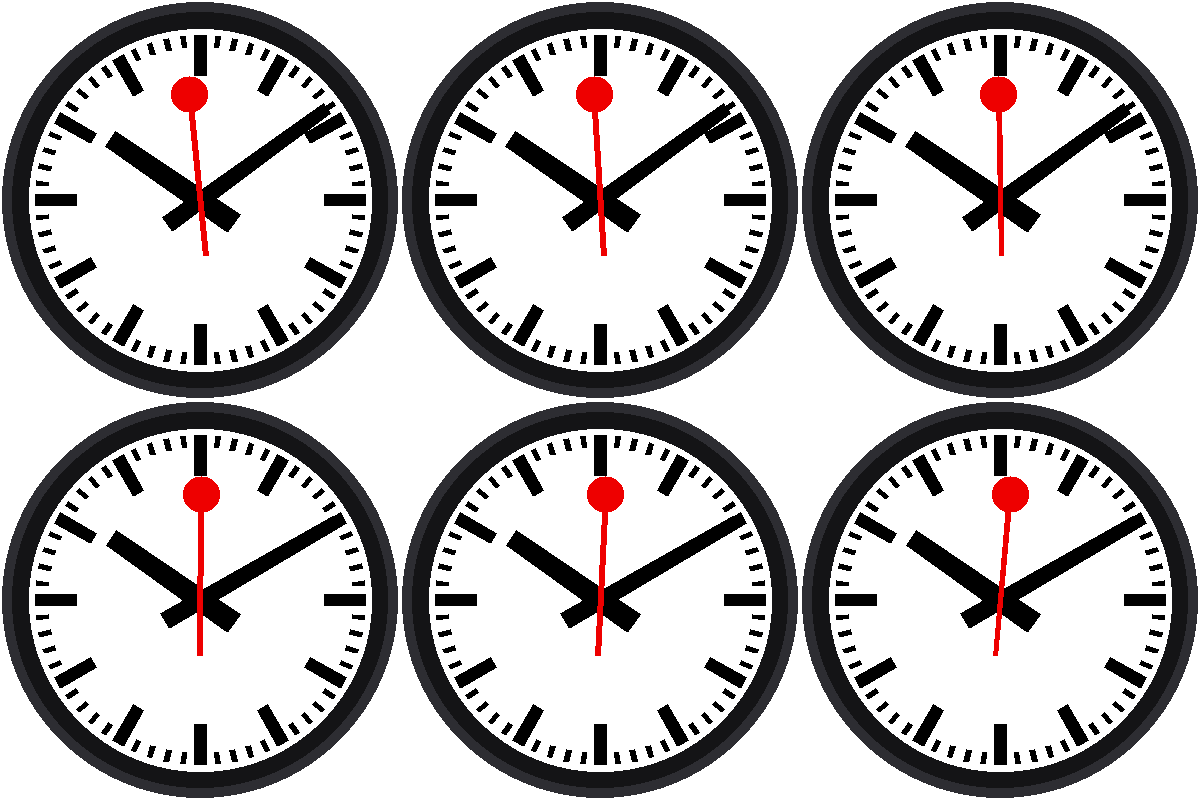
Here is the first half of the trick that makes this clock famous. The red hand glides once around the dial in 58.5 seconds, then stops at the top and waits for a second and a half before it sets off again.
Welcome to Lab 11
 A hand that waits is more interesting than a hand that never stops. In
this lab, your clock learns to pause, and the pause is where all the
magic will happen in the next lab. Let's make time tick!
What You Will Learn
- how to split a repeating cycle into phases
- how if / else picks the phase
- how to give a number a name that says what it means
Run It
Open 11-stop-at-twelve.py in Thonny and click Run. After about a
second, watch the red hand. When it reaches 12 it stops, and a moment
later it starts again.
Why Does It Wait?
On the real station clocks, the second hand is driven by its own little motor, and it runs a hair fast. It circles the dial in about 58.5 seconds and then parks at 12 until the next minute pulse arrives from a master clock. Thousands of clocks stay in step without any of them having to be perfect, and people love the pause.
Two Phases
Each minute has two parts:
| Part of the minute | Milliseconds | What the red hand does |
|---|---|---|
| Sweep | 0 to 58,500 | glides from 0° to 360° |
| Hold | 58,500 to 60,000 | rests at the top |
The program checks which part it is in:
1 2 3 4 5 6 | |
ms is how many milliseconds of the current minute have passed. The 58.5
seconds is written once, as SWEEP_MS, instead of being buried inside a
formula. A name like that tells a reader what the number is for.
Where Does ms Come From?
Lab 10 waited for the clock's seconds to change, wrote down
ticks_ms(), and counted from there. This lab uses that same idea, packed
into a ready-made part:
1 2 3 | |
clock.now() hands back the hour, the minute, and the milliseconds into
the minute. All of the counting from lab 10 is inside it.
A Cycle Is Just a Number Line
 Everything this clock does happens at some spot between 0 and 60,000
milliseconds. When you can draw the minute as a line with labeled
stretches, writing the program is just asking "which stretch am I in?"
Try This
- Change
SWEEP_MSto50000. The pause gets long, and the hand moves faster. Why does the speed change? - Set
SWEEP_MS = 60000. The pause disappears. What does the hand do when it reaches the top? - Add
print(ms)inside the loop and watch the shell. At what number does it start over?
The Hand Waits!
 You split a minute into a sweep and a hold, and used
if / else to
choose between them. Next, you'll put the pause to work.
Next: Lab 12: The Minute Jump