Lab 12: One Watch, Five Modes
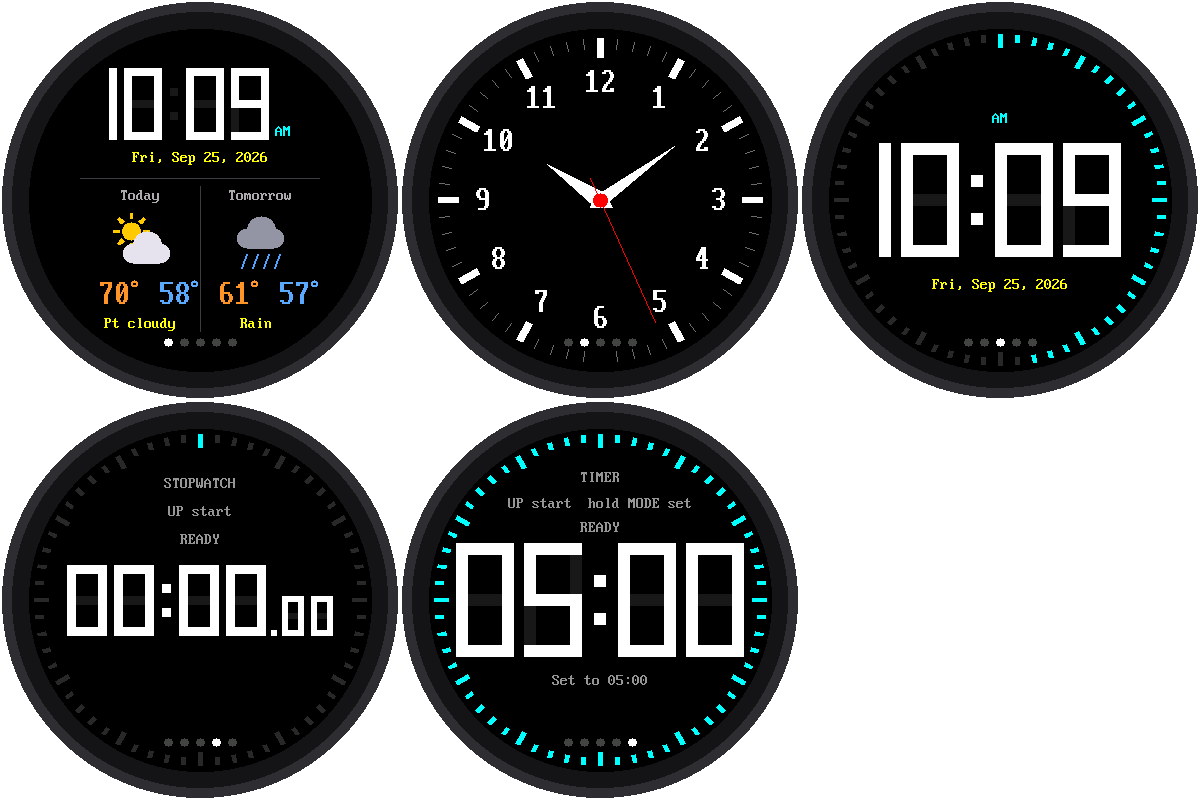
This is the big one. Everything you've built so far comes together into one watch. Press MODE to go from one mode to the next:
Weather → Analog → Digital → Stopwatch → Timer → and back to Weather.
A row of five dots at the bottom of the screen shows which mode you're in. The bright dot is the one you're on.
Welcome to Lab 12
 Look how far you've come: from one blinking light to five watch faces.
In this lab, you'll learn how real apps juggle many screens without
running out of memory, and you'll finish with a watch that's truly
yours. Let's make time tick!
Look how far you've come: from one blinking light to five watch faces.
In this lab, you'll learn how real apps juggle many screens without
running out of memory, and you'll finish with a watch that's truly
yours. Let's make time tick!
What You Will Learn
- how one program can run five different watch faces
- why a program should only load what it needs
- how a stopwatch or timer keeps going when you're not looking at it
Run It
Open 12-main-template.py in Thonny and click Run. The watch sets its
clock from the internet, then starts in Weather mode. Press MODE to step
through the others.
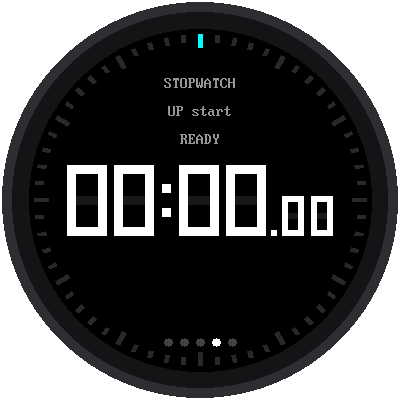
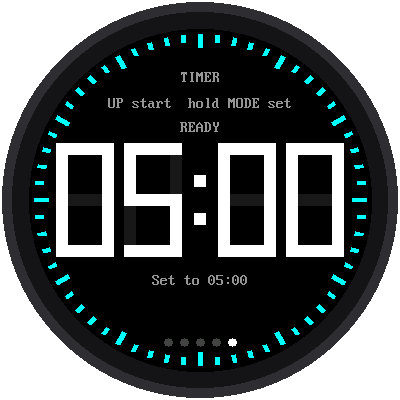
| Weather | Analog | Digital | Stopwatch | Timer |
|---|---|---|---|---|
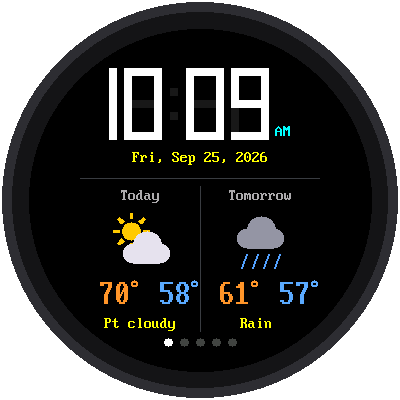 |
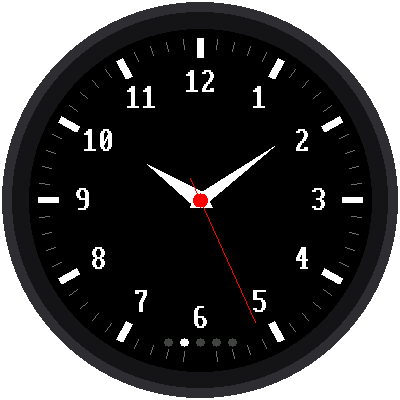 |
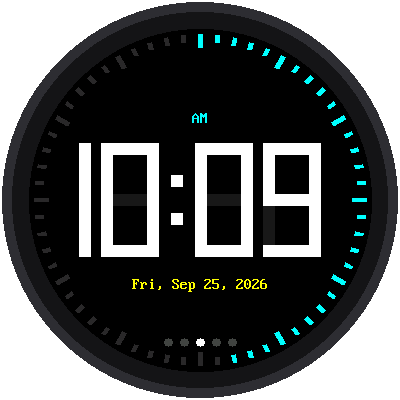 |
 |
 |
The Buttons Changed a Little
In this watch, the MODE button's job is changing modes. So the stopwatch and the timer can't use MODE the way they did in labs 10 and 11. Here's how they work now:
| Mode | UP | DOWN | MODE |
|---|---|---|---|
| Stopwatch | start / stop | lap while running, reset while stopped | next mode |
| Timer | start / pause, or +1 when setting | reset while paused, or −1 when setting | next mode |
To set the timer, hold MODE down for one second. While you're setting it, MODE moves from the minutes to the seconds, and it won't change modes until you're done. That way you can't leave by accident in the middle of setting it.
Only Load What You Need
Think about your school backpack. You could carry every textbook you own, every day, but it would be heavy, and you'd only use a few of them. It makes more sense to pack just the books for today's classes.
This watch works the same way. Each mode is a separate file:
mode_weather.py, mode_analog.py, mode_digital.py, mode_stopwatch.py,
and mode_timer.py. Only the mode on the screen is loaded into the
Pico's memory. When you press MODE, the watch:
- tells the current mode to stop
- unloads it, freeing up its memory
- loads the next mode and tells it to start
However many times you press MODE, the watch always has about 380 KB of memory free.
Remember Heap Free?
 Think back to the
 heap free line in the lab 01
checkup. That number is the empty space on the Pico's RAM whiteboard,
and loading one mode at a time is what keeps the whiteboard from
filling up.
Modes That Keep Going
What happens to a stopwatch that's running when you switch to the weather? It keeps running! When a mode stops, it can hand the watch a note to remember, like "I started at this moment" or "I'll reach zero at this moment." When the mode loads again, it reads its note and carries on.
- A running stopwatch is still running, with the right time, when you come back to it.
- A running timer keeps counting down. When it reaches zero, the watch jumps straight to the timer and sounds the alarm, whatever mode you're looking at.
- The weather remembers its last forecast, so it doesn't have to ask the internet again every time you pass by.
Make It Your Watch
Save a copy of this program to the Pico as main.py, along with the five
mode_ files. Now whenever the Pico gets power, it becomes your
five-mode smartwatch, even with no computer attached.
For the curious: how to add a sixth mode
Every mode file has the same four functions, and that's all the watch needs to know about a mode:
| Function | When the watch uses it |
|---|---|
start() |
when the mode is loaded: draw the whole screen |
update() |
about 100 times a second: redraw whatever changed |
stop() |
when you switch away: hand back a note to remember |
on_mode() |
when MODE is pressed. This one is optional. |
To add a sixth mode, copy one of the mode_ files, change it, and add
its name to the MODES list at the top of 12-main-template.py. You
don't need to add a dot: the watch always draws one dot for each mode
in the list.
Try This
- Change
START_MODE = 0toSTART_MODE = 1. Which mode does the watch start in now? - Start the stopwatch, switch to the weather, wait 10 seconds, then go back. Is the time right?
- Set the timer for 20 seconds, start it, then switch to the analog face. What happens when it reaches zero?
- Take
mode_analogout of theMODESlist. How many dots are there now?
You Built a Smartwatch!
 You combined five watch faces into one program that loads only what it
needs and keeps timers running in the background. That's how real
smartwatch software is built. Now it's your turn to design a sixth mode!
You combined five watch faces into one program that loads only what it
needs and keeps timers running in the background. That's how real
smartwatch software is built. Now it's your turn to design a sixth mode!
Back to: the kit's main page