Robot Faces Parts List
This is just a short list of parts that are commonly used in our labs. You can get a detailed list of sensors and how to use them in the full Learning MicroPython. Remember to use the search function of that site to get example code.
Buying in Bulk for a Classroom (10-30 Students)
If you are outfitting a whole class where every student builds and keeps their own robot face, a little bit of planning saves a lot of money and class time. Here are the strategies that have worked best for us.
- Standardize on one exact part number. Different sellers of "the same" 128x64 OLED often ship different driver chips (SSD1306 vs. SSD1309), and the MicroPython driver code is not identical between them. Pick one listing, buy every unit from that same listing, and your example code will work for the whole class without per-student debugging.
- Order 10-20% spares. Small SPI displays and jumper wires are the parts most likely to arrive DOA or get damaged by a reversed connector. For a class of 20, order enough for 22-24 students so a bad unit does not stop a lab.
- Plan around shipping time, not just price. AliExpress and eBay overseas listings are usually the cheapest per unit but can take 3-5 weeks to arrive. Amazon and MicroCenter cost a bit more but ship in days, which matters if you are ordering the week before the unit starts. A common pattern: order the bulk of the kits from AliExpress 4-6 weeks ahead, and buy a handful of Amazon or MicroCenter units as fast-arriving spares/backups.
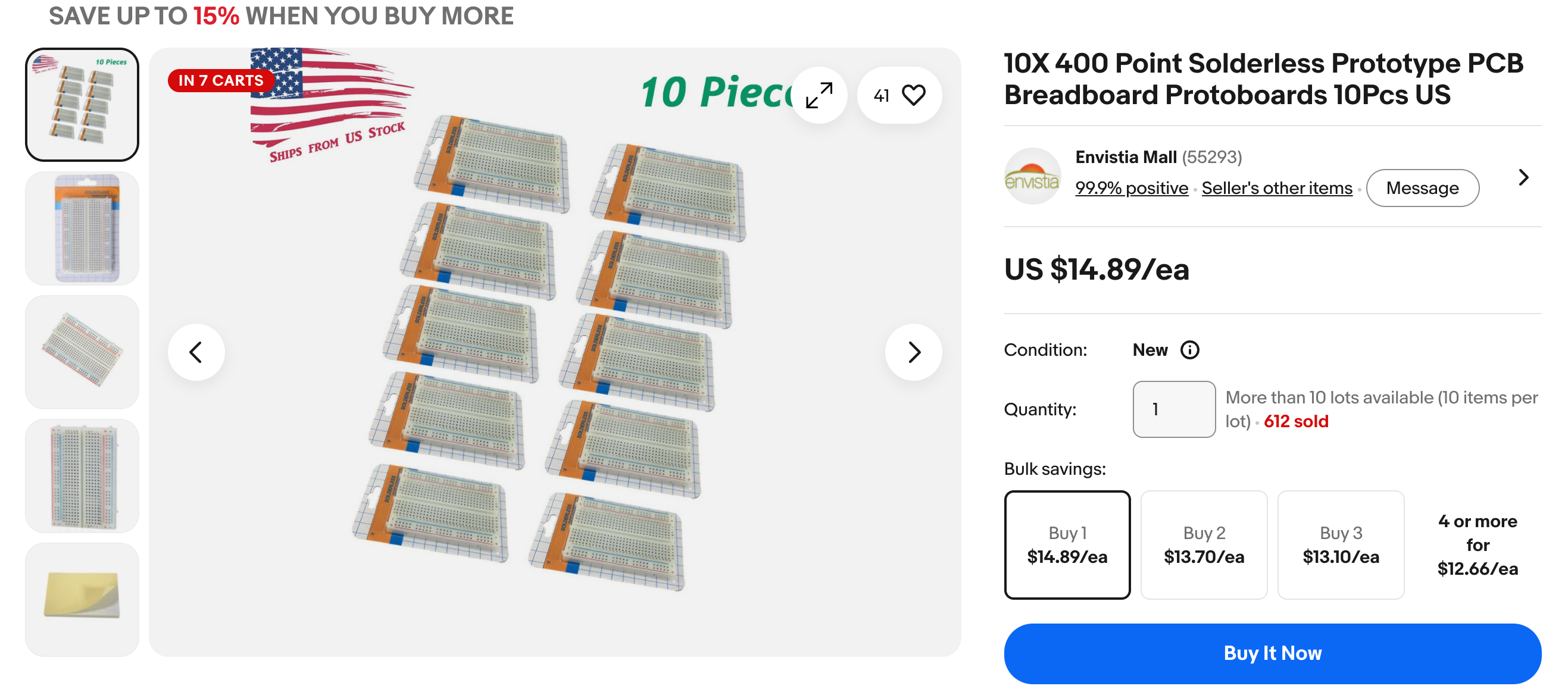
- Look for multi-packs ("lots"). Search for listings like "10 pcs" or "lot of 20" rather than adding one item to your cart N times — sellers on AliExpress and eBay frequently price these lots noticeably lower per unit than the single-unit listing, and it is one shipment to track instead of many.
- Buy heavy/bulky items locally when you can. Breadboards and chassis kits are cheap but bulky to ship; a local MicroCenter or electronics supplier can be cheaper once shipping is factored in, and you avoid waiting on freight.
- Check for educator/STEM discounts and grants. Sites like Adafruit, SparkFun, and PiShop.us sometimes offer classroom or bulk educator pricing on request. If your budget is tight, DonorsChoose and school PTA/STEM grants are common funding sources for a first-time class set of parts.
- Organize kits before class starts. Pre-bag one Pico, one display, one breadboard, jumper wires, and two buttons per student in a labeled snack-size bag or small parts bin. Handing out a finished kit takes seconds; handing out loose parts from a box takes the whole period.
Microcontrollers
You can use almost any modern microcontroller that supports an SPI interface and has a MicroPython driver. Here are some of our favorites. They sell for as little as $3.99 USD at stores like MicroCenter.
Raspberry Pi Pico
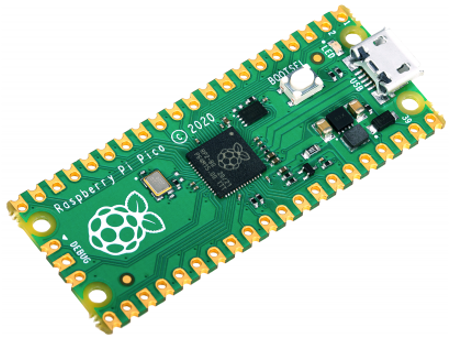
The Raspberry Pi Pico is a $3.99 microcontroller that supports SPI. This allows you to test your face drawing for under $25. It has 260KB RAM which is more than enough for most displays, even color 240x240 color displays.
You can also use the popular ESP-32 MicroControllers that also run Python. Just make sure that the Thonny (or similar) can be used to control the devices.
For a class set, MicroCenter and PiShop.us both regularly stock the Pico and often give a per-unit discount at quantities of 10+. Buying from a single source for the whole class also means every student's board has the same silkscreen labeling, which makes giving wiring instructions much easier.
Displays
128X64 SPI OLEDs
Sample listing on AliExpress and eBay
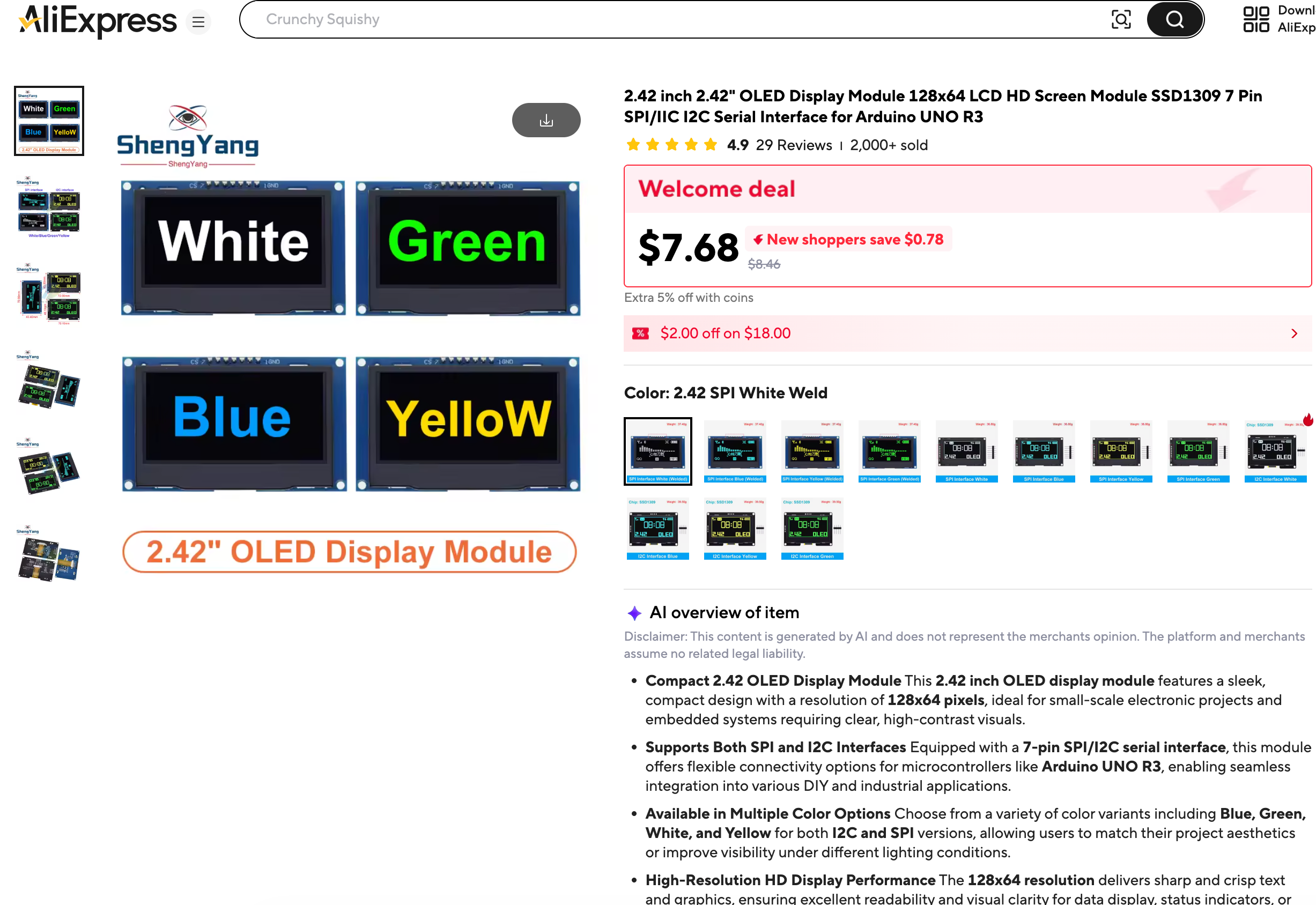
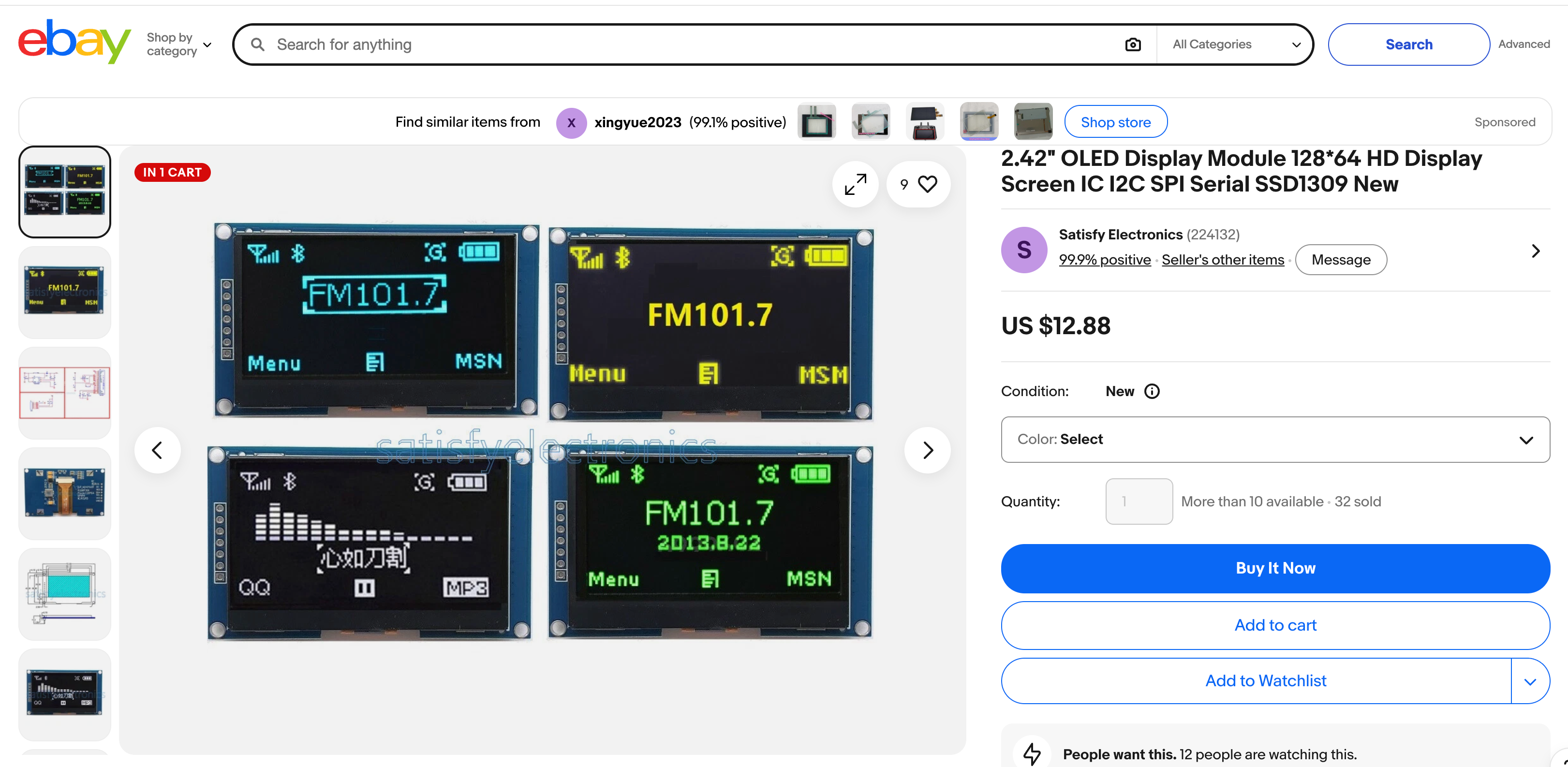
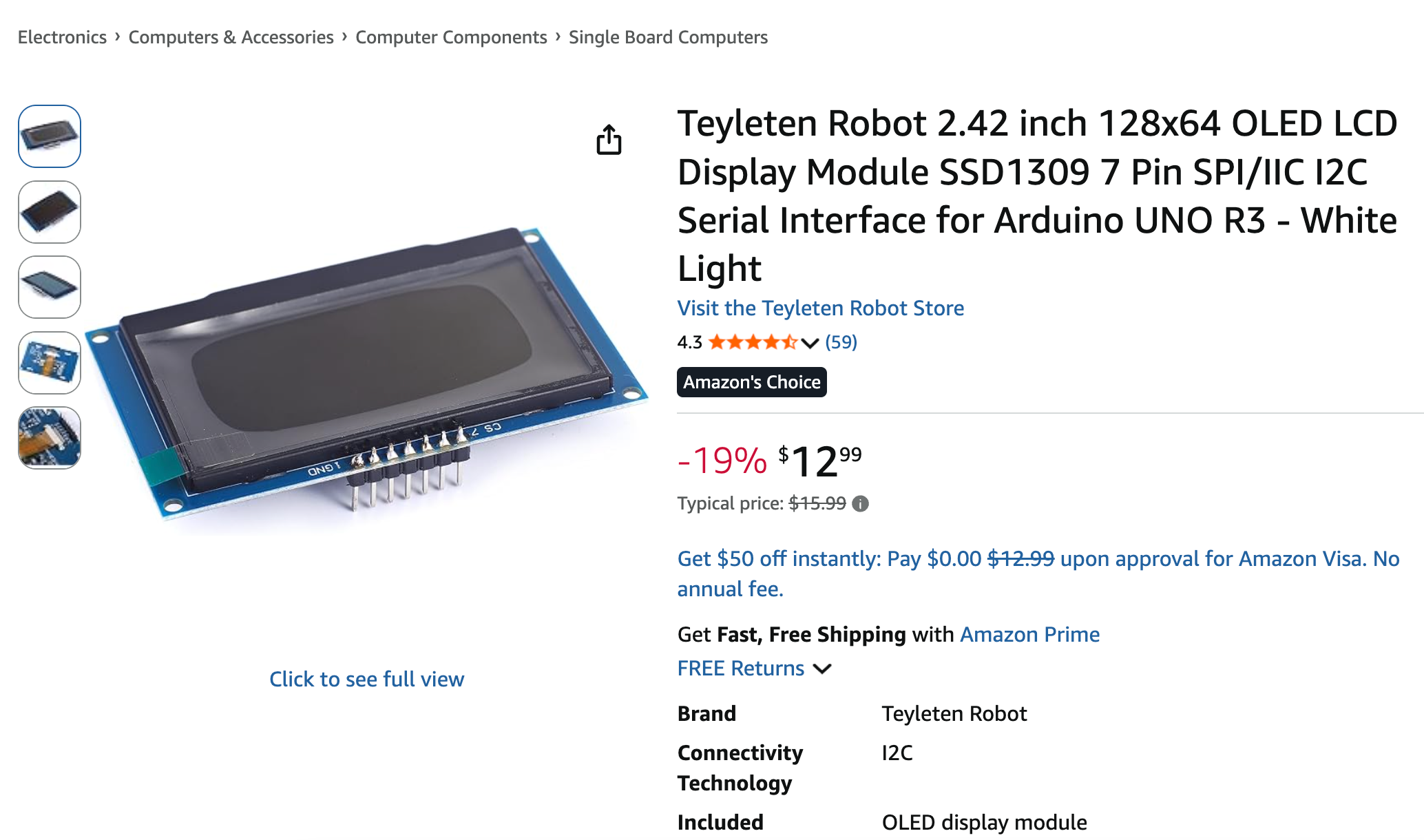
We love the under $20 128x64 OLED displays. These displays have fast SPI drivers that will update the display in around 2 milliseconds. The price vary from around $10 to $20 depending on the current tariffs and quantity. The displays come in four colors:
- White
- Amber (Yellow)
- Green
- Blue (a favorite)
Here are some sample search links:
- eBay search: 2.42 inch OLED 128x64 SSD1309 SPI
- AliExpress search: 2.42 inch OLED 128x64 SSD1309 SPI
- Amazon search: 2.42 inch OLED 128x64 SPI
Note that you can also get smaller 1" OLEDs and displays that use the slower I2C. We like the larger 2.42" displays and the faster SPI bus.
Buying tip: search for "lot of 10" or "lot of 20" instead of adding a single-unit listing to your cart multiple times — sellers usually price these bulk lots lower per display, and you only have to track one shipment. Since driver code differs slightly between the SSD1306 and SSD1309 chips, buy every display for the class from the exact same listing so all students run the same driver.
Solderless Breadboard
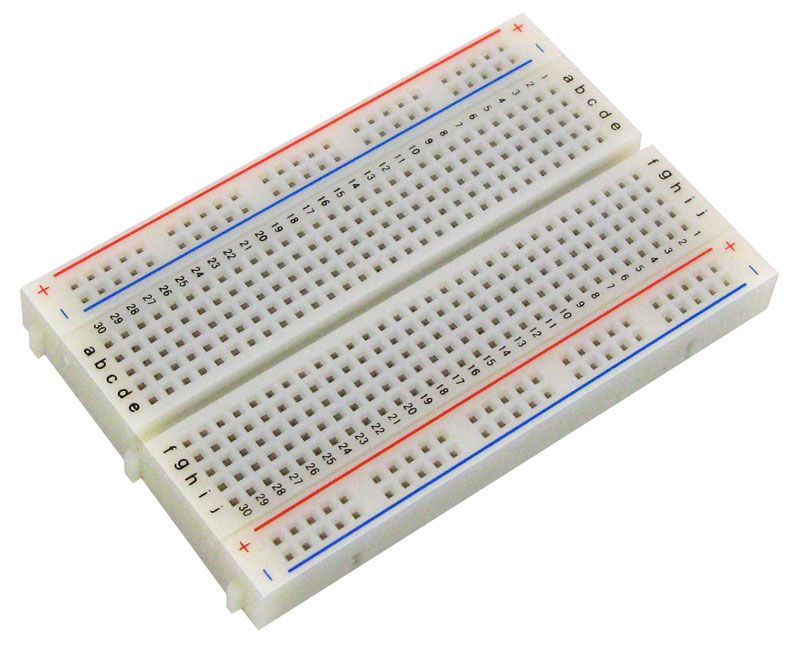
We use a 400-tie 1/2 size breadboard for many of our robot faces labs. There is also room on these breadboards for two momentary press buttons for changing the mode or a parameter. We use $2 solderless mini breadboards to test our displays.
Jumper Wires
We use M-F 20cm or 40cm jumper wires. The female ends connect to the display and the male ends connect to the breadboard. See the Display Cable Harness for a guide to creating display cables that make it easy for students to connect a display to a Raspberry Pi Pico on a breadboard.
Robot Chassis
We use a standard "Smart Car" chassis to drive our cars. These parts can be purchased for around $5 each in quantity 10.
Sensors
This course is not intended to be a complete guide to sensors, but here are a few favorite sensors our students like to use.
Momentary Push Buttons
We use momentary push buttons that are ideal for changing the mode of a robot. They can be purchased for about 10 cents in quantity 10.
Potentiometers
These are ideal for allowing students to vary a parameter of a face such as the curvature or width of a smile.
Rotary Encoders
A rotary encoder is a nice way to cycle through modes or change parameters.
Sample Per-Student Kit Budget
These are rough per-unit prices when buying in classroom quantities (10-30 units), so you can estimate a total budget before ordering. Actual prices vary with tariffs, shipping method, and how many "lot" discounts you can find.
| Part | Est. cost/student (bulk) | Qty for 20 students |
|---|---|---|
| Microcontroller (Pico) | $4 | 20 (+2 spare) |
| OLED display (128x64 SPI) | $10-15 | 20 (+3 spare) |
| Solderless breadboard | $2 | 20 |
| Jumper wires (set of ~10) | $1 | 20 sets |
| Momentary push buttons (x2) | $0.20 | 40 |
| Potentiometer | $0.50 | 20 |
| Total per student | ~$18-23 |
For 20 students that is roughly $360-460 total, plus a few dollars for spares. Ordering the displays and Picos from AliExpress in bulk lots typically lands at the low end of that range; sourcing everything from Amazon or MicroCenter for fast shipping lands closer to the high end.